<?xml version="1.0" encoding="utf-8"?>

<feed xmlns="http://www.w3.org/2005/Atom">

  <title>Even a Stopped Clock</title>
  <link href="https://blog.jimmac.eu/feed.xml" rel="self" type="application/atom+xml"/>
  <link href="https://blog.jimmac.eu"/>
  <updated>2026-11-03T06:46:16+00:00</updated>
  <id>https://blog.jimmac.eu/</id>
  <author>
    <name>Jakub Steiner</name>
    <email>jimmac@gmail.com</email>
  </author>
  
  
  <entry>
    <title>I am playing Grid right now!</title>
    <link href="https://blog.jimmac.eu/posts/udev-dualsense/"/>
    <id>https://blog.jimmac.eu/posts/udev-dualsense/</id>
    <published>2026-10-30</published>
    <updated>2026-10-30</updated>
    
    
    <summary>The world of emulators is insane, but sometimes you have to visit the madhouse to play some of the classics.</summary>


    <content type="html"><![CDATA[<p>I never liked racing "sims" like Gran Turismo. So realistic! You can bounce off the guardrails like in a pinball. <a rel="external" href="https://en.wikipedia.org/wiki/Race_Driver:_Grid">Grid</a> on the other hand was a fantastic "arcade" racer with a brilliant damage model where mistakes were punished. And the camera work! And music. Boy, that was such a treat!</p>
<p>Nostalgia stroke me fiercely and I needed to play that game in some form. Among a sea of weird remakes, there simply wasn't a platform you could play the proper original <em>Racedriver: Grid</em> on, other than emulators. So I bit the bullet and dove into the craziness of <a rel="external" href="https://flathub.org/en/apps/net.rpcs3.RPCS3">RPCS3</a>.</p>
<p>That UX is crazy, let me tell you. In the end you get a game playable even on an old workstation, which was a surprise in itself. A much bigger surprise was the support for network play. Obviously not a single soul is playing Grid in 2026, but it's a fun thought I might convince someone to play :)</p>
<img class="full full-bleed" src="https://blog.jimmac.eu/posts/udev-dualsense/racedriver-grid.webp" width="1635" height="593" alt="Race Driver: Grid running in RPCS3">
<div id="controller-view" class="controller-view">
</div>
<p class="controller-credit"><em>3D model: <a href="https://sketchfab.com/3d-models/playstation-5-dualsense-878c1f882808477ab81c2fe86d5a3936">"Playstation 5 Dualsense"</a> by AHarmlessPotato, CC-BY-4.0</em></p>
<script src="https://blog.jimmac.eu/posts/udev-dualsense/three.min.js"></script>
<script src="https://blog.jimmac.eu/posts/udev-dualsense/gltf-loader.js"></script>
<script src="https://blog.jimmac.eu/posts/udev-dualsense/controller-view.js"></script>
<script>
ControllerView({
  container: 'controller-view'
});
</script>
<p>Anyway, the reason to post this is to remind myself in the future how to get my PS5 <em>DualSense</em> controller to work on <a rel="external" href="https://os.gnome.org/">GNOME OS</a>. As always, a udev rule. Having this config in <code>/etc/udev/rules.d/70-dualsense.rules</code>:</p>
<pre><code># DualSense over USB (054c:0ce6)
KERNEL==&quot;hidraw*&quot;, SUBSYSTEM==&quot;hidraw&quot;, ATTRS{idVendor}==&quot;054c&quot;, ATTRS{idProduct}==&quot;0ce6&quot;, MODE=&quot;0660&quot;, TAG+=&quot;uaccess&quot;
# DualSense over Bluetooth (054c:0ce5)
KERNEL==&quot;hidraw*&quot;, SUBSYSTEM==&quot;hidraw&quot;, ATTRS{idVendor}==&quot;054c&quot;, ATTRS{idProduct}==&quot;0ce5&quot;, MODE=&quot;0660&quot;, TAG+=&quot;uaccess&quot;
KERNEL==&quot;hidraw*&quot;, KERNELS==&quot;*054C:0CE5*&quot;, MODE=&quot;0660&quot;, TAG+=&quot;uaccess&quot;
# DualSense Edge over USB (054c:0df2) / Bluetooth (054c:0df4)
KERNEL==&quot;hidraw*&quot;, SUBSYSTEM==&quot;hidraw&quot;, ATTRS{idVendor}==&quot;054c&quot;, ATTRS{idProduct}==&quot;0df2&quot;, MODE=&quot;0660&quot;, TAG+=&quot;uaccess&quot;
KERNEL==&quot;hidraw*&quot;, SUBSYSTEM==&quot;hidraw&quot;, ATTRS{idVendor}==&quot;054c&quot;, ATTRS{idProduct}==&quot;0df4&quot;, MODE=&quot;0660&quot;, TAG+=&quot;uaccess&quot;
KERNEL==&quot;hidraw*&quot;, KERNELS==&quot;*054C:0DF4*&quot;, MODE=&quot;0660&quot;, TAG+=&quot;uaccess&quot;
</code></pre>
<p>Reload the rules and replug (the ACL is re-applied on every plug, so it persists across reboots and replugs):</p>
<pre><code data-lang="bash">run0 udevadm control --reload-rules &amp;&amp; run0 udevadm trigger
</code></pre>
<p>Check things work from inside RPCS3's sandbox:</p>
<pre><code data-lang="bash">flatpak run --command=sh net.rpcs3.RPCS3 -c &#39;test -r /dev/hidraw9 &amp;&amp; test -w /dev/hidraw9 &amp;&amp; echo OK&#39;
</code></pre>
<p>But again, the experience of this monstrosity. Briefly looking over Alice' shoulder at what's she's cooking with <a rel="external" href="https://gitlab.gnome.org/World/highscore">Highscore</a>, the difference in experience and polish is night &amp; day.</p>
]]></content>
  </entry>
  
  <entry>
    <title>Liberec Dam</title>
    <link href="https://blog.jimmac.eu/posts/liberec-dam/"/>
    <id>https://blog.jimmac.eu/posts/liberec-dam/</id>
    <published>2026-10-17</published>
    <updated>2026-10-17</updated>
    
    
    <summary>The local lake is back after years of reconstruction, and I have the footage to prove it.</summary>


    <content type="html"><![CDATA[<figure class="yt" data-yt-id="wiKVTD2or2s" data-yt-title="Liberec Dam 2026">
  <div class="yt__shell">
    <div class="yt__stage">
      <a class="yt__facade" href="https://www.youtube.com/watch?v=wiKVTD2or2s" aria-label="Play Liberec Dam 2026">
        <img class="yt__poster"
             src="https://i.ytimg.com/vi/wiKVTD2or2s/maxresdefault.jpg"
             alt="Liberec Dam 2026" width="1280" height="720"
             loading="lazy" decoding="async"
             onerror="this.onerror=null;this.src=this.src.replace('maxresdefault','hqdefault')">
        <span class="yt__vignette" aria-hidden="true"></span>
        <span class="yt__play" aria-hidden="true"></span>
      </a>
    </div>
    <div class="yt__bar">
      <span class="yt__title">Liberec Dam 2026</span>
      <a class="yt__watch" href="https://www.youtube.com/watch?v=wiKVTD2or2s" rel="noopener">Watch on YouTube</a>
    </div>
  </div>
</figure>
<p>There's only a few places I get to take visiting friends to in Liberec. Sadly at the moment almost all of them are out of service. The city dam, Harcovská přehrada, is one of them. A fraction of the size of a neighboring Mšeno, it's set close to the middle of the city and is a wonderful walk/running place, despite only half having a foot path.</p>
<p>In the autumn of 2022, a full reconstruction finally began, a mere century after the dam was built. Quite a massive operation, with 26,000 cubic meters of silt dug out, the original masonry  injected with a fresh waterproof jacket from a brand new gallery dug right under the dam, and the bottom outlets were swapped for beefier ones. Being a listed landmark, the dam got to keep its pretty face while the guts were replaced. A three-year job that -- in the finest local tradition -- took a bit longer and cost north of EUR 20 million. It's worth noting that Liberec is one if not the most indebted cities in Czechia.</p>
<p>In the meantime the city had a moonscape where its living room used to be. I went to investigate the drained bowl like everyone else and came back with a portrait short of the eerie emptiness (mixed with some shots from the wider neighborhood).</p>
<figure class="yt" data-yt-id="ygFHgP8sbEU" data-yt-title="Empty Dam">
  <div class="yt__shell">
    <div class="yt__stage">
      <a class="yt__facade" href="https://www.youtube.com/watch?v=ygFHgP8sbEU" aria-label="Play Empty Dam">
        <img class="yt__poster"
             src="https://i.ytimg.com/vi/ygFHgP8sbEU/maxresdefault.jpg"
             alt="Empty Dam" width="1280" height="720"
             loading="lazy" decoding="async"
             onerror="this.onerror=null;this.src=this.src.replace('maxresdefault','hqdefault')">
        <span class="yt__vignette" aria-hidden="true"></span>
        <span class="yt__play" aria-hidden="true"></span>
      </a>
    </div>
    <div class="yt__bar">
      <span class="yt__title">Empty Dam</span>
      <a class="yt__watch" href="https://www.youtube.com/watch?v=ygFHgP8sbEU" rel="noopener">Watch on YouTube</a>
    </div>
  </div>
</figure>
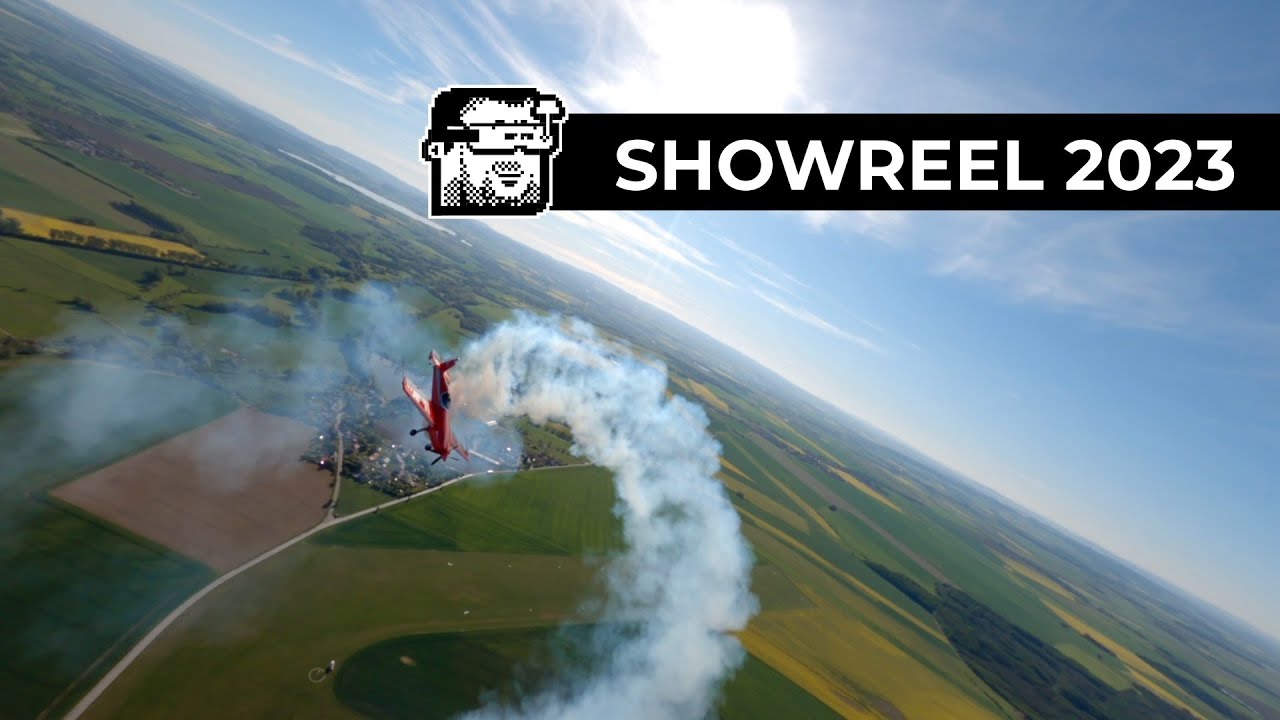
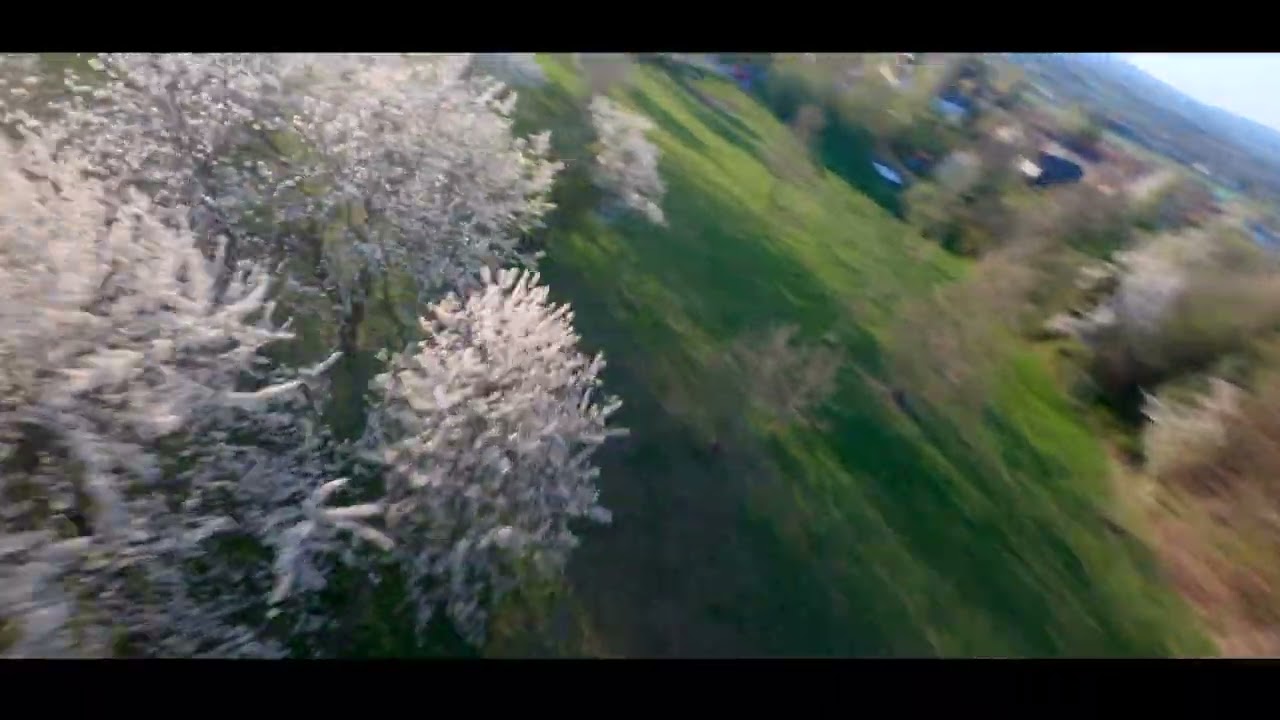
<p>This year the water finally came back. Not yet finished, the lake is once again the city's front yard, has a refurbished beach, and a dam that's now rated to pass a 10,000-year flood. A figure I sincerely hope remains purely theoretical. To celebrate, I did the only reasonable thing: sent up a flying camera and cut the results to a tune. Sadly the dam claimed another one of my birds (currently the score is 2:0). A mistake had cost me one of older 5" as a broken OSD, ancient battery and water can lead to brisk ends. Luckily the tandem flight with a friend was done on my 4" and I have a video to share above.</p>
<p>The soundtrack was composed, as is the tradition around here, on the <a rel="external" href="https://www.dirtywave.com">Dirtywave M8</a>. Should watching atmospheric drum &amp; bass slowly materialize out of a tracker over the course of a couple of hours sound like your idea of an evening, the <a rel="external" href="https://www.youtube.com/watch?v=USO2ZSnFplQ">recorded stream</a> is up on YouTube.</p>
]]></content>
  </entry>
  
  <entry>
    <title>Pixels Wallpaper Update</title>
    <link href="https://blog.jimmac.eu/posts/pixelart-wallpapers/"/>
    <id>https://blog.jimmac.eu/posts/pixelart-wallpapers/</id>
    <published>2026-10-15</published>
    <updated>2026-10-15</updated>
    
    
    <summary>Pixelart hammer strikes again! gnome-backgrounds receives a megapixel update.</summary>


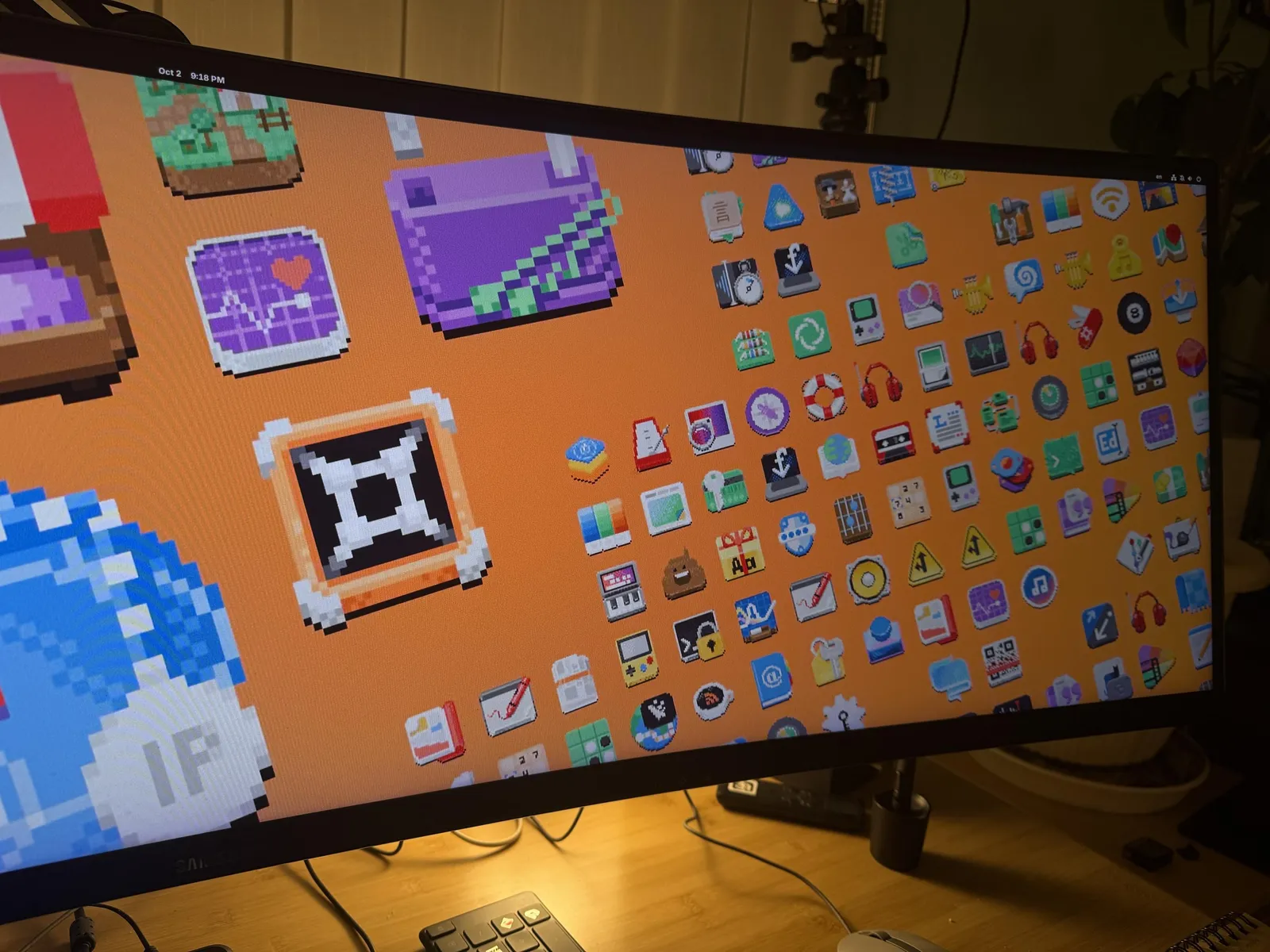
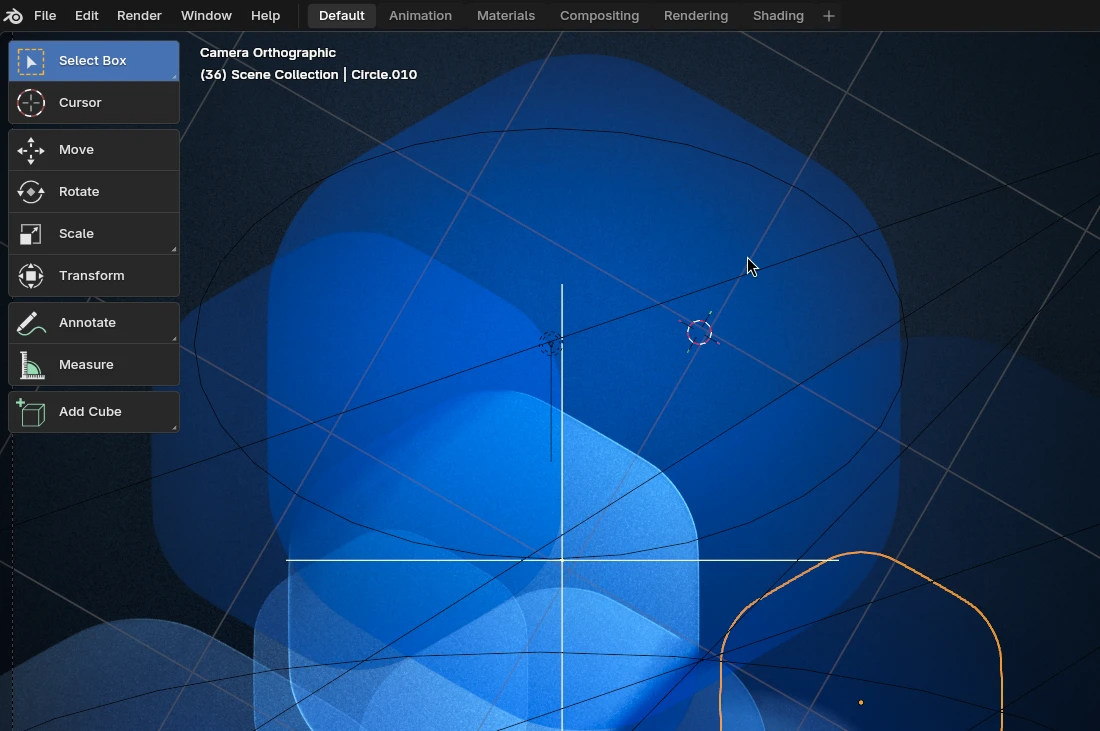
    <content type="html"><![CDATA[<p>Usually I blog about new additions to the <a rel="external" href="https://gitlab.gnome.org/GNOME/gnome-backgrounds">GNOME wallpapers</a> after a release, to give some behind the scenes look on how they were produced. This time I'm asking for some feedback beforehand.</p>
<span id="continue-reading"></span><img loading="lazy" src="https://blog.jimmac.eu/posts/pixelart-wallpapers/pixels-wip.webp" class="full" alt="Orange pixel art wallpaper variant with large foreground icons, photographed on a monitor">
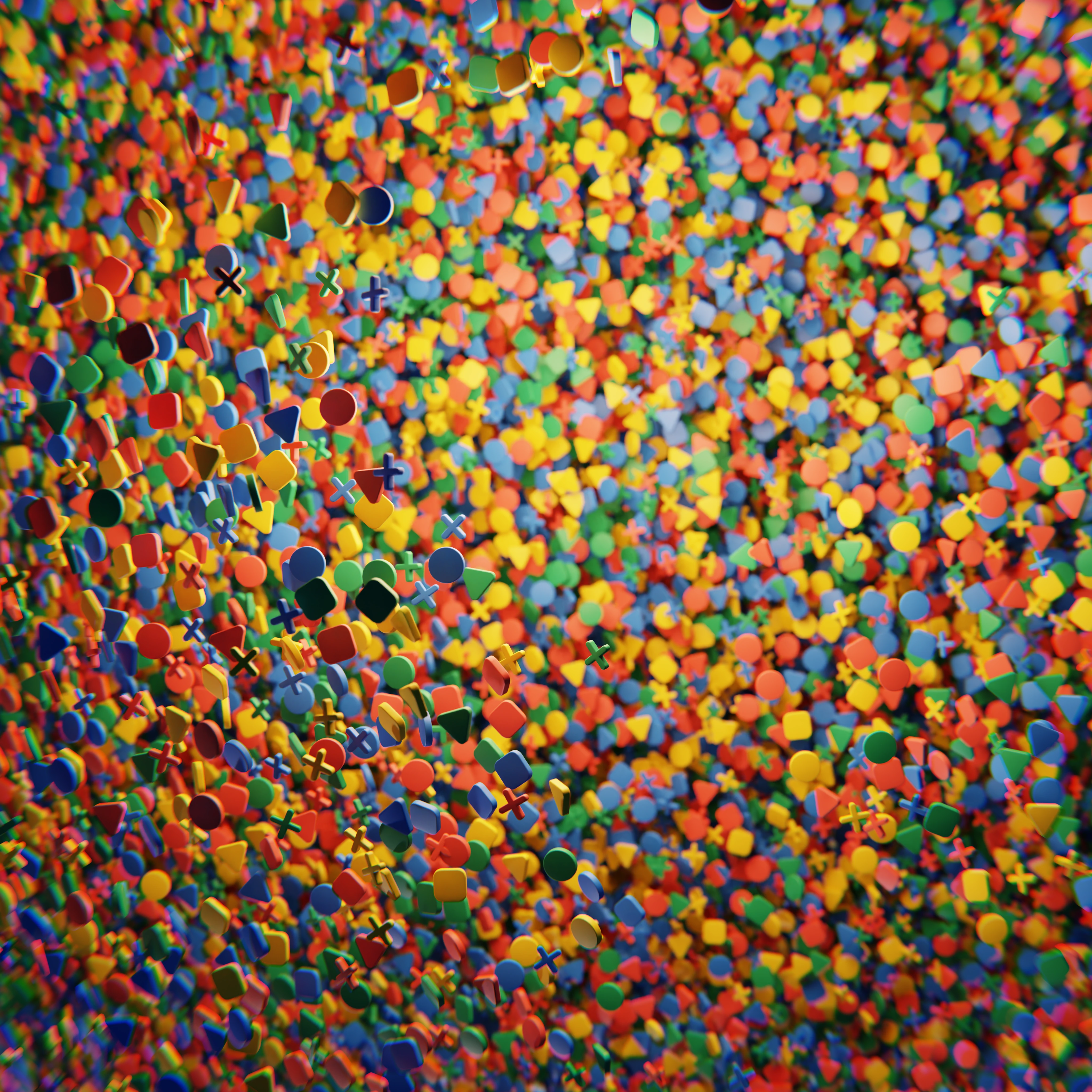
<p><code>Pixels</code> has shipped as a wallpaper before. The wallpaper landed back in 2021 and keeps getting refreshed as new <a rel="external" href="https://circle.gnome.org">Circle</a> apps join the lineup, and 47 added <code>LCD</code> and <code>LCD-rainbow</code>, revealing the curator's pixelart kink.</p>
<p>The raw material is a side project years in the making — app icons redrawn as chunky pixels (<a href="https://blog.jimmac.eu/posts/pixels/">Pixels</a>, <a href="https://blog.jimmac.eu/posts/mopixels/">Mo' Pixels</a>, <a href="https://blog.jimmac.eu/posts/app-pixels/">Revert That Vector Nonsense!</a>).</p>
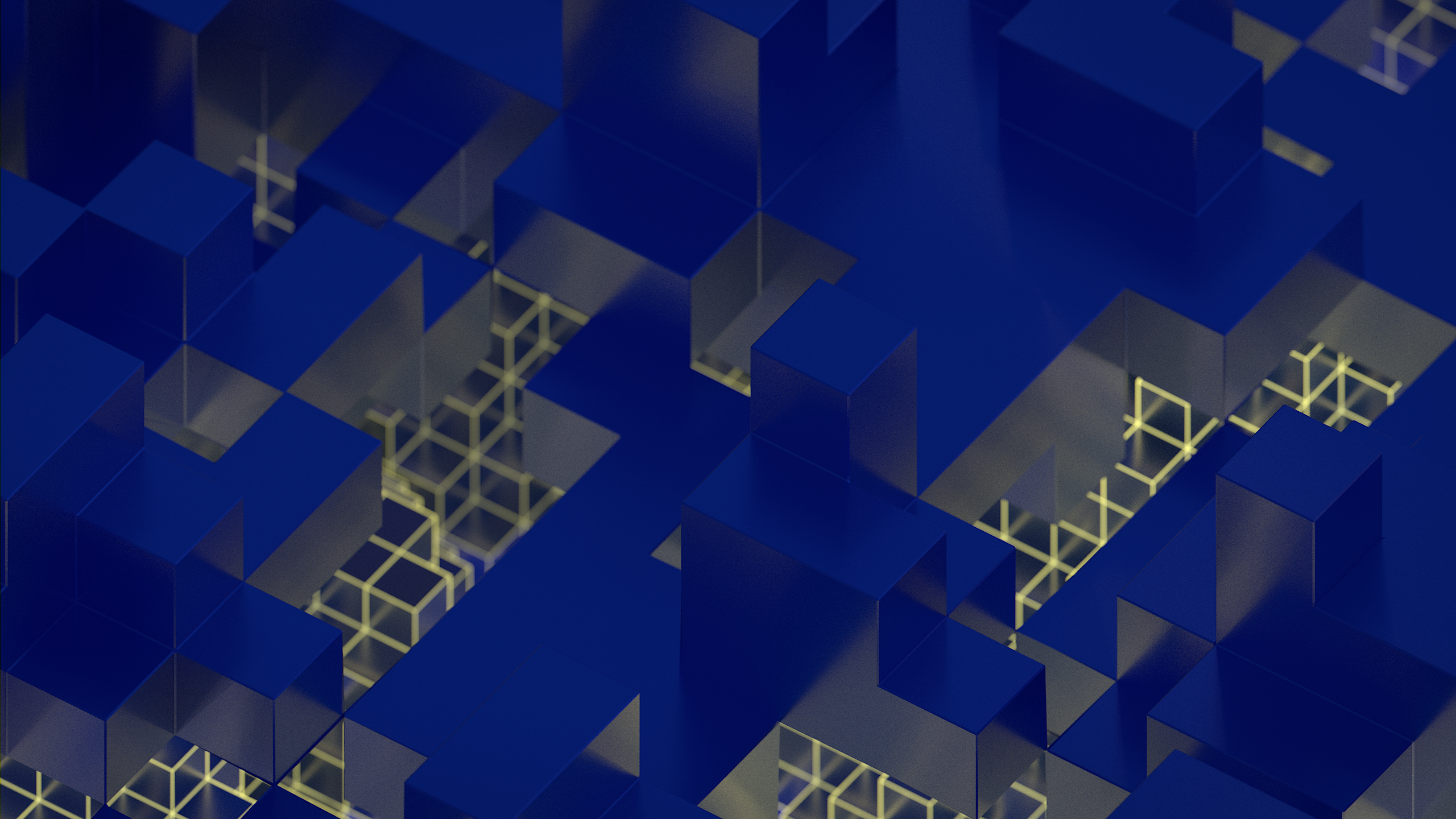
<p>The idea and layout remains the same as the old wallpaper. This time that's more than two variants though. The old Adwaita default used to cycle morning, day and night variants through a slideshow. While we switched to the dark/light variants, the format is still understood today. Thus <code>pixelart</code> comes in not 2, not 3, but 9 color variants. And here's where I'd like your feedback. Do you like the focus on contrast and having the whole set with dark background colors? Should there be more bright colors in the mix? Do you think the grain goes against the spirit of the pixel art? Is the small grid too toned down with the depth fog?</p>
<video controls loop class="image full" poster="depth-fog.webp">
<source src="https://blog.jimmac.eu/posts/pixelart-wallpapers/depth-fog.webm" type="video/webm">
<source src="https://blog.jimmac.eu/posts/pixelart-wallpapers/depth-fog.mp4" type="video/mp4">
</video>
<p>As always, the Blender project files are available in <a rel="external" href="https://gitlab.gnome.org/Teams/Design/wallpaper-assets-2026">wallpaper-assets</a> if you want to poke at the node setup yourself:</p>
<p>As with any wallpaper, don't judge it based on a preview, regardless of how large you view it. Apply it, use it. The most straightforward way to test GNOME development is with <a rel="external" href="https://os.gnome.org">GNOME OS</a>. It ships <code>pixels</code> and all the other wallpapers.</p>
]]></content>
  </entry>
  
  <entry>
    <title>Digger</title>
    <link href="https://blog.jimmac.eu/posts/digger/"/>
    <id>https://blog.jimmac.eu/posts/digger/</id>
    <published>2026-10-15</published>
    <updated>2026-10-15</updated>
    
    
    <summary>Absolutely brilliant box office disaster!</summary>


    <content type="html"><![CDATA[<p><img src="https://blog.jimmac.eu/posts/digger/digger.webp" alt="Digger" /></p>
<p>The fact this movie tanked at the box office just makes the ride all the more enjoyable. I had a bad headache and had to call off the screening with a friend yesterday. Thursday is when the movies rotate in our part of the world where we use the un-American units, so I thought I'd missed yet another great cinematic experience. Luckily they still showed it in a small neighboring town, to the two of us and two other people, with an introduction by a charming young person.</p>
<p>I don't remember anything these days, but I clearly remember when I saw <em>Dr. Strangelove</em> in Amherst, NH, in 1993. I was completely taken by the humor, despite thinking I'd never enjoy an ancient movie like that. It's probably way longer between my viewing and today than it was between then and the actual production of it. I don't wanna check.</p>
<p>Anyhow, this is masterfully done cinema, and all four of us laughed out loud at the horrors we saw. Absolute must-see.</p>
<p>★★★★★</p>
]]></content>
  </entry>
  
  <entry>
    <title>Building Flatpaks Locally, Part 2</title>
    <link href="https://blog.jimmac.eu/posts/building-flatpaks-followup/"/>
    <id>https://blog.jimmac.eu/posts/building-flatpaks-followup/</id>
    <published>2026-09-23</published>
    <updated>2026-09-23</updated>
    
    
    <summary>Turns out there&#39;s a much easier method to building flatpaks on GNOMEOS. With Foundry</summary>


    <content type="html"><![CDATA[<p>Some of you mentioned the <a href="https://blog.jimmac.eu/posts/building-flatpaks-locally/">flatpak-builder</a> approach is way too complicated. Indeed it is.</p>
<span id="continue-reading"></span>
<p>All you need to do with the <a rel="external" href="https://gnome.pages.gitlab.gnome.org/gnome-build-meta/docs/using.html#enable-development-tooling-and-utilities">developer sysext</a> on <a rel="external" href="https://os.gnome.org">GNOME OS</a> is to:</p>
<pre><code>foundry init &amp;&amp; foundry build
</code></pre>
<p>Been building projects left and right today and it's rad.</p>
]]></content>
  </entry>
  
  <entry>
    <title>Stolen!</title>
    <link href="https://blog.jimmac.eu/posts/stolen/"/>
    <id>https://blog.jimmac.eu/posts/stolen/</id>
    <published>2026-09-20</published>
    <updated>2026-09-20</updated>
    
    
    <summary>Dario is mad. Dark eletronica weeklybeats track #38 to celebrate the AI con!</summary>


    <content type="html"><![CDATA[<p>Bombarded by the deception and <a rel="external" href="https://www.youtube.com/watch?v=4qV5WWgFTS8">lies of the AI industry</a> I chose to sample boy Amodei for the ironic outrage about Chinese companies stealing their dataset. Thus the tune title.</p>
<audio controls>
<source src="https://blog.jimmac.eu/posts/stolen/STOLEN.mp3" type="audio/mpeg">
</audio>
<p>Usually I barely manage to finish up my <a rel="external" href="https://weeklybeats.com/jimmac">weekly beats track</a> on a Sunday night. This week I've somehow had some extra time to sink into polishing an actual full track on the <a rel="external" href="https://dirtywave.com">Dirtywave M8</a>. Built around the bassline where I've mimicked the approach <a href="https://blog.jimmac.eu/posts/innit/">used on the Analog 4</a> of fading in a modulated filter and volume pulse over time using slight different tools (the M8 has 4 LFOs and ability to modulate a modulator).</p>
]]></content>
  </entry>
  
  <entry>
    <title>Building Flatpaks Locally</title>
    <link href="https://blog.jimmac.eu/posts/building-flatpaks-locally/"/>
    <id>https://blog.jimmac.eu/posts/building-flatpaks-locally/</id>
    <published>2026-09-18</published>
    <updated>2026-09-18</updated>
    
    
    <summary>Using flatpak-builder from Flathub to build and test Flatpak apps on your own machine.</summary>


    <content type="html"><![CDATA[<img loading="lazy" src="https://blog.jimmac.eu/posts/building-flatpaks-locally/flatpak-builder.svg" alt="Flatpak Builder icon" class="full">
<p>I like to run my <a rel="external" href="https://os.gnome.org">Linux as an operating system</a>, so I usually resort to <a rel="external" href="https://containertoolbx.org">toolbox</a> for packages and development. However <code>flatpak-builder</code> is distributed as a flatpak itself, so here's how you can go about building flatpaks yourself for when <a rel="external" href="https://nightly.gnome.org">GNOME Nighlies</a> are not enough.</p>
<span id="continue-reading"></span>
<p>On GNOME OS, some developer tools like <code>git</code> and <code>toolbox</code> are in the base image.</p>
<h2 id="installing-flatpak-builder">Installing flatpak-builder</h2>
<p><code>flatpak-builder</code> isn't part of base OS though. It is distributed on <a rel="external" href="https://flathub.org">Flathub</a> as <code>org.flatpak.Builder</code>. Install it like any other Flatpak:</p>
<pre><code data-lang="bash">flatpak install flathub org.flatpak.Builder
</code></pre>
<h2 id="building-and-installing-locally">Building and Installing Locally</h2>
<p>Here's how I build <a rel="external" href="https://gitlab.gnome.org/World/design/shaper">Shaper</a>, an icon designer for GNOME symbolics.</p>
<pre><code data-lang="bash">flatpak run --command=flatpak-builder \
org.flatpak.Builder --user --install \
--force-clean build-dir org.gnome.design.Shaper.json
</code></pre>
<p>And that's it!</p>
<h2 id="developer-extension">Developer extension</h2>
<p>There are some extra tools for development available for GNOME OS. You get them by enabling the <em>developer system extension</em>:</p>
<pre><code data-lang="bash">sudo updatectl enable devel --now
</code></pre>
<p>So instead of installing the flatpak, you get <code>flatpak-builder</code> as a utility.</p>
]]></content>
  </entry>
  
  <entry>
    <title>GNOME 51 Wallpapers</title>
    <link href="https://blog.jimmac.eu/posts/gnome51-wallpapers/"/>
    <id>https://blog.jimmac.eu/posts/gnome51-wallpapers/</id>
    <published>2026-09-16</published>
    <updated>2026-09-16</updated>
    
    
    <summary>GNOME 51 comes with some touch ups and newly added wallpapers.</summary>


    <content type="html"><![CDATA[<p>With GNOME 51 out the door, it's wallpaper reveal season again. This time around it's <em>evolution, not revolution</em> — the set sticks to its geometric roots.</p>
<p>The default is really just a stylistic touch up of the 50 hexagons. The subtle rim highlight received a spotlight and now shines extra bright.</p>
<img loading="lazy" src="https://blog.jimmac.eu/posts/gnome51-wallpapers/default.webp" class="full" alt="Default rounded hexagons">
<p>I do keep hoping landscape nature photos eventually join the lineup, but capturing the same scenery under different conditions so the light and dark variants actually make sense is trickier than it sounds. That one's still on the <a rel="external" href="https://gitlab.gnome.org/GNOME/gnome-backgrounds/-/work_items/20">wishlist</a>.</p>
<video nocontrols muted autoplay loop class="full rounded">
<source src="https://blog.jimmac.eu/posts/gnome51-wallpapers/gnome-51-wallpapers-featurette-small.webm" type="video/webm">
</video>
<p>As usual, plenty of concepts didn't make the cut. For every wallpaper that ships, there's a good pile of experiments that never got past the "that's kinda neat" stage.</p>
<p>One thing we keep struggling with is performance in the Appearance panel. The images now include an embedded small thumbnail, so hopefully a faster way to build the initial cache of thumbnails is <a rel="external" href="https://gitlab.gnome.org/GNOME/gnome-control-center/-/work_items/3167">on the horizon</a>.</p>
<img loading="lazy" src="https://blog.jimmac.eu/posts/gnome51-wallpapers/concepts.webp" class="full" alt="A concept that didn't make it">
<p>We've also started embedding attribution and license straight into the images themselves, so the credits travel with the file instead of living only in the repo. And with <a rel="external" href="https://release.gnome.org/51/#image-viewer">Loupe displaying the metadata nicely</a>, you get to see it conveniently.</p>
]]></content>
  </entry>
  
  <entry>
    <title>Innit</title>
    <link href="https://blog.jimmac.eu/posts/innit/"/>
    <id>https://blog.jimmac.eu/posts/innit/</id>
    <published>2026-09-14</published>
    <updated>2026-09-14</updated>
    
    
    <summary>Finally making friends with the Analog Four&#39;s performance macros.</summary>


    <content type="html"><![CDATA[<figure class="yt" data-yt-id="H-0-faTDwiQ" data-yt-title="Analog 4: Innit">
  <div class="yt__shell">
    <div class="yt__stage">
      <a class="yt__facade" href="https://www.youtube.com/watch?v=H-0-faTDwiQ" aria-label="Play Analog 4: Innit">
        <img class="yt__poster"
             src="https://i.ytimg.com/vi/H-0-faTDwiQ/maxresdefault.jpg"
             alt="Analog 4: Innit" width="1280" height="720"
             loading="lazy" decoding="async"
             onerror="this.onerror=null;this.src=this.src.replace('maxresdefault','hqdefault')">
        <span class="yt__vignette" aria-hidden="true"></span>
        <span class="yt__play" aria-hidden="true"></span>
      </a>
    </div>
    <div class="yt__bar">
      <span class="yt__title">Analog 4: Innit</span>
      <a class="yt__watch" href="https://www.youtube.com/watch?v=H-0-faTDwiQ" rel="noopener">Watch on YouTube</a>
    </div>
  </div>
</figure>
<p>I've been doing <a rel="external" href="https://weeklybeats.com/">weeklybeats</a> 2026 almost entirely on the <a rel="external" href="https://dirtywave.com">Dirtywave M8</a> -- often on a Sunday night, in bed, on an actual hw. This was before Tim went and elevated a hardware abstraction layer into a <a rel="external" href="https://apps.apple.com/us/app/m8-music-tracker/id6806721202">proper iOS App</a> (which I still very much recommend). This particular tune though, "Innit", is an oddity for me: it lives on the <a rel="external" href="https://www.elektron.se/">Analog Four</a>, a box I got from a friend ages ago for an absolutely irresistible price. It mostly collected dust. I'd make a few tunes here and there but never really dug into the stuff that makes it unique. Other than having individual channels ready for effects pedals and exposing the Elektron sequencer via CV for your eurorack addiction (stuff that I for <em>sure</em> will never use).</p>
<p>I've been putting off learning about the <strong>performance macros</strong> forever, and I hate myself for it. Luckily the amazing Ivar Tryti revealed his mastery on Youtube which helped a lot. The concept is simple: you bundle up to five track parameters onto a single macro knob. Ten of them live on the performance page making is far less stressful of a navigation when performing. There's a setup cost, you need to precisely tune the parameter interactions, but once that's locked in, live performance becomes a far less stressful affair. You can also live map any or all of these ten mappings onto a single encoder for otherwise physically impossible twistings. This is easily remappable during the performance.</p>
<p>I'm still a noob at this, but the point is the same as <a href="https://blog.jimmac.eu/posts/jammin-on-elektron/">always</a>: there's real joy in performing and building up energy for the drop in real time -- way more satisfying than preprogramming the whole sequence.</p>
<audio controls>
<source src="https://blog.jimmac.eu/posts/innit/Innit.mp3" type="audio/mpeg">
</audio>]]></content>
  </entry>
  
  <entry>
    <title>The other WTC Attack</title>
    <link href="https://blog.jimmac.eu/posts/the-other-wtc-attack/"/>
    <id>https://blog.jimmac.eu/posts/the-other-wtc-attack/</id>
    <published>2026-09-10</published>
    <updated>2026-09-10</updated>
    
    
    <summary>February 26, 1993. Before 9/11, there was another attempt to bring down the Twin Towers.</summary>


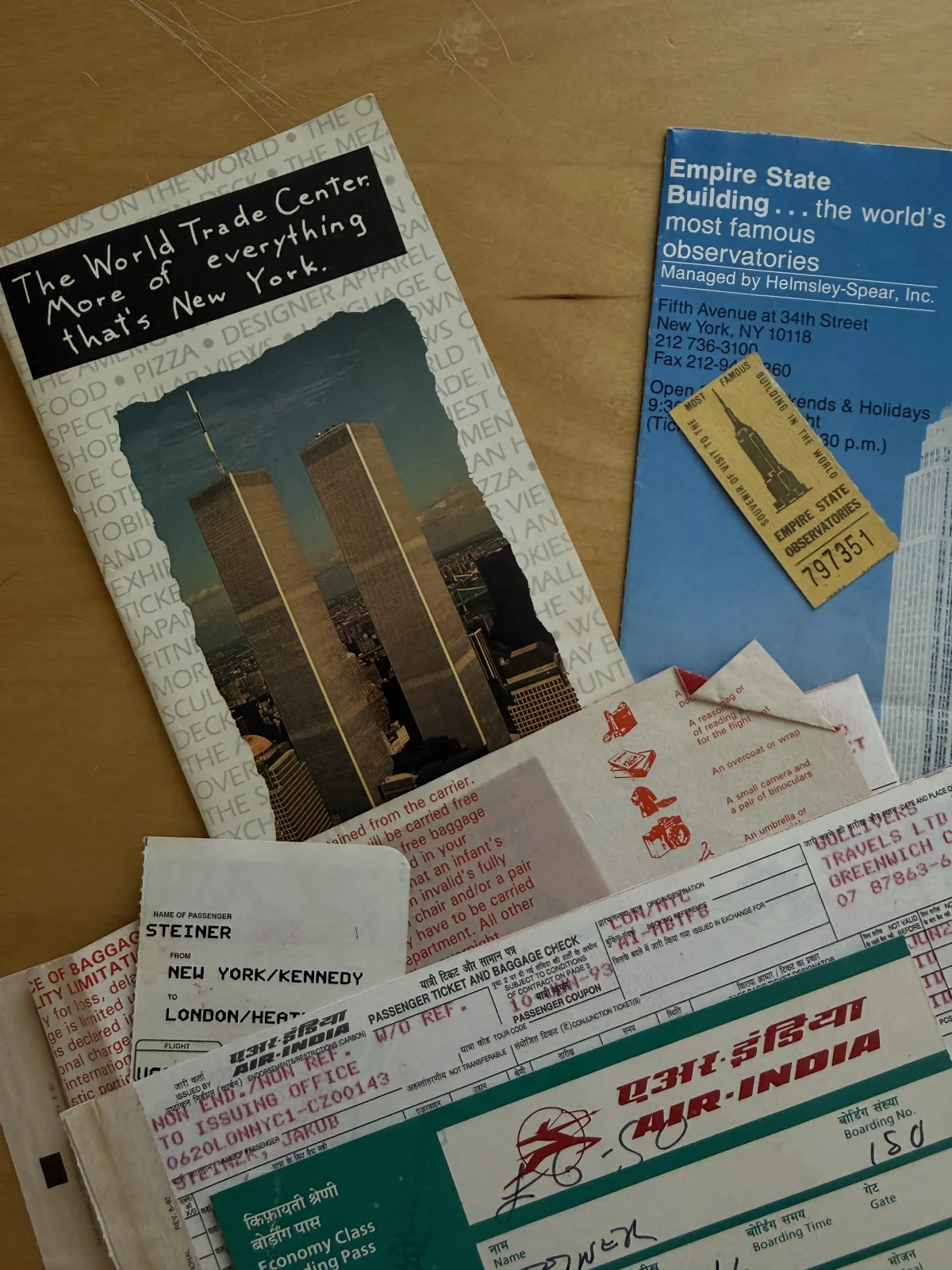
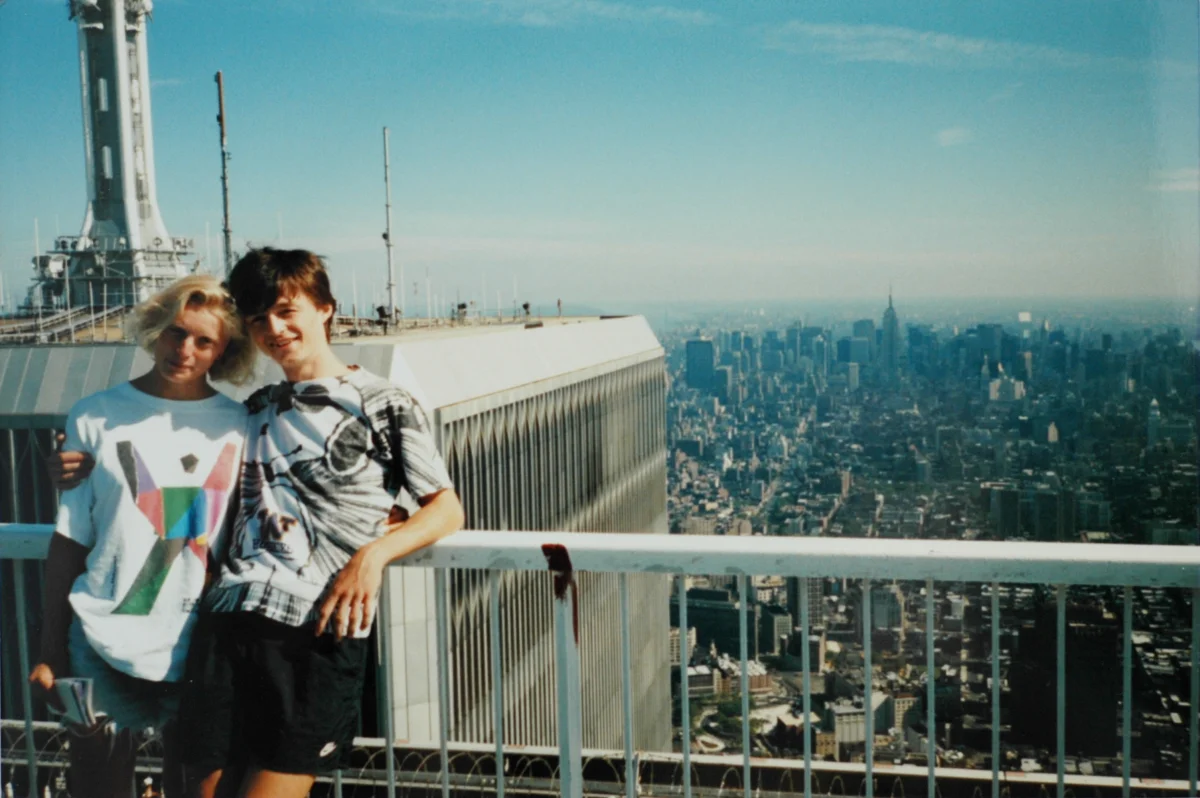
    <content type="html"><![CDATA[<p>In 1993, I stood at the top of the World Trade Center feeling like being on top of everything. It was the culmination of my first proper trip west, a stark contrast to a country behind an iron curtain or even a small-town Amherst, New Hampshire, where I had to earn my way into that adventure.</p>
<p><img src="https://blog.jimmac.eu/posts/the-other-wtc-attack/wtc-1993-top.webp" alt="Leaflet for the World Trade Center and Empire State Building, an Empire State ticket, Air India tickets for the flight to NYC JFK, and a bus ticket to London from Prague" /></p>
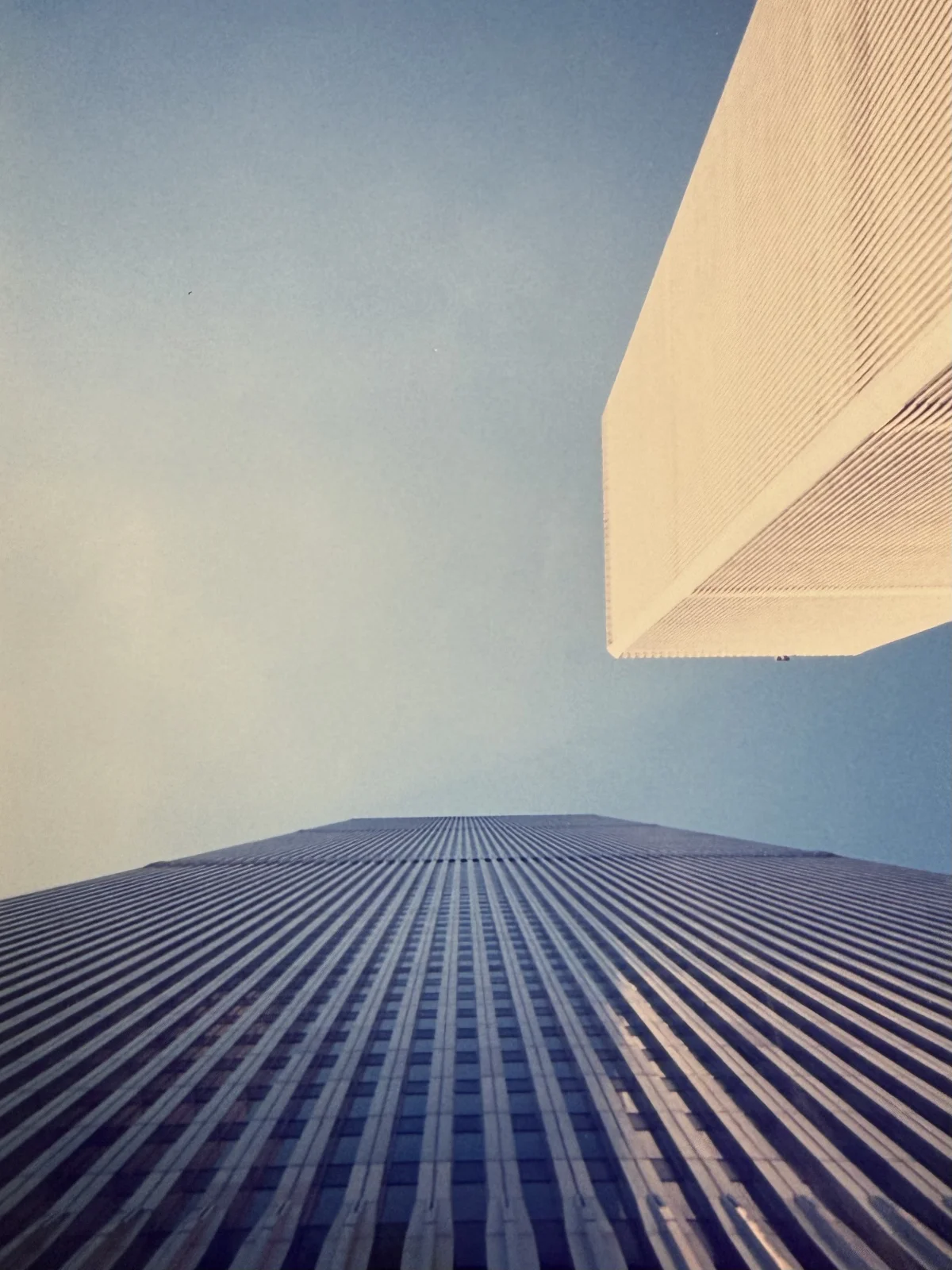
<p>Many people can't wrap their heads around how such enormous buildings could collapse on September 11. What I can't wrap my head around is that they survived the first attack, which happened in February of '93, when I was, entirely oblivious to what had happened on the ground floor a few months earlier, soaking in those panoramic views.</p>
<p><img src="https://blog.jimmac.eu/posts/the-other-wtc-attack/wtc-1993-view.webp" alt="View of the two towers from the sidewalk in front of them" /></p>
<p><img src="https://blog.jimmac.eu/posts/the-other-wtc-attack/wtc-1993-extra.webp" alt="Me at 18 with Margriet, whose last name will remain a mystery" /></p>
<p>The attack was carried out by a group of radicals led by mastermind Ramzi Yousef. In the underground parking garage of the North Tower, they detonated a yellow Ford van packed with explosives. It's often claimed that the terrorists used Czechoslovak Semtex, but in reality it was a massive, roughly 600-kilogram homemade explosive charge, further reinforced with pressurized hydrogen tanks. Semtex was only a trigger explosive.</p>
<p>The explosion was devastating. The blast tore a 30-meter crater through five floors of underground parking and damaged several support columns, though the main structural frame of the tower held. Though the tower didn't collapse as the terrorists had originally planned, the shockwave destroyed the main electrical wiring and emergency lighting, and smoke rose as high as the 93rd floor. Six people lost their lives and more than a thousand were injured, most from smoke inhalation during the grueling evacuation through dark stairwells. Operations in both towers were completely paralyzed and the complex had to be shut down for nearly a full month. Total damages and subsequent repairs cost roughly half a billion dollars.</p>
<p>Because of the '93 bombing, the Port Authority installed photoluminescent safety markings along the steps, landings, and handrails throughout the towers. When the planes struck eight years later and emergency lights flickered or failed, these glow-in-the-dark strips guided occupants downward. According to National Institute of Standards and Technology, 33% of survivors in the North Tower and 17% in the South Tower directly credited these markings with aiding their escape. The stairs were well-lit by battery-pack emergency lights and photoluminescent guides, and people moved much faster. Survivors who had been in the building during both attacks noted that the 2001 descent took roughly half the time it did in 1993.</p>
<p>I only know about all of this because of the internet — a firehose of news and dangers pouring at me every hour of every day. Could I stand up there today, soaking in those fantastic views, still so oblivious and happy?</p>
]]></content>
  </entry>
  
  <entry>
    <title>The Machinist</title>
    <link href="https://blog.jimmac.eu/posts/the-machinist/"/>
    <id>https://blog.jimmac.eu/posts/the-machinist/</id>
    <published>2026-07-06</published>
    <updated>2026-07-06</updated>
    
    
    <summary>This dark noir has a reveal, but the path to it is an experience.</summary>


    <content type="html"><![CDATA[<p>I couldn't remember something for weeks. It popped into my head during a run — a relief, even though the memory itself was not pleasant. This episode of my flaky mind reminded me of this movie.</p>
<p>I won't give you even a hint of what the movie is about. The strength of it is not the premise, but the mood, the superb acting and Christian Bale's physical dedication to the role impressed me, alongside a cast of wonderfully weird characters and ominous presence of giant spinning machines. If you somehow missed the movie, give it a go. It's one of those that keep coming back to you.</p>
<p>★★★★★</p>
]]></content>
  </entry>
  
  <entry>
    <title>Flatpak.org Rewrite</title>
    <link href="https://blog.jimmac.eu/posts/flatpak-org-zola/"/>
    <id>https://blog.jimmac.eu/posts/flatpak-org-zola/</id>
    <published>2026-06-23</published>
    <updated>2026-06-23</updated>
    
    
    <summary>Flatpak website deserved a better backend.</summary>


    <content type="html"><![CDATA[<p>The Flatpak website has been running on <a rel="external" href="https://middlemanapp.com/">Middleman</a> for years and time hasn't been kind. Touching the project resulted in seeing 42 vulnerability warnings. The gem itself hasn't seen an update in ages, and the dependency list is rather large.</p>
<div id="crt-container" class="image-grid pixelated">
<img loading="lazy" src="https://blog.jimmac.eu/posts/flatpak-org-zola/flatpak-pixels.apng" alt="Flatpak Pixel art - a package delivery guy carrying a box with an open truck with warning lights" class="full pixelated">
</div>
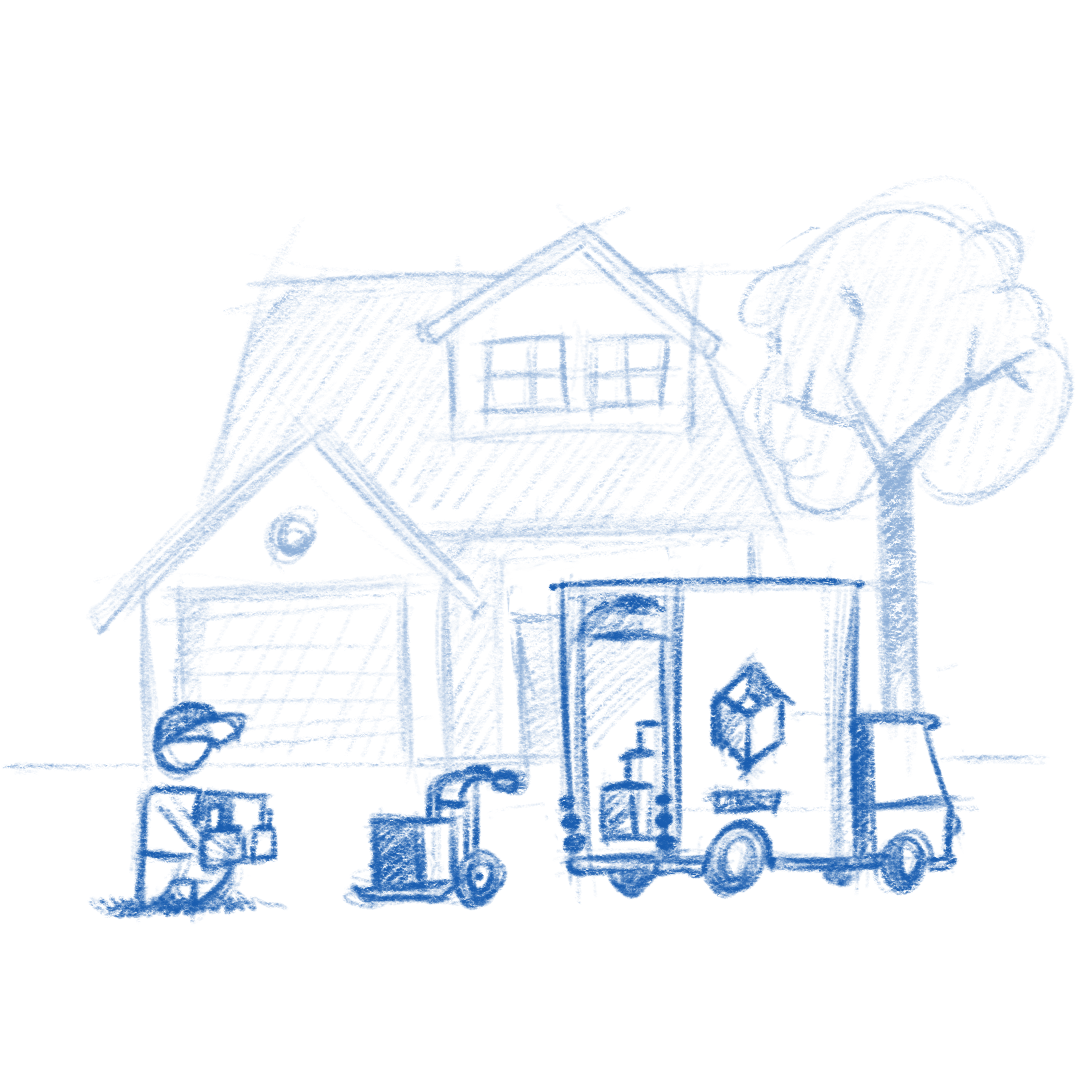
<p>Very recently, which happens to be 4 years ago, we've done a <a href="https://blog.jimmac.eu/posts/flatpak-refresh/">rebrand</a> to reflect the fact that Flatpak has <em>hit it big</em>. There were a few hints of the old baggage, but overall it didn't feel like a website from 2007. But it was just lipstick.</p>
<p>For the layout, I reached for the same named-grid approach we designed for <a rel="external" href="https://www.gnome.org">gnome.org</a>. Instead of fighting with a rigid single column you get a multi-column grid with named areas. This allows you to escape the column to span across the whole width or do side-by-side layouts with overflow.</p>
<p>Most of the navigation is left to the footer. Another pattern we've embraced elsewhere and has worked well. A major simplification came from the great work of Kolja (<a rel="external" href="https://osna.social/@razze">razze</a>) on <a rel="external" href="https://flathub.org/en/setup">Flathub</a> -- all the distro setup instructions are maintained in one place.</p>
<p>Most benefits remain on the backend — keeping the site up to date won't be such a chore. Shoutout goes to Bart, AsciiWolf and Sebastian, thank you for caring. On to the next one!</p>
<script src="https://blog.jimmac.eu/assets/js/UPNG.js"></script>
<script src="https://blog.jimmac.eu/assets/js/p5.min.js"></script>
<script src="https://blog.jimmac.eu/assets/js/pipboy.js"></script>
<script>
PipBoy({
  container: 'crt-container',
  srcs: [
    'flatpak-pixels.apng',
  ],
  width: 288,
  height: 240
});
</script>]]></content>
  </entry>
  
  <entry>
    <title>Things That Last</title>
    <link href="https://blog.jimmac.eu/posts/things-that-last/"/>
    <id>https://blog.jimmac.eu/posts/things-that-last/</id>
    <published>2026-06-17</published>
    <updated>2026-06-17</updated>
    
    
    <summary>Bikes don&#39;t age.</summary>


    <content type="html"><![CDATA[<p>One of the great annual trips we do with a bunch of friends is a train trip to Jakuszyce, a tiny stop in neighboring Poland, and ride along the contour line through one of the most beautiful places in the Jizera Mountains. There's only one proper climb from Smedava to Knajpa, the rest is fast. A joyride. Catching up on our lives on the train and a joyride home is the best combo.</p>
<img loading="lazy" src="https://blog.jimmac.eu/posts/things-that-last/bigbike.webp" alt="Forever Young Bike" class="full">
<p>I tend to think of myself as a friend of repairs, of making things last. I have sadly had to retire our washing machine after a good 25 years. The dishwasher before that served us more than 15. A boiler and heater had to go this year after about 20. I had my previous car for 13 years and felt like I was bailing too soon, even though there were quite a few issues with it at the end. None of those things ever felt new to me by the end. They most certainly showed their age.</p>
<p>But the bike. The bike I ride every year on that trip, the one leaning against the wall in the shed right now — it still feels like my "new bike". I replaced the tires and brake pads last year and the thing screams. It is such a joy to ride. It feels current, alive, like something I just picked out. Until a friend sent me a photo his Google Photos app reminded him of. A very young version of myself is sitting on that exact bike. Fifteen years ago. Nothing has aged except me. Bikes just don't age like we do.</p>
]]></content>
  </entry>
  
  <entry>
    <title>Welcome to the Icon Designer Webring!</title>
    <link href="https://blog.jimmac.eu/posts/icon-design-webring/"/>
    <id>https://blog.jimmac.eu/posts/icon-design-webring/</id>
    <published>2026-06-10</published>
    <updated>2026-06-10</updated>
    
    
    <summary>Bringing back the old boring internet, one icon at a time.</summary>


    <content type="html"><![CDATA[<p>Terry Godier wrote a beautiful essay <a rel="external" href="https://www.terrygodier.com/the-boring-internet/">"The Boring Internet"</a>. The internet isn't dying, he argues, just the commercial veneer glued on top of it is. Underneath all the engagement metrics and algorithmic feeds, there's still an older, slower, more federated web. One built on protocols nobody owns. RSS feeds still work (thank you, Aaron), people can set up websites and blogs.</p>
<h2 id="lets-start-a-webring-in-2026">Lets start a webring in 2026</h2>
<p>Don't worry, I haven't pushed too many pixels and gone a little cuckoo. But it's a fun exercise to remind what the web once was. We'll silently skip over the fact that I actually started using <em>gopher</em> first, but even web surfing didn't begin on a search engine back in the day. It was <a rel="external" href="https://en.wikipedia.org/wiki/Webring">web rings</a>, later followed by index sites.</p>
<figure>
  <picture>
    <source srcset="under-construction.png" media="(prefers-reduced-motion: reduce)">
    <img src="https://blog.jimmac.eu/posts/icon-design-webring/under-construction.apng" alt="Under Construction" class="pixelated full">
  </picture>
</figure>
<h2 id="start">Start</h2>
<p>Not long ago I posted about designing app icons for <a href="https://blog.jimmac.eu/posts/app-icon-requests/">3rd party GNOME app developers</a>. The post generated quite some buzz and some old and new faces started showing up to help with the backlog. So obviously I'd like to take you on a webring tour of all the designers responsible for making the GNOME app ecosystem a little less awkward to browse on <a rel="external" href="https://flathub.org">Flathub</a>.</p>
<p>Let me introduce you to Brage. He's been around for a couple of years now, helping to tame the flames of the <a rel="external" href="https://www.reddit.com/r/gnome/">reddit community</a>, helping with the <a rel="external" href="https://circle.gnome.org">GNOME Circle</a> project to improve the quality of GNOME apps in the wild, creating <a rel="external" href="https://gitlab.gnome.org/Teams/Design/app-illustrations">illustrations for initial states</a> in apps, authoring some <a rel="external" href="https://bragefuglseth.dev/">noteworthy apps himself</a>. So thank you, Brage, welcome to the 90s!</p>
<p><em><a rel="external" href="https://blogs.gnome.org/bragefuglseth/">Next Up: Brage Fuglseth</a></em></p>
]]></content>
  </entry>
  
  <entry>
    <title>Backrooms</title>
    <link href="https://blog.jimmac.eu/posts/backrooms/"/>
    <id>https://blog.jimmac.eu/posts/backrooms/</id>
    <published>2026-06-03</published>
    <updated>2026-06-03</updated>
    
    
    <summary>Not the best film ever, but in today&#39;s Hollywood landscape it’s a rare breath of fresh air.</summary>


    <content type="html"><![CDATA[<img loading="lazy" src="https://blog.jimmac.eu/posts/backrooms/backrooms.webp" alt="Backrooms" class="full">
<p>Not the best film ever, but in today's Hollywood landscape it's a rare breath of fresh air. Kane Parsons takes the internet meme concept he started on YouTube and actually makes a feature-length film that's doing great at the box office.</p>
<p>The mood is great. That unsettling stillness of these generic liminal spaces. For something that builds a feeling / mood, the flick would benefit from a butcher in the editing room. I'd probably still not give it the extra star, but this really isn't the kind of movie that needs the extra 20 minutes.</p>
<p>Biggest entertainment was definitely watching my son freak out in the third act. :)</p>
<p>★★★★☆</p>
]]></content>
  </entry>
  
  <entry>
    <title>USS/FMS Carrier</title>
    <link href="https://blog.jimmac.eu/posts/fms-carrier/"/>
    <id>https://blog.jimmac.eu/posts/fms-carrier/</id>
    <published>2026-05-09</published>
    <updated>2026-05-09</updated>
    
    
    <summary>Ess Mattisson made a tiny 2-op FM synth and sequencer for the Gameboy Advance, and it&#39;s brilliant.</summary>


    <content type="html"><![CDATA[<p>I'm a sucker for pixel art and very constrained music grooveboxes. While I'm not into chiptunes, they sure are a cultural phenomenon.</p>
<p>You heard me boast about the <a rel="external" href="https://dirtywave.com/">Dirtywave M8</a> numerous times, even in person, because it's my tool of choice for producing and performing music. Its genius lies in high sound quality and a workflow that grew out of the tiny screen and button constraints on the Nintendo Gameboy, the platform of choice for an app called <a rel="external" href="https://www.littlesounddj.com/">LSDJ</a>, which the M8 is modelled after. That, and the sheer amount of sound engines living in your pocket. Building on the shoulders of giants and all.</p>
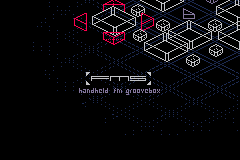
<p>The small M8 community has a few 'celebrities', such as <a rel="external" href="https://mtsn.se/">Ess Mattisson</a>. I first heard of Ess when I ran into an amazing <em>single channel</em> track called <a rel="external" href="https://www.youtube.com/watch?v=d6bJVcmFaNk">Wertstoffe</a>. Ess has a great pedigree as the creator of the original <a rel="external" href="https://www.elektron.se/wp-content/uploads/2024/09/Digitone_User_Manual_ENG_OS1.41_231108.pdf">Digitone</a> FM synthesizer while working at <a rel="external" href="https://www.elektron.se/">Elektron</a>. FM remains his forte, and after creating numerous plugins through <a rel="external" href="https://fors.fm/">Fors</a>, he has now <a rel="external" href="https://lo-bit.club/fms">released</a> a little 2-operator FM synth and sequencer for the platform of the future, Nintendo Gameboy Advance.</p>
<div id="crt-container" class="image-grid pixelated">
<img src="https://blog.jimmac.eu/posts/fms-carrier/Lo-bit.gif" alt="Lo-bit Club logo animation">
<img src="https://blog.jimmac.eu/posts/fms-carrier/Fms.png" alt="FMS synth running on Gameboy Advance">
</div>
<script src="https://blog.jimmac.eu/assets/js/p5.min.js"></script>
<script src="https://blog.jimmac.eu/assets/js/pipboy.js"></script>
<script>
PipBoy({
  container: 'crt-container',
  srcs: [
    'Lo-bit.gif',
	'Fms.png'
  ],
  width: 240,
  height: 160
});
</script>
<p>What makes FMS a bit crazy is what it's doing under the hood. The Gameboy Advance has no FM synthesis hardware at all. Its audio gives you two Direct Sound DMA channels of 8-bit signed PCM — that's 256 amplitude levels, roughly 48 dB of dynamic range. For comparison, a CD has 96 dB, in much finer fidelity. The CPU is an ARM7TDMI running at 16.78 MHz with 256 KB of RAM, and that's where <em>all</em> the FM math happens. Sine waves, modulation, mixing four channels, all in real time, in software, on a chip from 2001 that was designed to shuffle sprites around. The hiss you hear is just part of the deal: quantization noise from that 8-bit DAC. So few amplitude steps means everything that comes out has this fuzzy, slightly crushed quality. You can't get rid of it. It <em>is</em> the sound. And somehow there are four channels of 2-operator FM synthesis in there, each with envelopes and ratio control. On a Gameboy Advance.</p>
<figure class="yt" data-yt-id="OvFURaZI1zY" data-yt-title="FMS: Crunchy">
  <div class="yt__shell">
    <div class="yt__stage">
      <a class="yt__facade" href="https://www.youtube.com/watch?v=OvFURaZI1zY" aria-label="Play FMS: Crunchy">
        <img class="yt__poster"
             src="https://i.ytimg.com/vi/OvFURaZI1zY/maxresdefault.jpg"
             alt="FMS: Crunchy" width="1280" height="720"
             loading="lazy" decoding="async"
             onerror="this.onerror=null;this.src=this.src.replace('maxresdefault','hqdefault')">
        <span class="yt__vignette" aria-hidden="true"></span>
        <span class="yt__play" aria-hidden="true"></span>
      </a>
    </div>
    <div class="yt__bar">
      <span class="yt__title">FMS: Crunchy</span>
      <a class="yt__watch" href="https://www.youtube.com/watch?v=OvFURaZI1zY" rel="noopener">Watch on YouTube</a>
    </div>
  </div>
</figure>
<p>Picking GBA as a platform of choice in 2026 may be strange. Surprisingly, it can be used on a very large array of hardware. Not only can you plug a memory card into the original hardware or new fancy clones like the <a rel="external" href="https://www.analogue.co/pocket">Analogue Pocket</a>, you have an exponentially larger choice of dozens if not hundreds of Chinese emulator handhelds from <a rel="external" href="https://anbernic.com/">Anbernic</a>, <a rel="external" href="https://powkiddy.com/">Powkiddy</a>, <a rel="external" href="https://lomiyoo.com/">Miyoo</a> or <a rel="external" href="https://www.goretroid.com/">Retroid</a>. You can also use the <a rel="external" href="https://store.steampowered.com/steamdeck">Steam Deck</a> or any PC running one of the many emulators, <a rel="external" href="https://www.retroarch.com/">RetroArch</a> being the most popular one.</p>
<p>FMS really touched me. Partly because I have a soft spot for the Nordic demo scene, but mainly for its novel approach to composition. Just like with the M8, creating basic building blocks and then applying transposition to break the looping monotony is my favorite workflow. This little thing has that in the form of pattern and trig transposition but also a novel take on "effects". Yes, you heard me right. There's a sorta-kinda-delay. Even does stereo field ping-pong.</p>
<p>I will keep on trying to create something that … sounds good. The process has been amazing. I truly love some of the sequencing tricks and workflows. The sequencer is, however, so good it would be worth seeing it run on top of a higher quality sound engine too.</p>
]]></content>
  </entry>
  
  <entry>
    <title>Revert That Vector Nonsense!</title>
    <link href="https://blog.jimmac.eu/posts/app-pixels/"/>
    <id>https://blog.jimmac.eu/posts/app-pixels/</id>
    <published>2026-04-25</published>
    <updated>2026-04-25</updated>
    
    
    <summary>GNOME app icons were meant to be pixels. None of that SVG BS.</summary>


    <content type="html"><![CDATA[<p>A few years back I did a <a href="https://blog.jimmac.eu/posts/pixels/">quick exploration</a> of what GNOME app icons might look like in an alternate universe where we kept on using <code>VGA</code> displays. Chiselling pixels away is therapeutic. So while there is absolutely no use for these, I keep on making them if only to bring some attention to what really matters for GNOME, having nice apps.</p>
<p>Here's a batch of mostly <a rel="external" href="https://circle.gnome.org">GNOME Circle</a> app icons, with some <a rel="external" href="https://flathub.org">3rd party</a> ones thrown in.</p>
<div id="crt-container" class="image-grid pixelated">
<img src="https://blog.jimmac.eu/posts/app-pixels/app-icons-crt-01.png" alt="Pixel art GNOME app icons, batch 1">
<img src="https://blog.jimmac.eu/posts/app-pixels/app-icons-crt-02.png" alt="Pixel art GNOME app icons, batch 2">
<img src="https://blog.jimmac.eu/posts/app-pixels/app-icons-crt-03.png" alt="Pixel art GNOME app icons, batch 3">
<img src="https://blog.jimmac.eu/posts/app-pixels/app-icons-crt-04.png" alt="Pixel art GNOME app icons, batch 4">
<img src="https://blog.jimmac.eu/posts/app-pixels/app-icons-crt-05.png" alt="Pixel art GNOME app icons, batch 5">
<img src="https://blog.jimmac.eu/posts/app-pixels/app-icons-crt-06.png" alt="Pixel art GNOME app icons, batch 6">
<img src="https://blog.jimmac.eu/posts/app-pixels/app-icons-crt-07.png" alt="Pixel art GNOME app icons, batch 7">
</div>
<p>If you're reading this <a href="https://blog.jimmac.eu/posts/app-pixels/">on my site</a> rather than <a rel="external" href="https://planet.gnome.org">Planet GNOME</a> or some flickering terminal in an abandoned Vault, then congratulations. You've stumbled upon a working Pip-Boy module! Found it half-buried under irradiated rubble, its phosphor display still humming with that familiar green glow. Enjoy these icons the way the dwellers of Vault 101 were always meant to, one glorious scanline at a time.</p>
<script src="https://blog.jimmac.eu/assets/js/p5.min.js"></script>
<script src="https://blog.jimmac.eu/assets/js/pipboy.js"></script>
<script>
PipBoy({
  container: 'crt-container',
  srcs: [
    'app-icons-crt-01.png',
    'app-icons-crt-02.png',
    'app-icons-crt-03.png',
    'app-icons-crt-04.png',
    'app-icons-crt-05.png',
    'app-icons-crt-06.png',
    'app-icons-crt-07.png'
  ],
  width: 288,
  height: 240
});
</script>
]]></content>
  </entry>
  
  <entry>
    <title>120+ Icons and Counting</title>
    <link href="https://blog.jimmac.eu/posts/app-icon-requests/"/>
    <id>https://blog.jimmac.eu/posts/app-icon-requests/</id>
    <published>2026-04-14</published>
    <updated>2026-04-14</updated>
    
    
    <summary>How the GNOME Design Team&#39;s app-icon-requests project has boosted app icon quality across the Linux desktop, and how you can help.</summary>


    <content type="html"><![CDATA[<p>Back in 2019, we undertook <a href="https://blog.jimmac.eu/posts/the-big-app-icon-redesign/">a radical overhaul</a> of how GNOME app icons work. The old Tango-era style required drawing up to seven separate sizes per icon and a truckload of detail. A task so demanding that only a handful of people could do it. The "new" style is geometric, colorful, but mainly <em>achievable</em>. Redesigning the system was just the first step. We needed to actually get better icons into the hands of app developers, as those should be in control of their brand identity. That's where <a rel="external" href="https://gitlab.gnome.org/Teams/Design/app-icon-requests">app-icon-requests</a> came in.</p>
<p>As of today, the project has received over a hundred icon requests. Each one represents a collaboration between a designer and a developer, and a small but visible improvement to the Linux desktop.</p>
<h2 id="how-it-works">How It Works</h2>
<p>Ideally if a project needs a quick turnaround and direct control over the result, the best approach remains doing it in-house or commission a designer.</p>
<p>But if you're not in a rush, and aim to be a well designed GNOME app in particular, you can make use of the idle time of various GNOME designers. The process is simple. If you're building an app that follows the <a rel="external" href="https://developer.gnome.org/hig/">GNOME Human Interface Guidelines</a>, you can <a rel="external" href="https://gitlab.gnome.org/Teams/Design/app-icon-requests/-/issues/new?issuable_template=request">open an icon request</a>. A designer from the community picks up the issue, starts sketching ideas, and works with you until the icon is ready to ship. If your app is part of <a rel="external" href="https://circle.gnome.org">GNOME Circle</a> or is aiming to join, you're far more likely to get a designer's attention quickly.</p>
<p>The sketching phase is where the real creative work happens. Finding the right metaphor for what an app does, expressed in a simple geometric shape. It's the part I enjoy most, and why I've been sharing my <a href="https://blog.jimmac.eu/posts/sketch-friday/">Sketch Friday</a> process on <a rel="external" href="https://mastodon.social/@jimmac">Mastodon</a> for over two years now (<a href="https://blog.jimmac.eu/posts/friday-sketches/">part 2</a>). But the project isn't about one person's sketches. It's a team effort, and the more designers join, the faster the backlog shrinks.</p>
<h2 id="highlights">Highlights</h2>
<p>Here are a few of the icons that came through the pipeline. Each started as a GitLab issue and ended up as pixels on someone's desktop.</p>
<div class="image-grid icon-dropshadow">
<img src="https://blog.jimmac.eu/posts/app-icon-requests/Alpaca.webp" alt="Alpaca" loading="lazy">
<img src="https://blog.jimmac.eu/posts/app-icon-requests/Bazaar.webp" alt="Bazaar" loading="lazy">
<img src="https://blog.jimmac.eu/posts/app-icon-requests/Field_Monitor.webp" alt="Field Monitor" loading="lazy">
<img src="https://blog.jimmac.eu/posts/app-icon-requests/Dev_Toolbox.webp" alt="Dev Toolbox" loading="lazy">
<img src="https://blog.jimmac.eu/posts/app-icon-requests/Exhibit.webp" alt="Exhibit" loading="lazy">
<img src="https://blog.jimmac.eu/posts/app-icon-requests/Plots.webp" alt="Plots" loading="lazy">
<img src="https://blog.jimmac.eu/posts/app-icon-requests/Gradia.webp" alt="Gradia" loading="lazy">
<img src="https://blog.jimmac.eu/posts/app-icon-requests/Millisecond.webp" alt="Millisecond" loading="lazy">
<img src="https://blog.jimmac.eu/posts/app-icon-requests/Orca.webp" alt="Orca" loading="lazy">
<img src="https://blog.jimmac.eu/posts/app-icon-requests/Flatseal.webp" alt="Flatseal" loading="lazy">
<img src="https://blog.jimmac.eu/posts/app-icon-requests/Junction.webp" alt="Junction" loading="lazy">
<img src="https://blog.jimmac.eu/posts/app-icon-requests/Carburetor.webp" alt="Carburetor" loading="lazy">
</div>
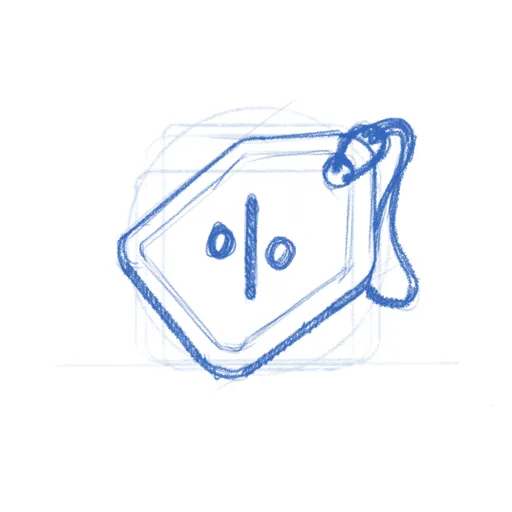
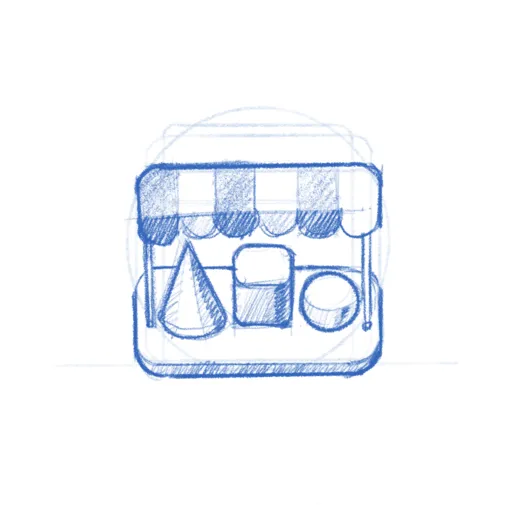
<p><strong><a rel="external" href="https://gitlab.gnome.org/Teams/Design/app-icon-requests/-/issues/55">Alpaca</a></strong>, an AI chat client, went through several rounds of sketching to find just the right llama. <strong><a rel="external" href="https://gitlab.gnome.org/Teams/Design/app-icon-requests/-/issues/99">Bazaar</a></strong>, an alternative to GNOME Software, took eight months and 16 comments to go from a shopping basket concept through a price tag to the final market stall. <strong><a rel="external" href="https://gitlab.gnome.org/Teams/Design/app-icon-requests/-/issues/100">Millisecond</a></strong>, a system tuning tool for low-latency audio, needed several rounds to land on the right combination of stopwatch and waveform. <strong><a rel="external" href="https://gitlab.gnome.org/Teams/Design/app-icon-requests/-/issues/78">Field Monitor</a></strong> shows how multiple iterations narrow down the concept. And <strong><a rel="external" href="https://gitlab.gnome.org/Teams/Design/app-icon-requests/-/issues/51">Exhibit</a></strong>, the 3D model viewer, is one of my personal favorites.</p>
<p>You can browse all <a rel="external" href="https://gitlab.gnome.org/Teams/Design/app-icon-requests/-/issues?state=closed">127 completed icons</a> to see the full range — from core GNOME apps to niche tools on <a rel="external" href="https://flathub.org">Flathub</a>.</p>
<h2 id="papers-from-sketch-to-ship">Papers: From Sketch to Ship</h2>
<p>To give a sense of what the process looks like up close, here's <a rel="external" href="https://gitlab.gnome.org/Teams/Design/app-icon-requests/-/issues/43">Papers</a> — the GNOME document viewer. The challenge was finding an icon that says "documents" without being yet another generic file icon.</p>
<div class="image-grid">
<img src="https://blog.jimmac.eu/posts/app-icon-requests/Papers_sketch_1.webp" alt="Papers concept sketch with magnifying glass" loading="lazy">
<img src="https://blog.jimmac.eu/posts/app-icon-requests/Papers_sketch_2.webp" alt="Papers concept sketch width stacked papers" loading="lazy">
<img src="https://blog.jimmac.eu/posts/app-icon-requests/Papers_sketch_3.webp" alt="Papers concept sketch with reading glasses" loading="lazy">
<img src="https://blog.jimmac.eu/posts/app-icon-requests/Papers.webp" alt="Papers final icon" loading="lazy" class="icon-dropshadow">
</div>
<p>The early sketches explored different angles — a magnifying glass over stacked pages, reading glasses resting on a document. The final icon kept the reading glasses and the stack of colorful papers, giving it personality while staying true to what the app does. The whole thing played out in the <a rel="external" href="https://gitlab.gnome.org/Teams/Design/app-icon-requests/-/issues/43">GitLab issue</a>, with the developer and designer going back and forth until both were happy.</p>
<p>While the new icon style is far easier to <em>execute</em> than the old high-detail GNOME icons, that doesn't mean every icon is quick. The hard part was never pushing pixels — it's nailing the metaphor. The icon needs to make sense to a new user at a glance, sit well next to dozens of other icons, and still feel like <em>this</em> app to the person who built it. Getting that right is a conversation between the designer's aesthetic judgment and the maintainer's sense of identity and purpose, and sometimes that conversation takes a while.</p>
<p><strong><a rel="external" href="https://gitlab.gnome.org/Teams/Design/app-icon-requests/-/issues/99">Bazaar</a></strong> is a good example.</p>
<div class="image-grid">
<img src="https://blog.jimmac.eu/posts/app-icon-requests/Bazaar_sketch_1.webp" alt="Bazaar early concept - shopping basket" loading="lazy">
<img src="https://blog.jimmac.eu/posts/app-icon-requests/Bazaar_sketch_2.webp" alt="Bazaar concept - price tag" loading="lazy">
<img src="https://blog.jimmac.eu/posts/app-icon-requests/Bazaar_sketch_3.webp" alt="Bazaar concept - market stall" loading="lazy">
<img src="https://blog.jimmac.eu/posts/app-icon-requests/Bazaar.webp" alt="Bazaar final icon" loading="lazy" class="icon-dropshadow">
</div>
<p>The app was already shipping with the price tag icon when <a rel="external" href="https://tobiasbernard.com/">Tobias Bernard</a> — who reviews apps for <a rel="external" href="https://circle.gnome.org">GNOME Circle</a> — identified its shortcomings and restarted the process. That kind of quality gate is easy to understate, but it's a big part of why GNOME apps look as consistent as they do. Tobias is also a prolific icon designer himself, frequently contributing icons to key projects across the ecosystem. In this case, the sketches went from a shopping basket through the price tag to a market stall with an awning — a proper bazaar. Sixteen comments and eight months later, the icon shipped.</p>
<h2 id="get-involved">Get Involved</h2>
<p>There are currently <strong><a rel="external" href="https://gitlab.gnome.org/Teams/Design/app-icon-requests/-/issues">20 open icon requests</a></strong> waiting for a designer. Recent ones like <a rel="external" href="https://gitlab.gnome.org/Teams/Design/app-icon-requests/-/issues/149">Kotoba</a> (a Japanese dictionary), <a rel="external" href="https://gitlab.gnome.org/Teams/Design/app-icon-requests/-/issues/148">Simba</a> (a Samba manager), and <a rel="external" href="https://gitlab.gnome.org/Teams/Design/app-icon-requests/-/issues/147">Slop Finder</a> haven't had much activity yet and could use a designer's attention.</p>
<p>If you're a designer, or want to become one, this is a great place to start contributing to Free software. The GNOME icon style was specifically designed to be approachable: bold shapes, a defined color palette, clear <a rel="external" href="https://developer.gnome.org/hig/guidelines/app-icons.html">guidelines</a>. Tools like <a rel="external" href="https://tools.design.gnome.org">Icon Preview and Icon Library</a> make the workflow smooth. Pick a request, start with a pencil sketch on paper, and iterate from there. There's also a dedicated Matrix room <code>#appicondesign:gnome.org</code> where icon work is discussed — it's invite-only due to spam, but feel free to poke me in <code>#gnome-design</code> or <code>#gnome</code> for an invitation. If you're new to Matrix, the <a rel="external" href="https://handbook.gnome.org/get-in-touch/matrix.html">GNOME Handbook</a> explains how to get set up.</p>
<p>If you're an <strong>app developer</strong>, don't despair shipping with a placeholder icon. Follow the <a rel="external" href="https://developer.gnome.org/hig/">HIG</a>, <a rel="external" href="https://gitlab.gnome.org/Teams/Design/app-icon-requests/-/issues/new?issuable_template=request">open a request</a>, and a designer will help you out. If you're targeting <a rel="external" href="https://circle.gnome.org">GNOME Circle</a>, a proper icon is part of the deal anyway.</p>
<p>A good icon is one of those small things that makes an app feel real — finished, polished, worth installing. Now that we actually have <a rel="external" href="https://flathub.org">a place</a> to browse apps, an app icon is either the fastest way to grab attention or make people skip. If you've got some design chops and a few hours to spare, pick an issue and start sketching.</p>
<h2 id="need-a-fast-track">Need a Fast Track?</h2>
<p>If you need a faster turnaround or just want to work with someone who's been helping out with GNOME's visual identity for as long as I can remember — <a rel="external" href="https://planetpeanut.studio/services#app-icons">Hylke Bons</a> offers app icon design for open source projects through his studio, Planet Peanut. Hylke has been a core contributor to GNOME's icon work for well over a decade. You'll be in great hands.</p>
<p>His service has a great freebie for FOSS projects — funded by community sponsors. You get three sketches to choose from, a final SVG, and a symbolic variant, all following the GNOME icon guidelines. If your project uses an OSI-approved license and is intended to be distributed through Flathub, you're eligible. Consider <a rel="external" href="https://planetpeanut.studio/services#app-icons">sponsoring his work</a> if you can — even a small amount helps keep the pipeline going.</p>
]]></content>
  </entry>
  
  <entry>
    <title>release.gnome.org refactor</title>
    <link href="https://blog.jimmac.eu/posts/release-gnome-zola/"/>
    <id>https://blog.jimmac.eu/posts/release-gnome-zola/</id>
    <published>2026-04-13</published>
    <updated>2026-04-13</updated>
    
    
    <summary>After successfully moving this blog to Zola, doubts got suppressed and I found my favorite SSG.</summary>


    <content type="html"><![CDATA[<p>After successfully moving <em>this</em> blog to <a href="https://blog.jimmac.eu/posts/port-to-zola/">Zola</a>, doubts got suppressed and I couldn't resist porting the <a rel="external" href="https://release.gnome.org">GNOME Release Notes</a> too.</p>
<h2 id="the-proof">The Proof</h2>
<p>The blog port worked better than expected. Fighting CI github action was where most enthusiasm was lost. The real test though was whether Zola could handle a site way more important than my little blog — one hosting release notes for GNOME.</p>
<h2 id="what-changed">What Changed</h2>
<p>The main work was porting the templates from Liquid to Tera, the same exercise as the blog. That included structural change to shift releases from Jekyll pages to proper Zola <em>posts</em>. This enabled two things that weren't possible before:</p>
<ul>
<li><strong>RSS feed</strong> — With releases as posts, generating a feed is native. Something I was planning to do in the Jekyll world … but there were <em>roadblocks</em>.</li>
<li><strong>The archive</strong> — Old release notes going back to GNOME 2.x have been properly ported over. They're now part of the navigable archive instead of lost to the ages. I'm afraid it's quite a cringe town if you hold nostalgic ideas how amazing things were back in the day.</li>
</ul>
<h2 id="the-payoff">The Payoff</h2>
<p>The site now has a working <a rel="external" href="https://release.gnome.org/atom.xml">RSS feed</a> — years of broken promises finally fulfilled. The full archive from GNOME 2.x through 50 is available. And perhaps best of all: zero dependency management and supporting people who "just want to write a bit of markdown". Just a single binary.</p>
<p>I'd say it's another success story and if I were a Jekyll project in the <a rel="external" href="https://gitlab.gnome.org/Teams/Websites">websites team space</a>, I'd start to worry.</p>
]]></content>
  </entry>
  
  <entry>
    <title>Moving to Zola</title>
    <link href="https://blog.jimmac.eu/posts/port-to-zola/"/>
    <id>https://blog.jimmac.eu/posts/port-to-zola/</id>
    <published>2026-04-10</published>
    <updated>2026-04-10</updated>
    
    
    <summary>Finally ditching Jekyll for something modern.</summary>


    <content type="html"><![CDATA[<p><img src="https://blog.jimmac.eu/posts/port-to-zola/zola.webp" alt="Zola" /></p>
<p>I've finally gotten around to porting this blog over to <a rel="external" href="https://www.getzola.org/">Zola</a>. I've been running on Jekyll for years now, after originally conceiving this blog in <a rel="external" href="https://middlemanapp.com/">Middleman</a> (and PHP initially). But time catches up with everything, and the friction of maintaining Ruby dependencies eventually got to me.</p>
<h2 id="the-speed">The Speed</h2>
<p>I can't stress this enough — Zola is <em>fast</em>. Not "for a static site generator" fast. Just fast. My old Jekyll setup needed a good few seconds to rebuild after a change. Zola builds in milliseconds. The entire site rebuilds almost before I can release the key. It's not critical for a site that gets updated 5 times a year, but it's still impressive.</p>
<h2 id="no-dependencies">No Dependencies</h2>
<p>This is the big one. Every time you leave a project alone for a few months and come back, you <em>know</em> it's not just going to magically work. The gem versions drift, Bundler gets confused, and suddenly you're down a rabbit hole of version conflicts. The only reason all our Jekyll projects were reasonably easy to work with was locking onto Ruby 3.1.2 using <a rel="external" href="https://rvm.io/">rvm</a>. But at some point the layers of backwardism catch up with you.</p>
<p>Zola is a single binary. That's it. No <code>bundle install</code>, no Gemfile, no "works on my machine" prayers. Download, run, done. It even embeds everything — syntax highlighting, image processing, Sass compilation (if you haven't embraced the <em>modern CSS</em> light yet) — all built-in. The site builds the same on any machine with zero setup.</p>
<h2 id="the-heritage">The Heritage</h2>
<p>Zola started life as <strong>Gutenberg</strong> in 2015/2016, a learning project for Rust by <a rel="external" href="https://www.vincentprouillet.com/">Vincent Prouillet</a>. He was using Hugo before, but hated the Go template engine. That spawned <a rel="external" href="https://keats.github.io/tera/">Tera</a>, the Jinja2-inspired template engine that Zola uses.</p>
<p>The project got renamed to Zola in 2018 when the name conflicts with Project Gutenberg got too annoying. It's pure Rust, which means it's fast, memory-safe, and ships as a tiny static binary.</p>
<h2 id="asset-colocation">Asset Colocation</h2>
<p>One thing I've always focused on for this blog architecture wise is the structure — images and media live right alongside the post, not stuffed into some shared <code>/images/</code> folder somewhere like most Jekyll sites seem to do. Zola calls this "asset colocation," and it's a first-class feature. No plugins needed. Just put your images in the same folder as your <code>index.md</code>, reference them directly, and Zola handles the rest.</p>
<p>This is how I'd already been running things with Jekyll, so the port was refreshingly painless on that front.</p>
<h2 id="the-templating">The Templating</h2>
<p>The main work was porting the templates. It was the main shostopper when Bilal suggested Zola a couple of years ago. I was hoping something with liquid to pop up, but it seems like people running their own blogs is not a Tik Tok trend. Zola uses Tera instead of Liquid. The syntax is similar enough to get by, but there's enough branches in your path to stumble on. The error messages actually make sense though and point you at the problem, which is a refreshing change from debugging broken Liquid includes.</p>
<h2 id="the-improvements">The Improvements</h2>
<p>Beyond speed, I've been cleaning up things the old theme dragged along:</p>
<ul>
<li><strong>Dark mode without JavaScript</strong>: The original Klise theme injected a script to toggle themes. The new setup uses CSS-only theming via custom properties, no flash of wrong theme, no JS required.</li>
<li><strong>Legibility</strong>: I'm getting older, and apparently so are my readers. Font sizes bumped up, contrast dialled in. What looked crisp at 30 looks muddy at 50.</li>
</ul>
<p>The site's cleaner now, light by default, faster to build, and I don't need to invoke Ruby just to write a blog post. The experience was so damn good, it motivated me to jump at a much larger project I'm hopefully going to post about next.</p>
]]></content>
  </entry>
  
  <entry>
    <title>Japan</title>
    <link href="https://blog.jimmac.eu/posts/japan/"/>
    <id>https://blog.jimmac.eu/posts/japan/</id>
    <published>2026-04-05</published>
    <updated>2026-04-05</updated>
    
    
    <summary>Visiting Japan is special. Skipping Tokio last time meant we had to come back.</summary>


    <content type="html"><![CDATA[<p><a rel="external" href="https://photo.jimmac.eu"><img src="https://blog.jimmac.eu/posts/japan/japan2026.webp" alt="Japan Trip 2026" /></a></p>
<p>Last year we went to Japan to finally visit friends after two decades of planning to. Because they live in Fukuoka, we only ended up visiting Hiroshima, Kyoto and Osaka afterwards. We loved it there and as soon as cheap flights became available, booked another one for Tokio, to be legally allowed to cross off Japan as visited.</p>
<p>Now if I were to book the trip today, I probably wouldn't. It's quite a gamble given the geopolitical situation and Asia running out of oil. But making it back, it's been as good as the first one. Visiting only Tokio with a short trip to Kawaguchiko in the Sakura blooming season worked out great.</p>
<p>At the start of the year, I promised myself I'd shoot my Fuji more. And no, I don't mean the volcano, I mean the X-T20. I haven't exactly kept that promise, usually just falling back on my iPhone instead. Luckily, I didn't chicken out of carrying the extra weight for this trip, and I think it really paid off! I did stick strictly to my 35mm lens, since my desire to haul heavy gear has definitely faded over the years. And honestly, after walking over 120km in just a few days, my back was already reminding me I'm not getting any younger, even with the minimal setup!</p>
<p>While the difference in quality isn't quite visible on <a rel="external" href="https://pixelfed.social/jimmac">Pixelfed</a> or my <a rel="external" href="https://photo.jimmac.eu/">photo website</a> (I don't post to Instagram anymore), working through the set on a 4K display has been a pleasure. Bigger sensor is a bigger sensor.</p>
<p>Check out more photos on <a rel="external" href="https://photo.jimmac.eu/20260402-210049">photo.jimmac.eu</a> -- use arrow keys of swipe to navigate the set.</p>
<audio controls>
<source src="https://blog.jimmac.eu/posts/japan/GLITCHYCODE.mp3" type="audio/mpeg">
<source src="https://blog.jimmac.eu/posts/japan/GLITCHYCODE.aac" type="audio/aac">
<a href="https://weeklybeats.com/jimmac/music/glitchy-code">Weeklybeats #13</a>.
</audio>
<p>I also managed to get both of my weeklybeats tracks done on the flight so that's a bonus too!</p>
<p>Japan is probably quite difficult to live in, but as a tourist you get so much to feast your eyes on. It's like another planet. I hope to find more time to draw some of the awesome little cars and signs and white tiles and electric cables everywhere.</p>
<audio controls>
<source src="https://blog.jimmac.eu/posts/japan/AKIHABARA.mp3" type="audio/mpeg">
<source src="https://blog.jimmac.eu/posts/japan/AKIHABARA.aac" type="audio/aac">
</audio>
]]></content>
  </entry>
  
  <entry>
    <title>Friday Sketches (part 2)</title>
    <link href="https://blog.jimmac.eu/posts/friday-sketches/"/>
    <id>https://blog.jimmac.eu/posts/friday-sketches/</id>
    <published>2026-03-19</published>
    <updated>2026-03-19</updated>
    
    
    <summary>Continuing to share app icon design sketches on Mastodon every Friday.</summary>


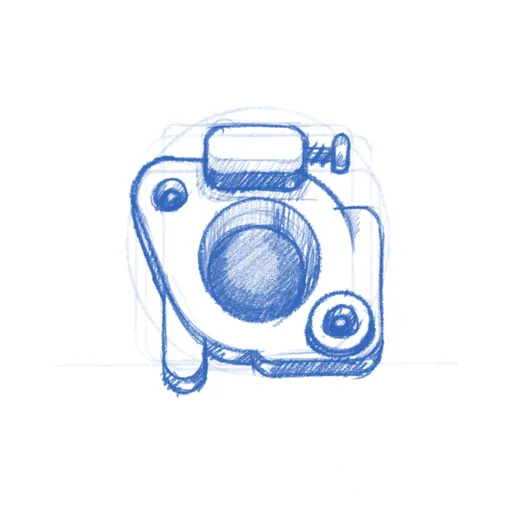
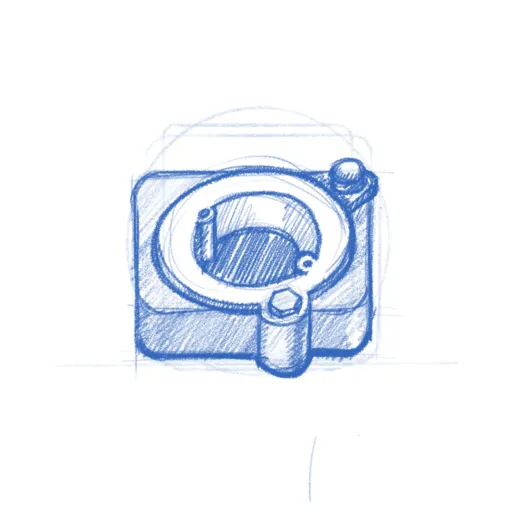
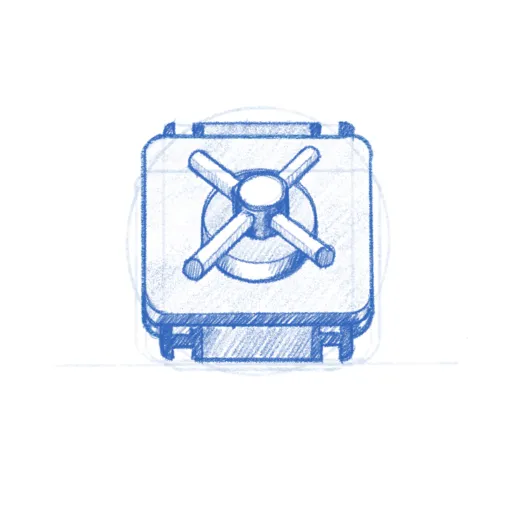
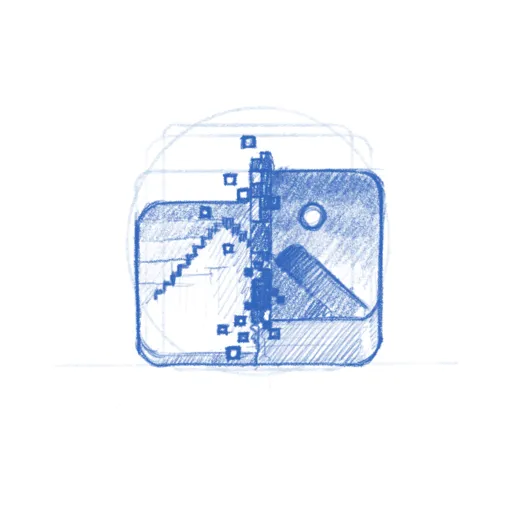
    <content type="html"><![CDATA[<p>Two years have passed since I last shared my Friday app icon sketches, but the sketching itself hasn't stopped.</p>
<p>For me, it's the best way to figure out the right metaphors before we move to final pixels. These sketches are just one part of the GNOME Design Team's wider effort to keep our icons consistent and meaningful—it is an endeavor that’s been going on for years.</p>
<p>If you design a GNOME app following the <a rel="external" href="https://developer.gnome.org/hig/">GNOME Design Guidelines</a>, feel free to <a rel="external" href="https://gitlab.gnome.org/Teams/Design/app-icon-requests/-/issues/new?issuable_template=request">request</a> an icon to be made for you. If you are serious and apply for inclusion in <a rel="external" href="https://circle.gnome.org">GNOME Circle</a>, you are way more likely to get a designer's attention.</p>
<div class="image-grid pixelated-hover">
<img src="https://blog.jimmac.eu/posts/friday-sketches/Ai_Assistant.webp" alt="Ai Assistant" loading="lazy">
<img src="https://blog.jimmac.eu/posts/friday-sketches/Aria%201.webp" alt="Aria 1" loading="lazy">
<img src="https://blog.jimmac.eu/posts/friday-sketches/Articulate_.webp" alt="Articulate" loading="lazy">
<img src="https://blog.jimmac.eu/posts/friday-sketches/Bazaar%201.webp" alt="Bazaar 1" loading="lazy">
<img src="https://blog.jimmac.eu/posts/friday-sketches/Bazaar%202.webp" alt="Bazaar 2" loading="lazy">
<img src="https://blog.jimmac.eu/posts/friday-sketches/Bazaar%203.webp" alt="Bazaar 3" loading="lazy">
<img src="https://blog.jimmac.eu/posts/friday-sketches/Bazaar%204.webp" alt="Bazaar 4" loading="lazy">
<img src="https://blog.jimmac.eu/posts/friday-sketches/Bazaar.webp" alt="Bazaar" loading="lazy" class="big">
<img src="https://blog.jimmac.eu/posts/friday-sketches/Bouncer.webp" alt="Bouncer" loading="lazy">
<img src="https://blog.jimmac.eu/posts/friday-sketches/Carburetor%201.webp" alt="Carburetor 1" loading="lazy">
<img src="https://blog.jimmac.eu/posts/friday-sketches/Carburetor%202.webp" alt="Carburetor 2" loading="lazy">
<img src="https://blog.jimmac.eu/posts/friday-sketches/Carburetor%203.webp" alt="Carburetor 3" loading="lazy">
<img src="https://blog.jimmac.eu/posts/friday-sketches/Carburetor.webp" alt="Carburetor" loading="lazy">
<img src="https://blog.jimmac.eu/posts/friday-sketches/Censor%201.webp" alt="Censor 1" loading="lazy">
<img src="https://blog.jimmac.eu/posts/friday-sketches/Censor%202.webp" alt="Censor 2" loading="lazy">
<img src="https://blog.jimmac.eu/posts/friday-sketches/Censor.webp" alt="Censor" loading="lazy">
<img src="https://blog.jimmac.eu/posts/friday-sketches/CoBang_.webp" alt="CoBang" loading="lazy">
<img src="https://blog.jimmac.eu/posts/friday-sketches/Constrict%201.webp" alt="Constrict 1" loading="lazy">
<img src="https://blog.jimmac.eu/posts/friday-sketches/Constrict%202.webp" alt="Constrict 2" loading="lazy">
<img src="https://blog.jimmac.eu/posts/friday-sketches/Constrict.webp" alt="Constrict" loading="lazy" class="big">
<img src="https://blog.jimmac.eu/posts/friday-sketches/Deer%201.webp" alt="Deer 1" loading="lazy">
<img src="https://blog.jimmac.eu/posts/friday-sketches/Deer%202.webp" alt="Deer 2" loading="lazy">
<img src="https://blog.jimmac.eu/posts/friday-sketches/Deer.webp" alt="Deer" loading="lazy">
<img src="https://blog.jimmac.eu/posts/friday-sketches/Dev_Toolbox%201.webp" alt="Dev Toolbox 1" loading="lazy">
<img src="https://blog.jimmac.eu/posts/friday-sketches/Dev_Toolbox%202.webp" alt="Dev Toolbox 2" loading="lazy">
<img src="https://blog.jimmac.eu/posts/friday-sketches/Dev_Toolbox.webp" alt="Dev Toolbox" loading="lazy">
<img src="https://blog.jimmac.eu/posts/friday-sketches/Digitakt_2.webp" alt="Digitakt 2" loading="lazy">
<img src="https://blog.jimmac.eu/posts/friday-sketches/Displaytune.webp" alt="Displaytune" loading="lazy">
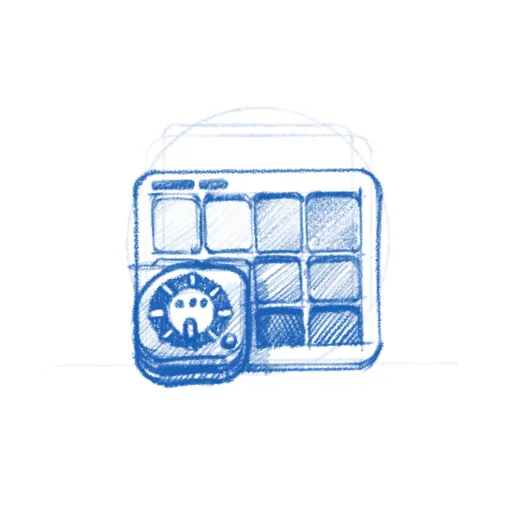
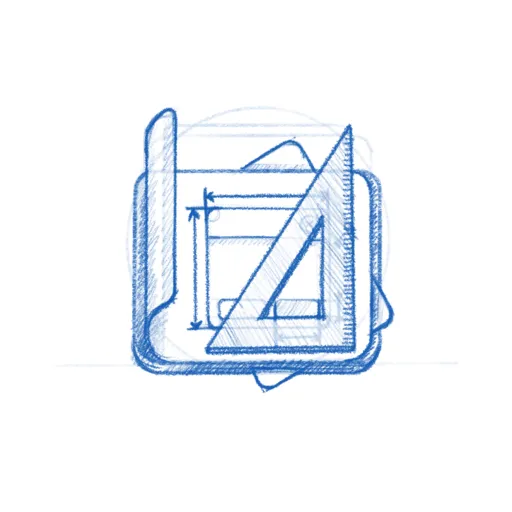
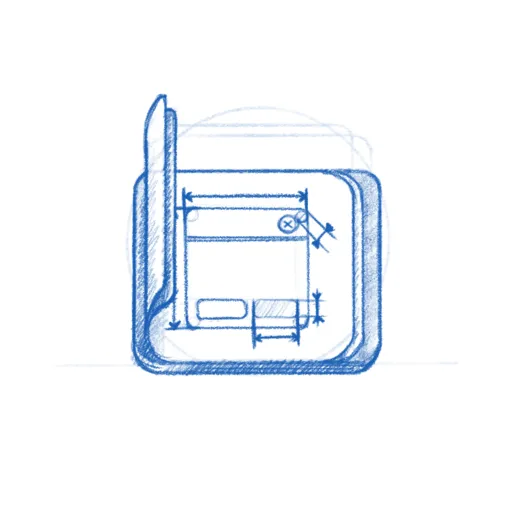
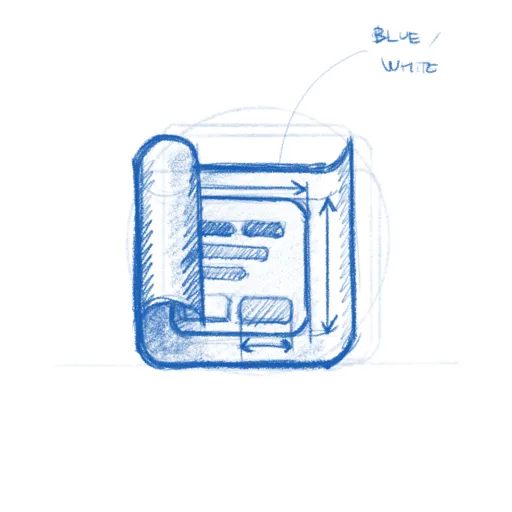
<img src="https://blog.jimmac.eu/posts/friday-sketches/Drafting%201.webp" alt="Drafting 1" loading="lazy">
<img src="https://blog.jimmac.eu/posts/friday-sketches/Drafting%202.webp" alt="Drafting 2" loading="lazy">
<img src="https://blog.jimmac.eu/posts/friday-sketches/Drafting.webp" alt="Drafting" loading="lazy" class="big">
<img src="https://blog.jimmac.eu/posts/friday-sketches/Drum_Machine%201.webp" alt="Drum Machine 1" loading="lazy">
<img src="https://blog.jimmac.eu/posts/friday-sketches/Drum_Machine.webp" alt="Drum Machine" loading="lazy">
<img src="https://blog.jimmac.eu/posts/friday-sketches/Elfin%201.webp" alt="Elfin 1" loading="lazy">
<img src="https://blog.jimmac.eu/posts/friday-sketches/Elfin.webp" alt="Elfin" loading="lazy">
<img src="https://blog.jimmac.eu/posts/friday-sketches/Exercise_Timer.webp" alt="Exercise Timer" loading="lazy">
<img src="https://blog.jimmac.eu/posts/friday-sketches/Field_Monitor%201.webp" alt="Field Monitor 1" loading="lazy">
<img src="https://blog.jimmac.eu/posts/friday-sketches/Field_Monitor%202.webp" alt="Field Monitor 2" loading="lazy">
<img src="https://blog.jimmac.eu/posts/friday-sketches/Field_Monitor%203.webp" alt="Field Monitor 3" loading="lazy">
<img src="https://blog.jimmac.eu/posts/friday-sketches/Field_Monitor.webp" alt="Field Monitor" loading="lazy" class="big">
<img src="https://blog.jimmac.eu/posts/friday-sketches/Gamepad_Mirror.webp" alt="Gamepad Mirror" loading="lazy">
<img src="https://blog.jimmac.eu/posts/friday-sketches/Gelly.webp" alt="Gelly" loading="lazy">
<img src="https://blog.jimmac.eu/posts/friday-sketches/Gems.webp" alt="Gems" loading="lazy">
<img src="https://blog.jimmac.eu/posts/friday-sketches/GnomeOS_Installer%201.webp" alt="GNOME OS Installer 1" loading="lazy">
<img src="https://blog.jimmac.eu/posts/friday-sketches/GnomeOS_Installer%202.webp" alt="GNOME OS Installer 2" loading="lazy">
<img src="https://blog.jimmac.eu/posts/friday-sketches/GnomeOS_Installer.webp" alt="GNOME OS Installer" loading="lazy">
<img src="https://blog.jimmac.eu/posts/friday-sketches/Gnurd.webp" alt="Gnurd" loading="lazy" class="big">
<img src="https://blog.jimmac.eu/posts/friday-sketches/Gradia.webp" alt="Gradia" loading="lazy">
<img src="https://blog.jimmac.eu/posts/friday-sketches/Identity%201.webp" alt="Identity 1" loading="lazy">
<img src="https://blog.jimmac.eu/posts/friday-sketches/Identity%202.webp" alt="Identity 2" loading="lazy">
<img src="https://blog.jimmac.eu/posts/friday-sketches/Identity.webp" alt="Identity" loading="lazy">
<img src="https://blog.jimmac.eu/posts/friday-sketches/Letters%201.webp" alt="Letters 1" loading="lazy">
<img src="https://blog.jimmac.eu/posts/friday-sketches/Letters.webp" alt="Letters" loading="lazy">
<img src="https://blog.jimmac.eu/posts/friday-sketches/M8_Gate.webp" alt="M8 Gate" loading="lazy">
<img src="https://blog.jimmac.eu/posts/friday-sketches/Mango_Juice_Concepts.webp" alt="Mango Juice Concepts" loading="lazy">
<img src="https://blog.jimmac.eu/posts/friday-sketches/Memories%201.webp" alt="Memories 1" loading="lazy">
<img src="https://blog.jimmac.eu/posts/friday-sketches/Memories%202.webp" alt="Memories 2" loading="lazy">
<img src="https://blog.jimmac.eu/posts/friday-sketches/Memories%203.webp" alt="Memories 3" loading="lazy">
<img src="https://blog.jimmac.eu/posts/friday-sketches/Memories%204.webp" alt="Memories 4" loading="lazy">
<img src="https://blog.jimmac.eu/posts/friday-sketches/Memories.webp" alt="Memories" loading="lazy" class="big">
<img src="https://blog.jimmac.eu/posts/friday-sketches/Mercator%201.webp" alt="Mercator 1" loading="lazy">
<img src="https://blog.jimmac.eu/posts/friday-sketches/Mercator.webp" alt="Mercator" loading="lazy">
<img src="https://blog.jimmac.eu/posts/friday-sketches/Meshtastic_Chat.webp" alt="Meshtastic Chat" loading="lazy">
<img src="https://blog.jimmac.eu/posts/friday-sketches/Millisecond%201.webp" alt="Millisecond 1" loading="lazy">
<img src="https://blog.jimmac.eu/posts/friday-sketches/Millisecond%202.webp" alt="Millisecond 2" loading="lazy">
<img src="https://blog.jimmac.eu/posts/friday-sketches/Millisecond.webp" alt="Millisecond" loading="lazy">
<img src="https://blog.jimmac.eu/posts/friday-sketches/Mini_Screenshot%201.webp" alt="Mini Screenshot 1" loading="lazy">
<img src="https://blog.jimmac.eu/posts/friday-sketches/Mini_Screenshot%202.webp" alt="Mini Screenshot 2" loading="lazy">
<img src="https://blog.jimmac.eu/posts/friday-sketches/Mini_Screenshot.webp" alt="Mini Screenshot" loading="lazy">
<img src="https://blog.jimmac.eu/posts/friday-sketches/Mixtape%201.webp" alt="Mixtape 1" loading="lazy">
<img src="https://blog.jimmac.eu/posts/friday-sketches/Mixtape%202.webp" alt="Mixtape 2" loading="lazy">
<img src="https://blog.jimmac.eu/posts/friday-sketches/Mixtape%203.webp" alt="Mixtape 3" loading="lazy">
<img src="https://blog.jimmac.eu/posts/friday-sketches/Mixtape%204.webp" alt="Mixtape 4" loading="lazy">
<img src="https://blog.jimmac.eu/posts/friday-sketches/Mixtape.webp" alt="Mixtape" loading="lazy" class="big">
<img src="https://blog.jimmac.eu/posts/friday-sketches/Motivation.webp" alt="Motivation" loading="lazy">
<img src="https://blog.jimmac.eu/posts/friday-sketches/Moviola%201.webp" alt="Moviola 1" loading="lazy">
<img src="https://blog.jimmac.eu/posts/friday-sketches/Moviola%202.webp" alt="Moviola 2" loading="lazy">
<img src="https://blog.jimmac.eu/posts/friday-sketches/Moviola.webp" alt="Moviola" loading="lazy">
<img src="https://blog.jimmac.eu/posts/friday-sketches/Mutter_Viewer.webp" alt="Mutter Viewer" loading="lazy">
<img src="https://blog.jimmac.eu/posts/friday-sketches/Nucleus.webp" alt="Nucleus" loading="lazy">
<img src="https://blog.jimmac.eu/posts/friday-sketches/Passwords.webp" alt="Passwords" loading="lazy">
<img src="https://blog.jimmac.eu/posts/friday-sketches/Pavucontrol.webp" alt="Pavucontrol" loading="lazy">
<img src="https://blog.jimmac.eu/posts/friday-sketches/Poliedros.webp" alt="Poliedros" loading="lazy">
<img src="https://blog.jimmac.eu/posts/friday-sketches/Push.webp" alt="Push" loading="lazy">
<img src="https://blog.jimmac.eu/posts/friday-sketches/Reflection%201.webp" alt="Reflection 1" loading="lazy">
<img src="https://blog.jimmac.eu/posts/friday-sketches/Reflection%202.webp" alt="Reflection 2" loading="lazy">
<img src="https://blog.jimmac.eu/posts/friday-sketches/Reflection%203.webp" alt="Reflection 3" loading="lazy">
<img src="https://blog.jimmac.eu/posts/friday-sketches/Reflection.webp" alt="Reflection" loading="lazy" class="big">
<img src="https://blog.jimmac.eu/posts/friday-sketches/Aria.webp" alt="Aria" loading="lazy">
<img src="https://blog.jimmac.eu/posts/friday-sketches/Rissole%201.webp" alt="Rissole 1" loading="lazy">
<img src="https://blog.jimmac.eu/posts/friday-sketches/Rissole%202.webp" alt="Rissole 2" loading="lazy">
<img src="https://blog.jimmac.eu/posts/friday-sketches/Rissole.webp" alt="Rissole" loading="lazy">
<img src="https://blog.jimmac.eu/posts/friday-sketches/Rotor.webp" alt="Rotor" loading="lazy">
<img src="https://blog.jimmac.eu/posts/friday-sketches/SSH_Studio%201.webp" alt="SSH Studio 1" loading="lazy">
<img src="https://blog.jimmac.eu/posts/friday-sketches/SSH_Studio.webp" alt="SSH Studio" loading="lazy">
<img src="https://blog.jimmac.eu/posts/friday-sketches/Scriptorium.webp" alt="Scriptorium" loading="lazy">
<img src="https://blog.jimmac.eu/posts/friday-sketches/Scrummy%201.webp" alt="Scrummy 1" loading="lazy">
<img src="https://blog.jimmac.eu/posts/friday-sketches/Scrummy%202.webp" alt="Scrummy 2" loading="lazy">
<img src="https://blog.jimmac.eu/posts/friday-sketches/Scrummy%203.webp" alt="Scrummy 3" loading="lazy">
<img src="https://blog.jimmac.eu/posts/friday-sketches/Scrummy%204.webp" alt="Scrummy 4" loading="lazy">
<img src="https://blog.jimmac.eu/posts/friday-sketches/Scrummy%205.webp" alt="Scrummy 5" loading="lazy">
<img src="https://blog.jimmac.eu/posts/friday-sketches/Scrummy%206.webp" alt="Scrummy 6" loading="lazy">
<img src="https://blog.jimmac.eu/posts/friday-sketches/Scrummy.webp" alt="Scrummy" loading="lazy" class="big">
<img src="https://blog.jimmac.eu/posts/friday-sketches/Serial_Console%201.webp" alt="Serial Console 1" loading="lazy">
<img src="https://blog.jimmac.eu/posts/friday-sketches/Serial_Console.webp" alt="Serial Console" loading="lazy">
<img src="https://blog.jimmac.eu/posts/friday-sketches/Shaper%201.webp" alt="Shaper 1" loading="lazy">
<img src="https://blog.jimmac.eu/posts/friday-sketches/Shaper%202.webp" alt="Shaper 2" loading="lazy">
<img src="https://blog.jimmac.eu/posts/friday-sketches/Shaper%203.webp" alt="Shaper 3" loading="lazy">
<img src="https://blog.jimmac.eu/posts/friday-sketches/Shaper.webp" alt="Shaper" loading="lazy" class="big">
<img src="https://blog.jimmac.eu/posts/friday-sketches/Sitra%201.webp" alt="Sitra 1" loading="lazy">
<img src="https://blog.jimmac.eu/posts/friday-sketches/Sitra.webp" alt="Sitra" loading="lazy">
<img src="https://blog.jimmac.eu/posts/friday-sketches/Sitra_%201.webp" alt="Sitra 1" loading="lazy">
<img src="https://blog.jimmac.eu/posts/friday-sketches/Sitra_%202.webp" alt="Sitra 2" loading="lazy">
<img src="https://blog.jimmac.eu/posts/friday-sketches/Sitra_.webp" alt="Sitra" loading="lazy">
<img src="https://blog.jimmac.eu/posts/friday-sketches/Solitaire%201.webp" alt="Solitaire 1" loading="lazy">
<img src="https://blog.jimmac.eu/posts/friday-sketches/Solitaire%202.webp" alt="Solitaire 2" loading="lazy">
<img src="https://blog.jimmac.eu/posts/friday-sketches/Solitaire%203.webp" alt="Solitaire 3" loading="lazy">
<img src="https://blog.jimmac.eu/posts/friday-sketches/Solitaire.webp" alt="Solitaire" loading="lazy" class="big">
<img src="https://blog.jimmac.eu/posts/friday-sketches/Tablets.webp" alt="Tablets" loading="lazy">
<img src="https://blog.jimmac.eu/posts/friday-sketches/Tabs_.webp" alt="Tabs" loading="lazy">
<img src="https://blog.jimmac.eu/posts/friday-sketches/Template.webp" alt="Template" loading="lazy">
<img src="https://blog.jimmac.eu/posts/friday-sketches/Tomodoro%201.webp" alt="Tomodoro 1" loading="lazy">
<img src="https://blog.jimmac.eu/posts/friday-sketches/Tomodoro%202.webp" alt="Tomodoro 2" loading="lazy">
<img src="https://blog.jimmac.eu/posts/friday-sketches/Tomodoro.webp" alt="Tomodoro" loading="lazy">
<img src="https://blog.jimmac.eu/posts/friday-sketches/Twofun.webp" alt="Twofun" loading="lazy">
<img src="https://blog.jimmac.eu/posts/friday-sketches/Typesetter%201.webp" alt="Typesetter 1" loading="lazy">
<img src="https://blog.jimmac.eu/posts/friday-sketches/Typesetter%202.webp" alt="Typesetter 2" loading="lazy">
<img src="https://blog.jimmac.eu/posts/friday-sketches/Typesetter.webp" alt="Typesetter" loading="lazy" class="big">
<img src="https://blog.jimmac.eu/posts/friday-sketches/Typester.webp" alt="Typester" loading="lazy">
<img src="https://blog.jimmac.eu/posts/friday-sketches/Typewriter.webp" alt="Typewriter" loading="lazy">
<img src="https://blog.jimmac.eu/posts/friday-sketches/Vocalis%201.webp" alt="Vocalis 1" loading="lazy">
<img src="https://blog.jimmac.eu/posts/friday-sketches/Vocalis.webp" alt="Vocalis" loading="lazy">
<img src="https://blog.jimmac.eu/posts/friday-sketches/Wardrobe%201.webp" alt="Wardrobe 1" loading="lazy">
<img src="https://blog.jimmac.eu/posts/friday-sketches/Wardrobe%202.webp" alt="Wardrobe 2" loading="lazy">
<img src="https://blog.jimmac.eu/posts/friday-sketches/Wardrobe.webp" alt="Wardrobe" loading="lazy" class="big">
<img src="https://blog.jimmac.eu/posts/friday-sketches/Web_Apps.webp" alt="Web Apps" loading="lazy">
<img src="https://blog.jimmac.eu/posts/friday-sketches/eSIM_.webp" alt="eSIM" loading="lazy">
</div>
]]></content>
  </entry>
  
  <entry>
    <title>GNOME 50 Wallpapers</title>
    <link href="https://blog.jimmac.eu/posts/gnome50-wallpapers/"/>
    <id>https://blog.jimmac.eu/posts/gnome50-wallpapers/</id>
    <published>2026-03-18</published>
    <updated>2026-03-18</updated>
    
    
    <summary>Hexagons finally claim the default spot in GNOME&#39;s wallpaper lineup.</summary>


    <content type="html"><![CDATA[<p>GNOME 50 just got released! To celebrate, I thought it’d be fun to look into the background (<em>ding</em>) of the newest additions to the collection.</p>
<p>While the general aesthetic remains consistent, you might be surprised to see the default shifting from the long-standing triangular theme to <strong>hexagons</strong>.</p>
<img loading="lazy" src="https://blog.jimmac.eu/posts/gnome50-wallpapers/default.webp" class="full" alt="Default Wallpaper in GNOME 50">
<p>Well, maybe not <em>that</em> surprised if you’ve been following the <code>gnome-backgrounds</code> repo closely during the development cycle. We saw a rounded hexagon design surface back in 2024, but it was pulled after being deemed a bit too "flat" despite various lighting and color iterations. We’ve actually seen other hex designs pop up in 2020 and 2022, but they never quite got the <strong>ultimate spot</strong> as the default. Until now.</p>
<div class="image-grid">
<img loading="lazy" src="https://blog.jimmac.eu/posts/gnome50-wallpapers/hex-1.webp" alt="Hexagon iteration 1">
<img loading="lazy" src="https://blog.jimmac.eu/posts/gnome50-wallpapers/hex-2.webp" alt="Hexagon iteration 2">
<img loading="lazy" src="https://blog.jimmac.eu/posts/gnome50-wallpapers/hex-3.webp" alt="Hexagon iteration 3">
<img loading="lazy" src="https://blog.jimmac.eu/posts/gnome50-wallpapers/hex-4.webp" alt="Hexagon iteration 4">
</div>
<p>Beyond the geometry shift of the default, the <strong>Symbolics</strong> wallpaper has also received its latest makeover. Truth be told, it hasn’t historically been a fan favorite. I rarely see it in the wild in "show off your desktop" threads. Let's see if this new incarnation does any better.</p>
<video controls muted autoplay loop class="image full">
<source src="https://blog.jimmac.eu/posts/gnome50-wallpapers/timelapse.webm" type="video/webm">
<source src="https://blog.jimmac.eu/posts/gnome50-wallpapers/timelapse.mp4" type="video/mp4">
</video>
<p>Similarly, the glass chip wallpaper has undergone a bit of a makeover as well. I'll also mention a… let's say <em>less original</em> design that caters to the dark theme folks out there. While every wallpaper in GNOME features a light and dark variant, <strong>Tubes</strong> comes with a dark and <em>darker</em> variant. I hope to see more of those "where did you get that wallpaper?" on reddit in 2026.</p>
]]></content>
  </entry>
  
  <entry>
    <title>Dithering</title>
    <link href="https://blog.jimmac.eu/posts/dithering/"/>
    <id>https://blog.jimmac.eu/posts/dithering/</id>
    <published>2025-12-08</published>
    <updated>2025-12-08</updated>
    
    
    <summary>Using GIMP&#39;s GEGL dithering as an artistic device in GNOME wallpapers.</summary>


    <content type="html"><![CDATA[<p>One of the new additions to the <strong>GNOME 49</strong> wallpaper set is <em>Dithered Sun</em> by <a rel="external" href="https://tobiasbernard.com/">Tobias</a>. It uses dithering not as a technical workaround for color banding, but as an <em>artistic</em> device.</p>
<p><img src="https://blog.jimmac.eu/posts/dithering/halftone.webp" alt="Halftone app" /></p>
<p>Tobias initially planned to use <a rel="external" href="https://flathub.org/en/apps/io.github.tfuxu.Halftone">Halftone</a> — a great example of a GNOME app with a focused scope and a pleasantly streamlined experience. However, I suggested that a custom dithering method and finer control over color depth would help execute the idea better. A long time ago, Hans Peter Jensen responded to my request for arbitrary color-depth dithering in GIMP by writing a custom GEGL op.</p>
<p>Now, since the younger generation may be understandably intimidated by GIMP’s somewhat… <em>vintage</em> interface, I promised to write a short guide on how to process your images to get a nice ordered dither pattern without going overboard on reducing colors. And with <em>only a bit of time</em> passing since the amazing GUADEC in Brescia, I’m finally delivering on that promise. Better late than later.</p>
<img loading="lazy" src="https://blog.jimmac.eu/posts/dithering/gegl-dither.webp" alt="GEGL dithering op" class="centered">
<p>I’ve historically used the GEGL dithering operation to work around potential color banding on lower-quality displays. In Tobias’ wallpaper, though, the dithering is a core element of the artwork itself. While it can cause issues when scaling (filtering can introduce moiré patterns), there’s a real beauty to the structured patterns of Bayer dithering.</p>
<p>You will find the GEGL Op in <code>Color &gt; Dither</code> menu. The filter/op parameters don’t allow you to set the number of colors directly—only the per-channel color depth (in bits). For full-color dithers I tend to use <strong>12-bit</strong>. I personally like the <code>Bayer</code> ordered dither, though there are plenty of algorithms to choose from, and depending on your artwork, another might suit you better. I usually save my preferred settings as a preset for easier recall next time (find <code>Presets</code> at the top of the dialog).</p>
<p>Happy dithering!</p>
]]></content>
  </entry>
  
  <entry>
    <title>12 months instead of 12 minutes</title>
    <link href="https://blog.jimmac.eu/posts/3d-website/"/>
    <id>https://blog.jimmac.eu/posts/3d-website/</id>
    <published>2025-11-21</published>
    <updated>2025-11-21</updated>
    
    
    <summary>How we iterated on GNOME.org&#39;s 3D hero image the old-fashioned way.</summary>


    <content type="html"><![CDATA[<p>Hey Kids! Other than raving about <a rel="external" href="https://www.gnome.org">GNOME.org</a> being a <a href="https://blog.jimmac.eu/posts/plain-html/">static HTML</a>, there's one more aspect I'd like to get back to in this writing exercise called a blog post.</p>
<p><img src="https://blog.jimmac.eu/posts/3d-website/3D-sharecard.webp" alt="Share card gets updated every release too" /></p>
<p>I've recently come across an apalling genAI website for a project I hold deerly so I thought I'd give a glimpse on how we used to do things in the olden days. It is probably not going to be done this way anymore in the enshittified timeline we ended up in. The two options available these days are — a quickly generated slop website or no website at all, because privately owned social media is where it's at.</p>
<p>The wanna-be-catchy title of this post comes from the fact the website underwent <a rel="external" href="https://gitlab.gnome.org/Teams/Websites/www.gnome.org/-/commits/main?ref_type=HEADS">numerous iterations</a> (iterations is the core principle of good design) spanning over a year before we introduced the redesign.</p>
<p>So how did we end up with a 3D model of a laptop for the hero image on the GNOME website, rather than something generated in a couple of seconds and a <a rel="external" href="https://www.ft.com/content/1d468bd2-6712-4cdd-ac71-21e0ace2d048?utm_source=chatgpt.com">small town worth of drinking water</a> or a simple SVG illustration?</p>
<p>The hero image is static now, but used to be a scroll based animation at the early days. It could have become a simple vector style illustration, but I really enjoy the light interaction of the screen and the laptop, especially between the light and dark variants. Toggling dark mode has been my favorite fidget spinner.</p>
<p>Creating light/dark variants is a bit tedious to do manually every release, but automating still a bit too hard to pull off (the taking screenshots of a nightly OS bit). There's also the fun of picking a theme for the screenshot rather than doing the same thing over and over. Doing the screenshooting manually meant automating the rest, as a 6 month cycle is enough time to forget how things are done. The process is held together with duct tape, I mean a python script, that renders the website image assets from the few screenshots captured using <a rel="external" href="https://os.gnome.org">GNOME OS</a> running inside <a rel="external" href="https://flathub.org/en/apps/org.gnome.Boxes">Boxes</a>. Two great invisible things made by amazing individuals that could go away in an instant and that thought gives me a dose of anxiety.</p>
<picture>
    <source srcset="dark.webp" media="(prefers-color-scheme: dark)" />
    <img loading="lazy" src="https://blog.jimmac.eu/posts/3d-website/light.webp" />
</picture>
<p>This does take a minute to render on a laptop (CPU only Cycles), but is a matter of a single invocation and a git commit. So far it has survived a couple of Blender releases, so fingers crossed for the future.</p>
<p><a rel="external" href="https://blogs.gnome.org/sophieh/author/sophieh/">Sophie</a> has recently been looking <a rel="external" href="https://gitlab.gnome.org/Teams/Websites/www.gnome.org/-/merge_requests/71">into translations</a>, so we might reconsider that 3D approach if translated screenshots become viable (and have them contained in an SVG similar to how <a rel="external" href="https://os.gnome.org">os.gnome.org</a> is done). So far the 3D hero has always been in sync with the release, unlike in our Wordpress days. Fingers crossed.</p>
]]></content>
  </entry>
  
  <entry>
    <title>USB MIDI Controllers on the M8</title>
    <link href="https://blog.jimmac.eu/posts/usb-midi-m8/"/>
    <id>https://blog.jimmac.eu/posts/usb-midi-m8/</id>
    <published>2025-10-28</published>
    <updated>2025-10-28</updated>
    
    
    <summary>Wrangling USB MIDI dongles to add pots and pads to the M8.</summary>


    <content type="html"><![CDATA[<p>The M8 has extensive USB audio and MIDI capabilities, but it cannot be a USB MIDI host. So you can control other devices through USB MIDI, but cannot sent to it over USB.</p>
<h1 id="control-surface-pots-for-m8">Control Surface &amp; Pots for M8</h1>
<p>Controlling things via USB devices has to be done through the old TRS (A) jacks. There's two devices that can aid in that. I've used the <a rel="external" href="https://retrokits.com/shop/rk006/">RK06</a> which is very featureful, but in a very clumsy plastic case and USB micro cable that has a splitter for the HOST part and USB Power in. It also sometimes doesn't reset properly when having multiple USB devices attached through a hub. The last bit is why I even bother with this setup.</p>
<p>The Dirtywave M8 has amazing support for the <a rel="external" href="https://novationmusic.com/products/launchpad-pro-mk3">Novation Launchpad Pro MK3</a>. Majority of peolpe hook it up directly to the M8 using the TRS MIDI cables. The Launchpad lacks any sort of pots or encoders though. Thus the need to fuss with USB dongles. What you need is to use the Launchpad Pro as a USB controller and shun at the reliable MIDI connection. The RK06 allows to combine multiple USB devices attached through an unpowered USB hub. Because I am flabbergasted how I did things here's a schema that works.</p>
<p><img src="https://blog.jimmac.eu/posts/usb-midi-m8/schema.svg" alt="Retrokits RK06 schema" /></p>
<p>If it doesn't work, unplug the RK06 and turn LPPro off and on in the M8. I hate this setup but it is the only compact one that works (after some fiddling that you absolutely hate when doing a gig).</p>
<p><img src="https://blog.jimmac.eu/posts/usb-midi-m8/m8-po16-lpp-mk3.webp" alt="Launchpar Pro and Intech PO16 via USB handled by RK06" /></p>
<h1 id="intech-knot">Intech Knot</h1>
<p>The Hungarians behind the Grid USB controlles (with first class Linux support) have a USB&gt;MIDI device called <a rel="external" href="https://intech.studio/landing/shop/knot">Knot</a>. It has one great feature of a switch between TRS A/B for the non-standard devices.</p>
<p><img src="https://blog.jimmac.eu/posts/usb-midi-m8/knot.webp" alt="Clean setup with Knot&amp;Grid" /></p>
<p>It is way less fiddly than the RK06, uses nice aluminium housing and is sturdier. Hoewer it doesn't seem to work with the Launchpad Pro via USB and it seems to be completely confused by a USB hub, so it's not useful for my use case of multiple USB controllers.</p>
<h1 id="non-compact-but-reliable">Non-compact but Reliable</h1>
<p>Novation came out with the <a rel="external" href="https://novationmusic.com/products/launch-control-xl">Launch Control XL</a>, which sadly replaced pots in the old one with encoders (absolute vs relative movement), but added midi in/ou/through with a MIDI mixer even. That way you can avoid USB altogether and get a reliable setup with control surfaces and encoders and sliders.</p>
<p>One day someone comes up with a compact midi capable pots to play along with Launchpad Pro ;) This post has been brought to you by an old man who forgets things.</p>
]]></content>
  </entry>
  
  <entry>
    <title>HDR Wallpapers</title>
    <link href="https://blog.jimmac.eu/posts/wallpapers-2025/"/>
    <id>https://blog.jimmac.eu/posts/wallpapers-2025/</id>
    <published>2025-09-17</published>
    <updated>2025-09-17</updated>
    
    
    <summary>GNOME 49 wallpapers embrace wider gamuts and higher bit depth.</summary>


    <content type="html"><![CDATA[<p>GNOME 49 brought another round of <a rel="external" href="https://release.gnome.org/49/#wallpapers">changes to the default wallpaper set</a> — some new additions, and a few removals too. Not just to keep the old <em>GNOME Design loves to delete things trope</em> alive, but to make room for fresh work and reduce stylistic overlap.</p>
<p>Our goal has always been to provide a varied collection of abstract wallpapers. (Light/dark photographic sets are still on the wish list — we’ll get there, promise! 😉). When we introduce new designs, some of the older ones naturally have to step aside.</p>
<p>We’ve actually been shipping wallpapers in high bit depth formats for quite a while, even back when the GNOME display pipeline (based on gdk-pixbuf) was limited to 8-bit output. That changed in GNOME 49. Thanks to Sophie’s Glycin, we now have a color-managed pipeline that makes full use of modern hardware — even if you’re still on an SDR display.</p>
<p>So what does that mean for wallpapers? Well, with HDR displays (using OLED or Mini-LED panels), you can push brightness and contrast to extremes — bright enough to feel like a flashlight in your face. That’s great for games and movies, but it’s not something you want staring back at you from the desktop all day. With wallpapers, subtlety matters.</p>
<p>The new set takes advantage of wider color gamuts (Display P3 instead of sRGB) and higher precision (16-bit per channel instead of 8-bit). That translates to smoother gradients, richer tones, and more depth — without the blinding highlights. Think of it as HDR done tastefully: more range to play with, but in service of calm, everyday visuals rather than spectacle.</p>
<video controls nosound loop class="image full" poster="timelapse.webp">
<source src="https://blog.jimmac.eu/posts/wallpapers-2025/timelapse.webm" type="video/webm">
<source src="https://blog.jimmac.eu/posts/wallpapers-2025/timelapse.mp4" type="video/mp4">
</video>
<p>Personally, I still think HDR makes the most sense today in games, videos, and fullscreen photography, where those deep contrasts and bright highlights can really shine. On the desktop, apps and creative tools still need to catch up. Blender, for instance, already shows it's colormanaged HDR preview pipeline on macOS, and HDR display support is expected to land for Wayland in Blender 5.0.</p>
]]></content>
  </entry>
  
  <entry>
    <title>Scavengers Reign</title>
    <link href="https://blog.jimmac.eu/posts/scavengers-reign/"/>
    <id>https://blog.jimmac.eu/posts/scavengers-reign/</id>
    <published>2025-05-22</published>
    <updated>2025-05-22</updated>
    
    
    <summary>An animated series so good I already miss it after the last episode.</summary>


    <content type="html"><![CDATA[<p><img src="https://blog.jimmac.eu/posts/scavengers-reign/scavengers.webp" alt="Scavengers Reign" /></p>
<p>I savored every episode, knowing this was going to be one of those rare shows, like Severance season one, that you only get to experience for the first time once. It pulls you into a vivid, immersive world that’s equal parts mesmerizing and unsettling. A place you’re fascinated by, but would never want to be put in. The atmosphere seeps into you — the sound design, the environments, the way it all just lingers under your skin. You can’t shake it off.</p>
<p>And now I’ve watched the final 12. episode and I already miss it. So I need to say: watch it. It’s something special.</p>
<p>The series is a full-length expansion of the short <a rel="external" href="https://www.youtube.com/watch?v=1TRzemJbUsw">Scavengers</a> by Joseph Bennett and Charles Huettner (With visible improvements across the board). They’ve cited Nausicaä as a major influence, but if you’re into Akira, you’ll catch a few visual nods there too. It’s brutal. It’s gorgeous. And honestly, I haven’t been this excited about an animated series in a long time.</p>
<p>Neither Netflix nor HBO wanted to greenlight the <a rel="external" href="https://www.youtube.com/watch?v=kSEPJ9OtQb8">second season</a>. But the show has come to a very satisfying closure, so I'm not complaining.</p>
<p>★★★★★</p>
]]></content>
  </entry>
  
  <entry>
    <title>Ode to HTML</title>
    <link href="https://blog.jimmac.eu/posts/plain-html/"/>
    <id>https://blog.jimmac.eu/posts/plain-html/</id>
    <published>2025-05-21</published>
    <updated>2025-05-21</updated>
    
    
    <summary>Going back to basics with clean HTML and CSS, no frameworks needed.</summary>


    <content type="html"><![CDATA[<p>I'm not a professional web designer. I’ve been making websites for decades, but I haven't kept up with the latest browser quirks and common approaches. What I do have is a solid grasp of the web’s foundations—thanks to my time teaching IP networking at the university.</p>
<p>My journey with Linux started when I struggled to get PHP running on Windows. (To my surprise, my student side project autoroku.cz kept running in production for years.)</p>
<!--
The reason I ever got interested in Linux was partly due to the difficulties getting a PHP interpreter running on Windows (I was shocked to see my student freelance side job autoroku.cz continue to be run at production for years).
-->
<p>At SUSE I've tasted the DRY principles while working on a Rails project, SUSE Studio.  I left PHP behind and embraced static site generators like <a rel="external" href="https://middlemanapp.com/">Middleman</a>, then <a rel="external" href="https://jekyllrb.com/">Jekyll</a> as it integrated into GitHub. But over time, maintenance fatigue pushed me further—back to basics. No SASS. No site generators. Just clean, modern HTML and CSS.</p>
<p><img src="https://blog.jimmac.eu/posts/plain-html/web-design.webp" alt="Javascript no thank you" /></p>
<p>People are often surprised to see major projects like <a rel="external" href="https://www.gnome.org">gnome.org</a>, <a rel="external" href="https://brand.gnome.org">brand.gnome.org</a>, <a rel="external" href="https://circle.gnome.org">circle.gnome.org</a> and my own <a rel="external" href="https://jimmac.eu">jimmac.eu</a> built with plain HTML. Yes you <em>do repeat yourself</em> and inconsistencies creep in. But with integrated version control and web based editors, fixes are a click away. More people can edit plain HTML than any bespoke stack.</p>
<p>Do I miss some form of <code>include()</code>? Sure. Would I reach for Jekyll+markdown when someone else is responsible for the content? Probably. But for focused, small sites, nothing beats good old HTML.</p>
]]></content>
  </entry>
  
  <entry>
    <title>GNOME 47 Wallpapers</title>
    <link href="https://blog.jimmac.eu/posts/wallpapers-2024/"/>
    <id>https://blog.jimmac.eu/posts/wallpapers-2024/</id>
    <published>2024-09-24</published>
    <updated>2024-09-24</updated>
    
    
    <summary>Wallpaper deep dive for GNOME 47, including a simulated depth-of-field trick.</summary>


    <content type="html"><![CDATA[<p>With GNOME 47 out, it’s time for my bi-annual wallpaper deep dive. For many, these may seem like simple background images, but GNOME wallpapers are the visual anchors of the project, defining its aesthetic and identity. The signature blue wallpaper with its dark top bar remains a key part of that.</p>
<img loading="lazy" src="https://blog.jimmac.eu/posts/wallpapers-2024/wallpapers-l.webp" alt="GNOME 47 Wallpapers">
<p>In this release, GNOME 47 doesn’t overhaul the default blue wallpaper. It's more of a subtle tweak than a full redesign. The familiar rounded triangles remain, but here’s something neat: the dark variant mimics real-world camera behavior. When it's darker, the camera’s aperture widens, creating a shallower depth of field. A small but nice touch for those who notice these things.</p>
<video controls nosound autoplay loop class="image full">
<source src="https://blog.jimmac.eu/posts/wallpapers-2024/focus.webm" type="video/webm">
<source src="https://blog.jimmac.eu/posts/wallpapers-2024/focus.mp4" type="video/mp4">
</video>
<p>The real action this cycle, though, is in the supplemental wallpapers.</p>
<p>We haven’t had to remove much this time around, thanks to the JXL format keeping file sizes manageable. The focus has been on variety rather than cutting old designs. We aim to keep things fresh, though you might notice that photographic wallpapers are still missing (we’ll get to that eventually, <a rel="external" href="https://gitlab.gnome.org/GNOME/gnome-backgrounds/-/issues/20">promise</a>.</p>
<p>In terms of fine tuning changes, the classic, <code>Pixels</code> has been updated to feature newer apps from <a rel="external" href="https://circle.gnome.org">GNOME Circle</a>.</p>
<video controls nosound autoplay loop class="image full">
<source src="https://blog.jimmac.eu/posts/wallpapers-2024/pixels-timelapse.webm" type="video/webm">
<source src="https://blog.jimmac.eu/posts/wallpapers-2024/pixels-timelapse.mp4" type="video/mp4">
</video>
<p>The dark variant of <code>Pills</code> also got some love with lighting and shading tweaks, including a subtle subsurface scattering effect.</p>
<p>As for the new wallpapers, there are a few cool additions this release. I collaborated with <em>Dominik Baran</em> to create a tube-map-inspired vector wallpaper, which I’m particularly into. There’s also <code>Mollnar</code>, a nod to Vera Molnar, using simple geometric shapes in SVG format.</p>
<p>Most of our wallpapers are still bitmaps, largely because our rendering tools don’t yet handle color banding well with vectors. For now, even designs that would work better as vectors—like mesh gradients—get converted to bitmaps.</p>
<p>We’ve introduced some new abstract designs as well -- meet <code>Sheet</code> and <code>Swoosh</code>. And for fans of pixel art, we’ve added <code>LCD</code> and its colorful sibling, <code>LCD-rainbow</code>. Both give off that retro screen vibe, even if the color gradient realism isn’t real-world accurate.</p>
<p>Lastly, there’s <code>Symbolic Soup</code>, which is, well... a bit chaotic. It might not be everyone’s cup of tea, but it definitely adds variety.</p>
<h2 id="preview">Preview</h2>
<div class="image-grid">
<a href="https://blog.jimmac.eu/posts/wallpapers-2024/lcd-d.jxl"><img loading="lazy" src="https://blog.jimmac.eu/posts/wallpapers-2024/lcd-d.webp" alt="LCD"></a>
<a href="https://blog.jimmac.eu/posts/wallpapers-2024/pills-d.jxl"><img loading="lazy" src="https://blog.jimmac.eu/posts/wallpapers-2024/pills-d.webp" alt="Pills"></a>
<a href="https://blog.jimmac.eu/posts/wallpapers-2024/map-d.svg"><img loading="lazy" src="https://blog.jimmac.eu/posts/wallpapers-2024/map-d.svg" alt="Map" class="big"></a>
<a href="https://blog.jimmac.eu/posts/wallpapers-2024/mollnar-d.svg"><img loading="lazy" src="https://blog.jimmac.eu/posts/wallpapers-2024/mollnar-d.svg" alt="Mollnar"></a>
<a href="https://blog.jimmac.eu/posts/wallpapers-2024/lcd-rainbow-l.jxl"><img loading="lazy" src="https://blog.jimmac.eu/posts/wallpapers-2024/lcd-rainbow-l.webp" alt="LCD Raindow"></a>
<a href="https://blog.jimmac.eu/posts/wallpapers-2024/pixels-d.jxl"><img loading="lazy" src="https://blog.jimmac.eu/posts/wallpapers-2024/pixels-d.webp" alt="Pixels" class="big"></a>
<a href="https://blog.jimmac.eu/posts/wallpapers-2024/sheet-l.jxl"><img loading="lazy" src="https://blog.jimmac.eu/posts/wallpapers-2024/sheet-l.webp" alt="Sheet"></a>
<a href="https://blog.jimmac.eu/posts/wallpapers-2024/swoosh-l.jxl"><img loading="lazy" src="https://blog.jimmac.eu/posts/wallpapers-2024/swoosh-l.webp" alt="Swoosh"></a>
<a href="https://blog.jimmac.eu/posts/wallpapers-2024/symbolic-soup-d.jxl"><img loading="lazy" src="https://blog.jimmac.eu/posts/wallpapers-2024/symbolic-soup-d.webp" alt="Symbolic Soup"></a>
</div>
<p>If you're wondering about the strange square aspect ratio, take a look at the wallpaper sizing guide in our <a rel="external" href="https://developer.gnome.org/hig/reference/backgrounds.html">GNOME Interface Guidelines</a>.</p>
<p>Also worth noting is the fact that all of these wallpapers have been created by humans. While I've experimented with image generation for some parts of the workflow in some of of my personal projects, all this work is <em>AIgen-free</em> and <a rel="external" href="https://gitlab.gnome.org/GNOME/gnome-backgrounds/-/blob/main/AUTHORS?ref_type=heads">explicitly credited</a>.</p>
]]></content>
  </entry>
  
  <entry>
    <title>Weyland</title>
    <link href="https://blog.jimmac.eu/posts/weyland/"/>
    <id>https://blog.jimmac.eu/posts/weyland/</id>
    <published>2024-09-13</published>
    <updated>2024-09-13</updated>
    
    
    <summary>Alien: Romulus exceeded my expectations — mainly because I had none.</summary>


    <content type="html"><![CDATA[<p><img src="https://blog.jimmac.eu/posts/weyland/weyland.webp" alt="Weyland Yutani Corp -- Building Better Worlds" /></p>
<p>A couple of weeks ago, I went to see <em>Alien: Romulus</em>. While many of my friends were disappointed, I actually enjoyed it. In fact, it exceeded my expectations — mainly because I didn’t expect much! :)</p>
<p>Fede Alvarez delivered exactly what producer Ridley Scott asked of him, leaning heavily on the nostalgia of the original masterpiece while skirting the edge of a reboot. The world of <em>Prometheus</em> wasn't ignored, but purposedly avoided referencing too deeply.</p>
<p>The dystopian world of corporate feudalism set a tone even darker than the original, to the point where the xenomorph didn’t seem like the worst thing that could happen. I’m still holding out hope for 90-minute movies as the gold standard, but the two-hour runtime was manageable—though my aging buttocks may disagree. The slow-burn first act was actually the most enjoyable part, as that’s where the fresh world-building took center stage. Even as the familiar plot unfolded, Alvarez delivered memorable suspense and action scenes.</p>
<p>Of course, it’s never going to feel the same as seeing <em>Alien</em> or <em>Aliens</em> as a teenager. I can’t fully dive into my minor criticisms without spoilers, but let’s just say the movie understood that "less is more" — except in one area. Other than that, <em>Alien: Romulus</em> proved that going to the movies can still be a pretty great experience.</p>
<p>★★★★☆</p>
]]></content>
  </entry>
  
  <entry>
    <title>Autonomous Cameraman</title>
    <link href="https://blog.jimmac.eu/posts/dji-neo/"/>
    <id>https://blog.jimmac.eu/posts/dji-neo/</id>
    <published>2024-09-09</published>
    <updated>2024-09-09</updated>
    
    
    <summary>DJI&#39;s tiny Neo drone is a button-operated flying cameraman.</summary>


    <content type="html"><![CDATA[<p>It’s been a while since I’ve annoyed you by mentioning drones, but here we are with DJI’s latest creation—the Neo. DJI is a giant, soulless corporation, but they’ve made some clever design decisions with this drone. It’s a flying camera that works without a phone or remote, and for about half the price of a GoPro, you get a self-sufficient, button-operated flying cameraman. Take it out, push a button, and off it goes, capturing footage like it knows what it's doing. It might also just simply be a response to the actually innovative HoverAir X1, just made extremely affordable.</p>
<!-- vimeo is a racket

-->
<figure class="yt" data-yt-id="b2Io9hGHNTw" data-yt-title="Bike Trip Jizerka">
  <div class="yt__shell">
    <div class="yt__stage">
      <a class="yt__facade" href="https://www.youtube.com/watch?v=b2Io9hGHNTw" aria-label="Play Bike Trip Jizerka">
        <img class="yt__poster"
             src="https://i.ytimg.com/vi/b2Io9hGHNTw/maxresdefault.jpg"
             alt="Bike Trip Jizerka" width="1280" height="720"
             loading="lazy" decoding="async"
             onerror="this.onerror=null;this.src=this.src.replace('maxresdefault','hqdefault')">
        <span class="yt__vignette" aria-hidden="true"></span>
        <span class="yt__play" aria-hidden="true"></span>
      </a>
    </div>
    <div class="yt__bar">
      <span class="yt__title">Bike Trip Jizerka</span>
      <a class="yt__watch" href="https://www.youtube.com/watch?v=b2Io9hGHNTw" rel="noopener">Watch on YouTube</a>
    </div>
  </div>
</figure>
<p>The camera quality won’t blow you away, but it’s solid enough if you can overlook its overly-sharpened aesthetic. The Neo can even play the part of a lightweight cinewhoop or a poor man’s DJI Mini, though that’s only if you own DJI’s latest goggles and remotes—so there’s a bit of a catch. I bought it mainly for the fun shots you’re watching here, and while I’m not interested in keeping up with DJI’s endless upgrades, I must admit the little drone has charm and utility.</p>
<p>Neo’s <code>Follow</code> mode is a standout, tracking you accurately with just its camera feed and no fancy sensors. It tries to follow your path to avoid hitting anything. But beware the <code>Direction Tracking</code> mode in crowded areas—it has a habit of misjudging where you’re facing and wobbling about. The biggest hiccup I encountered? No gesture to make it return home, which left me standing under it after performing a <code>Rocket</code> shot, until the battery ran out. Luckily the pain lasted only about 10 minutes. Overall, it’s a great toy for hikes, casual outings, and occasional public embarrassment.</p>
<p>Soundtrack for the poorly edited video above comes from my 2024 weekly beats endeavors. Looks like I have enough material for a 2025 album. Stay tuned!</p>
]]></content>
  </entry>
  
  <entry>
    <title>Klatovy FPV</title>
    <link href="https://blog.jimmac.eu/posts/klatovy/"/>
    <id>https://blog.jimmac.eu/posts/klatovy/</id>
    <published>2024-09-04</published>
    <updated>2024-09-04</updated>
    
    
    <summary>Hanging out at Czechia&#39;s longest-running FPV event, rusty sticks and all.</summary>


    <content type="html"><![CDATA[<p>They say you can't forget how to ride a bicycle. Well I don't think it applies to FPV racing. Haven't touched the sticks in a year. But that does not make me not hang out with old buddies at the longest running event in Czechia.</p>
<video controls autoplay loop class="image full">
<source src="https://blog.jimmac.eu/posts/klatovy/klatovy-timelapse.webm" type="video/webm">
<source src="https://blog.jimmac.eu/posts/klatovy/klatovy-timelapse.mp4" type="video/mp4">
<img loading="lazy" src="https://blog.jimmac.eu/posts/klatovy/klatovy-sketch.png" title="Sketch of the Klatovy Poster" />
</video>
<p><img src="https://blog.jimmac.eu/posts/klatovy/klatovy-crt.png" alt="Klatovy poster as Pixelart (CRT emulation)" /></p>
]]></content>
  </entry>
  
  <entry>
    <title>New Music</title>
    <link href="https://blog.jimmac.eu/posts/new-music/"/>
    <id>https://blog.jimmac.eu/posts/new-music/</id>
    <published>2024-09-03</published>
    <updated>2024-09-03</updated>
    
    
    <summary>Discovering remarkable artists and remembering to actually blog about it.</summary>


    <content type="html"><![CDATA[<p>I haven't done a good job posting to my blog this year and this is the first step to correct it.</p>
<p>I often self-censor, thinking my thoughts aren't worth a longer post, so I stick to quick <a rel="external" href="https://mastodon.social/@jimmac">updates on Mastodon</a> . But I’ve realized it’s valuable to have a place to revisit my thoughts, as I’ve done in the past.</p>
<h1 id="worthy-music">Worthy Music</h1>
<p>Like many, I often find myself gravitating towards the music that shaped my younger years. But I also seek out new music. Taking part in <a rel="external" href="https://weeklybeats.com">Weekly Beats</a> helps a lot. That's how I discovered a very talented artist with an unpronounceable name -- <a rel="external" href="https://gesceap.bandcamp.com/">Gesceap</a>. I've put him into the same genre box as Chris Leary aka Ochre, my old favorite. The tremendous detail of Gesceap's work is that he produces on a tiny little piece of software called <a rel="external" href="https://nanoloop.com/iphone/index.html">nanoloop</a>. His level of mastery within such a constrained world is truly remarkable.</p>
<figure class="yt" data-yt-id="C1FFbwOMZrA" data-yt-title="Gesceap - Chryo (E.N.Cowell Remix)">
  <div class="yt__shell">
    <div class="yt__stage">
      <a class="yt__facade" href="https://www.youtube.com/watch?v=C1FFbwOMZrA" aria-label="Play Gesceap - Chryo (E.N.Cowell Remix)">
        <img class="yt__poster"
             src="https://i.ytimg.com/vi/C1FFbwOMZrA/maxresdefault.jpg"
             alt="Gesceap - Chryo (E.N.Cowell Remix)" width="1280" height="720"
             loading="lazy" decoding="async"
             onerror="this.onerror=null;this.src=this.src.replace('maxresdefault','hqdefault')">
        <span class="yt__vignette" aria-hidden="true"></span>
        <span class="yt__play" aria-hidden="true"></span>
      </a>
    </div>
    <div class="yt__bar">
      <span class="yt__title">Gesceap - Chryo (E.N.Cowell Remix)</span>
      <a class="yt__watch" href="https://www.youtube.com/watch?v=C1FFbwOMZrA" rel="noopener">Watch on YouTube</a>
    </div>
  </div>
</figure>
<p>Another artist I admire is <a rel="external" href="https://ivartryti.bandcamp.com/">Ivar Tryti</a>. Absolute master of the Elektron boxes, he performs all his tunes with robotic speed and precision, but the music stands on its own. Truly love the way he works with energy.</p>
<figure class="yt" data-yt-id="VyKmR5lUvuY" data-yt-title="analog four is analog">
  <div class="yt__shell">
    <div class="yt__stage">
      <a class="yt__facade" href="https://www.youtube.com/watch?v=VyKmR5lUvuY" aria-label="Play analog four is analog">
        <img class="yt__poster"
             src="https://i.ytimg.com/vi/VyKmR5lUvuY/maxresdefault.jpg"
             alt="analog four is analog" width="1280" height="720"
             loading="lazy" decoding="async"
             onerror="this.onerror=null;this.src=this.src.replace('maxresdefault','hqdefault')">
        <span class="yt__vignette" aria-hidden="true"></span>
        <span class="yt__play" aria-hidden="true"></span>
      </a>
    </div>
    <div class="yt__bar">
      <span class="yt__title">analog four is analog</span>
      <a class="yt__watch" href="https://www.youtube.com/watch?v=VyKmR5lUvuY" rel="noopener">Watch on YouTube</a>
    </div>
  </div>
</figure>
<h1 id="berlin-performance">Berlin Performance</h1>
<p>One of my personal highlights at this year’s mini GUADEC was the opportunity to demonstrate the <a rel="external" href="https://dirtywave.com">Dirtywave M8</a>. While the device locked up three times during the show (eek) as I was sporting a beta build to be able to use the Novation Launchpad Pro. Tim only added support for it like a week prior.</p>
<p>The crowd was amazing, and the performance went much better than I expected. I even kept going, drifting into DJ space and playing for over 2.5 hours.</p>
<figure class="yt" data-yt-id="KfoFjA5NfWk" data-yt-title="M8: Live Performance Regenbogen Fabrik Berlin 2024">
  <div class="yt__shell">
    <div class="yt__stage">
      <a class="yt__facade" href="https://www.youtube.com/watch?v=KfoFjA5NfWk" aria-label="Play M8: Live Performance Regenbogen Fabrik Berlin 2024">
        <img class="yt__poster"
             src="https://i.ytimg.com/vi/KfoFjA5NfWk/maxresdefault.jpg"
             alt="M8: Live Performance Regenbogen Fabrik Berlin 2024" width="1280" height="720"
             loading="lazy" decoding="async"
             onerror="this.onerror=null;this.src=this.src.replace('maxresdefault','hqdefault')">
        <span class="yt__vignette" aria-hidden="true"></span>
        <span class="yt__play" aria-hidden="true"></span>
      </a>
    </div>
    <div class="yt__bar">
      <span class="yt__title">M8: Live Performance Regenbogen Fabrik Berlin 2024</span>
      <a class="yt__watch" href="https://www.youtube.com/watch?v=KfoFjA5NfWk" rel="noopener">Watch on YouTube</a>
    </div>
  </div>
</figure>
]]></content>
  </entry>
  
  <entry>
    <title>Sketch Friday</title>
    <link href="https://blog.jimmac.eu/posts/sketch-friday/"/>
    <id>https://blog.jimmac.eu/posts/sketch-friday/</id>
    <published>2024-06-14</published>
    <updated>2024-06-14</updated>
    
    
    <summary>Sharing app icon design sketches on Mastodon every Friday.</summary>


    <content type="html"><![CDATA[<p>I've been posting a few sketches on <a rel="external" href="https://mastodon.social/@jimmac">my mastodon</a> every Friday. They are mostly sketches of <a rel="external" href="https://gitlab.gnome.org/Teams/Design/app-icon-requests/-/issues/43">application icon design process</a>, but not always. Follow, like, subscribe!</p>
<div class="image-grid pixelated-hover">
<img src="https://blog.jimmac.eu/posts/sketch-friday/04e5ae648d8b3640.webp" alt="04e5ae648d8b3640" loading="lazy">
<img src="https://blog.jimmac.eu/posts/sketch-friday/Exhibit2.webp" alt="Exhibit2" loading="lazy">
<img src="https://blog.jimmac.eu/posts/sketch-friday/05521b4858a9cdef.webp" alt="05521b4858a9cdef" loading="lazy">
<img src="https://blog.jimmac.eu/posts/sketch-friday/Exhibit.webp" alt="Exhibit" loading="lazy">
<img src="https://blog.jimmac.eu/posts/sketch-friday/0934a02f1c915ef7.webp" alt="0934a02f1c915ef7" class="big" loading="lazy">
<img src="https://blog.jimmac.eu/posts/sketch-friday/f340603a0cd5eb83.webp" alt="f340603a0cd5eb83" loading="lazy">
<img src="https://blog.jimmac.eu/posts/sketch-friday/0f02657ab2fb4012.webp" alt="0f02657ab2fb4012" loading="lazy">
<img src="https://blog.jimmac.eu/posts/sketch-friday/Gameeky%2010.webp" alt="Gameeky 10" loading="lazy">
<img src="https://blog.jimmac.eu/posts/sketch-friday/1e6abb0c31ee6066.webp" alt="1e6abb0c31ee6066" loading="lazy">
<img src="https://blog.jimmac.eu/posts/sketch-friday/Gameeky%2011.webp" alt="Gameeky 11" class="big" loading="lazy">
<img src="https://blog.jimmac.eu/posts/sketch-friday/286a44fb410d5ad3.webp" alt="286a44fb410d5ad3" loading="lazy">
<img src="https://blog.jimmac.eu/posts/sketch-friday/Gameeky%208.webp" alt="Gameeky 8" loading="lazy">
<img src="https://blog.jimmac.eu/posts/sketch-friday/2f6c03bd10824d1d.webp" alt="2f6c03bd10824d1d" loading="lazy">
<img src="https://blog.jimmac.eu/posts/sketch-friday/Gimp%202.webp" alt="Gimp 2" loading="lazy">
<img src="https://blog.jimmac.eu/posts/sketch-friday/48d49e6ce2bcebb5.webp" alt="48d49e6ce2bcebb5" loading="lazy">
<img src="https://blog.jimmac.eu/posts/sketch-friday/Gimp.webp" alt="Gimp" loading="lazy">
<img src="https://blog.jimmac.eu/posts/sketch-friday/5af3244c6aef1539.webp" alt="5af3244c6aef1539" loading="lazy">
<img src="https://blog.jimmac.eu/posts/sketch-friday/Handbook_And_Developers.webp" alt="Handbook_And_Developers" loading="lazy">
<img src="https://blog.jimmac.eu/posts/sketch-friday/Afternoon%203.webp" alt="Afternoon 3" loading="lazy">
<img src="https://blog.jimmac.eu/posts/sketch-friday/Inkscape.webp" alt="Inkscape" loading="lazy">
<img src="https://blog.jimmac.eu/posts/sketch-friday/Afternoon.webp" alt="Afternoon" loading="lazy">
<img src="https://blog.jimmac.eu/posts/sketch-friday/Key_Rack%201.webp" alt="Key_Rack 1" loading="lazy">
<img src="https://blog.jimmac.eu/posts/sketch-friday/AI.webp" alt="AI" loading="lazy">
<img src="https://blog.jimmac.eu/posts/sketch-friday/Laptop%201.webp" alt="Laptop 1" loading="lazy">
<img src="https://blog.jimmac.eu/posts/sketch-friday/Alpaca%201%202.webp" alt="Alpaca 1 2" loading="lazy">
<img src="https://blog.jimmac.eu/posts/sketch-friday/Laptop3.webp" alt="Laptop3" loading="lazy">
<img src="https://blog.jimmac.eu/posts/sketch-friday/Alpaca%202.webp" alt="Alpaca 2" loading="lazy">
<img src="https://blog.jimmac.eu/posts/sketch-friday/Laptop.webp" alt="Laptop" loading="lazy">
<img src="https://blog.jimmac.eu/posts/sketch-friday/Alpaca%204.webp" alt="Alpaca 4" class="big" loading="lazy">
<img src="https://blog.jimmac.eu/posts/sketch-friday/Luminance%201.webp" alt="Luminance 1" loading="lazy">
<img src="https://blog.jimmac.eu/posts/sketch-friday/Alpaca.webp" alt="Alpaca" loading="lazy">
<img src="https://blog.jimmac.eu/posts/sketch-friday/Memorize%201.webp" alt="Memorize 1" loading="lazy">
<img src="https://blog.jimmac.eu/posts/sketch-friday/Aurea%203.webp" alt="Aurea 3" loading="lazy">
<img src="https://blog.jimmac.eu/posts/sketch-friday/Memorize%202.webp" alt="Memorize 2" loading="lazy">
<img src="https://blog.jimmac.eu/posts/sketch-friday/Aurea.webp" alt="Aurea" loading="lazy">
<img src="https://blog.jimmac.eu/posts/sketch-friday/Memorize.webp" alt="Memorize" loading="lazy">
<img src="https://blog.jimmac.eu/posts/sketch-friday/Captive_Portal4.webp" alt="Captive_Portal4" loading="lazy">
<img src="https://blog.jimmac.eu/posts/sketch-friday/Mypaint.webp" alt="Mypaint" loading="lazy">
<img src="https://blog.jimmac.eu/posts/sketch-friday/Captive_Portal5.webp" alt="Captive_Portal5" loading="lazy">
<img src="https://blog.jimmac.eu/posts/sketch-friday/Nvidia_Toolbx.webp" alt="Nvidia_Toolbx" class="big" loading="lazy">
<img src="https://blog.jimmac.eu/posts/sketch-friday/cbad883c19680ae2.webp" alt="cbad883c19680ae2" loading="lazy">
<img src="https://blog.jimmac.eu/posts/sketch-friday/Office_Runner%201.webp" alt="Office_Runner 1" loading="lazy">
<img src="https://blog.jimmac.eu/posts/sketch-friday/cd2b1f4788bd40c9.webp" alt="cd2b1f4788bd40c9" loading="lazy">
<img src="https://blog.jimmac.eu/posts/sketch-friday/Office_Runner.webp" alt="Office_Runner" loading="lazy">
<img src="https://blog.jimmac.eu/posts/sketch-friday/Collector.webp" alt="Collector" loading="lazy">
<img src="https://blog.jimmac.eu/posts/sketch-friday/Orca%202.webp" alt="Orca 2" class="big" loading="lazy">
<img src="https://blog.jimmac.eu/posts/sketch-friday/Convolution%202.webp" alt="Convolution 2" loading="lazy">
<img src="https://blog.jimmac.eu/posts/sketch-friday/Orca.webp" alt="Orca" loading="lazy">
<img src="https://blog.jimmac.eu/posts/sketch-friday/Convolution%203.webp" alt="Convolution 3" loading="lazy">
<img src="https://blog.jimmac.eu/posts/sketch-friday/Papers%204.webp" alt="Papers 4" loading="lazy">
<img src="https://blog.jimmac.eu/posts/sketch-friday/Convolution.webp" alt="Convolution" loading="lazy">
<img src="https://blog.jimmac.eu/posts/sketch-friday/Papers%207.webp" alt="Papers 7" loading="lazy">
<img src="https://blog.jimmac.eu/posts/sketch-friday/d6d20716bd43b122.webp" alt="d6d20716bd43b122" loading="lazy">
<img src="https://blog.jimmac.eu/posts/sketch-friday/Plots%202.webp" alt="Plots 2" loading="lazy">
<img src="https://blog.jimmac.eu/posts/sketch-friday/d711da1c0aeec75f.webp" alt="d711da1c0aeec75f" loading="lazy">
<img src="https://blog.jimmac.eu/posts/sketch-friday/Power_Modes.webp" alt="Power_Modes" loading="lazy">
<img src="https://blog.jimmac.eu/posts/sketch-friday/dabc00e72dc94dca.webp" alt="dabc00e72dc94dca" loading="lazy">
<img src="https://blog.jimmac.eu/posts/sketch-friday/Seabird%202.webp" alt="Seabird 2" loading="lazy">
<img src="https://blog.jimmac.eu/posts/sketch-friday/ddff8a8e07260602.webp" alt="ddff8a8e07260602" class="big" loading="lazy">
<img src="https://blog.jimmac.eu/posts/sketch-friday/Seabird.webp" alt="Seabird" loading="lazy">
<img src="https://blog.jimmac.eu/posts/sketch-friday/Dew_Duct.webp" alt="Dew_Duct" loading="lazy">
<img src="https://blog.jimmac.eu/posts/sketch-friday/Valuta%201.webp" alt="Valuta 1" loading="lazy">
<img src="https://blog.jimmac.eu/posts/sketch-friday/Valuta.webp" alt="Valuta" loading="lazy">
<img src="https://blog.jimmac.eu/posts/sketch-friday/e0d5efac768fe1aa.webp" alt="e0d5efac768fe1aa" loading="lazy">
<img src="https://blog.jimmac.eu/posts/sketch-friday/Videos%202.webp" alt="Videos 2" loading="lazy">
<img src="https://blog.jimmac.eu/posts/sketch-friday/Exhibit%201.webp" alt="Exhibit 1" loading="lazy">
<img src="https://blog.jimmac.eu/posts/sketch-friday/Videos%203.webp" alt="Videos 3" loading="lazy">
<img src="https://blog.jimmac.eu/posts/sketch-friday/Exhibit%202.webp" alt="Exhibit 2" loading="lazy">
</div>
]]></content>
  </entry>
  
  <entry>
    <title>GNOME 46 Wallpapers</title>
    <link href="https://blog.jimmac.eu/posts/gnome46-wallpapers/"/>
    <id>https://blog.jimmac.eu/posts/gnome46-wallpapers/</id>
    <published>2024-03-07</published>
    <updated>2024-03-07</updated>
    
    
    <summary>Bringing JPEG-XL and synthesized grain to GNOME wallpapers.</summary>


    <content type="html"><![CDATA[<p>GNOME 46 is on its final stretch to be released. It's been a custom to blog a little about the wallpaper selection, which is a big part of GNOME's visual identity.</p>
<img loading="lazy" src="https://blog.jimmac.eu/posts/gnome46-wallpapers/wall-1.webp" alt="Wallpaper 1">
<p>The first notable change in 46 is that we're finally delivering on the promise of bringing you a next generation image file format. Lots of performance issues had to be addressed first, apologies for the delay. While efficiency and filesize requirements might not be too high on the list outside of the geek crowd, there is one aspect of JPEG-XL that I am very excited about.</p>
<img loading="lazy" src="https://blog.jimmac.eu/posts/gnome46-wallpapers/wall-2.webp" alt="Wallpaper 2">
<p>JPEG-XL allows the use of client-side synthesized grain. A method pioneered by Netflix/AV1 I believe. Compression algorithms struggle with high frequency detail, which often introduce visible artifacts. JPEG-XL allows to decouple the grain component from the actual image data. This allows for significantly more efficient compression of images that inherently require noise, such as those in <code>gnome-backgrounds</code> — smooth gradients that would otherwise be susceptible to color banding. To achieve similar fidelity of the grain if it were baked in, a classic format like JPEG would need an order of magnitude larger filesize. Having the grain in the format itself also allows to skip various techniques in the rendering or compositing in the 3D software.</p>
<img loading="lazy" src="https://blog.jimmac.eu/posts/gnome46-wallpapers/wall-3.webp" alt="Wallpaper 3">
<p>Instead of compressing a noisy image, JPEG-XL allows to generate film-like grain as part of the decoding process. This synthesized grain combats issues like color banding while allowing a much more efficient compression on the original image data.</p>
<img loading="lazy" src="https://blog.jimmac.eu/posts/gnome46-wallpapers/wall-4.webp" alt="Wallpaper 4">
<p>In essence, client-side grain in JPEG-XL isn't simply added noise, but a sophisticated strategy for achieving both efficient compression and visually pleasing image quality, especially for images that would otherwise require inherent noise.</p>
<img loading="lazy" src="https://blog.jimmac.eu/posts/gnome46-wallpapers/wall-5.webp" alt="Wallpaper 5">
<p>The fresh batch of wallpapers includes evolutions of the existing assets as well as new additions. A few material/shape studies have been added as well as simple 2D shape textures. Thanks to the lovely JPEG-XL grain described earlier, it's not just <a rel="external" href="https://inkscape.org">Inkscape</a> and <a rel="external" href="https://blender.org">Blender</a> that <a rel="external" href="https://gitlab.gnome.org/Teams/Design/wallpaper-assets/-/blob/master/46/experiments/py/geo.py?ref_type=heads">were used</a>.</p>
<p>I hope you're going to pick at least one of the wallpapers when GNOME 46 releases later next week as your favorite. Let me know <a rel="external" href="https://mastodon.social/@jimmac">on fediverse</a>!</p>
]]></content>
  </entry>
  
  <entry>
    <title>Looking Back at 2023</title>
    <link href="https://blog.jimmac.eu/posts/look-back/"/>
    <id>https://blog.jimmac.eu/posts/look-back/</id>
    <published>2024-01-02</published>
    <updated>2024-01-02</updated>
    
    
    <summary>A dust spec reflects on music, FPV, and another trip around the sun.</summary>


    <content type="html"><![CDATA[<p>Congratulations on finishing yet another ride around the Sol with me. Here's some noteworthy events from it from the perspective of a dust spec.</p>
<h1 id="music">Music</h1>
<p>While of course I'm stuck in my young taste like everybody else, I do try to pick up some new music. This year I've discovered <em>Venjent</em> doing a <a rel="external" href="https://www.youtube.com/shorts/iYf7Hlme9s4">silly skit</a> (he's fully aware of that being how people discover his music and really leans into it). In surreal turn of events I went to see him in a club, looking like a misplaced pensioner at 1am, when he finally spun his set. But I seriously enjoy how he can transform the <a rel="external" href="https://www.youtube.com/watch?v=A4bpaKnWg5M">absolute silliness</a> into a total banger I play on repeat.</p>
<p><a href="https://jimmac.bandcamp.com/album/take-frequent-breaks"><img loading="lazy" src="https://blog.jimmac.eu/posts/look-back/take_breaks.webp" alt="Take Frequent Breaks" class="full"></a></p>
<p>I've published some music of my own as well. After <a rel="external" href="https://jimmac.bandcamp.com/album/desync">Desync</a> assembled from material from weeklybeats 22 came <a rel="external" href="https://jimmac.bandcamp.com/album/solar-coffee">Solar Coffee</a> and <a rel="external" href="https://jimmac.bandcamp.com/album/take-frequent-breaks">Take Frequent Breaks</a> right at the end of the year. I doubt I'll release anything this year, because <a rel="external" href="https://weeklybeats.com">Weekly Beats 24</a> will probably suck all my energy for music production. Hopefully I'll enjoy it as much as the first half of 22 :)</p>
<h1 id="fpv">FPV</h1>
<p>From about 3 videos a week in 2018 I'm down to about 3 a year. One might say I've thrown the towel in, but I still enjoy a decent tree surf from time to time.</p>
<figure class="yt" data-yt-id="QMTmC736Um4" data-yt-title="FPV Showreel 2023">
  <div class="yt__shell">
    <div class="yt__stage">
      <a class="yt__facade" href="https://www.youtube.com/watch?v=QMTmC736Um4" aria-label="Play FPV Showreel 2023">
        <img class="yt__poster"
             src="https://i.ytimg.com/vi/QMTmC736Um4/maxresdefault.jpg"
             alt="FPV Showreel 2023" width="1280" height="720"
             loading="lazy" decoding="async"
             onerror="this.onerror=null;this.src=this.src.replace('maxresdefault','hqdefault')">
        <span class="yt__vignette" aria-hidden="true"></span>
        <span class="yt__play" aria-hidden="true"></span>
      </a>
    </div>
    <div class="yt__bar">
      <span class="yt__title">FPV Showreel 2023</span>
      <a class="yt__watch" href="https://www.youtube.com/watch?v=QMTmC736Um4" rel="noopener">Watch on YouTube</a>
    </div>
  </div>
</figure>
<p>I've completely dropped the ball when it comes to racing though. Didn't even qualify in Klatovy this year, because absolutely everyone has been training like crazy. It's been lovely to hang around with the weirdos in the three competitions I attended.</p>
]]></content>
  </entry>
  
  <entry>
    <title>Colorful HIG</title>
    <link href="https://blog.jimmac.eu/posts/colorful-hig/"/>
    <id>https://blog.jimmac.eu/posts/colorful-hig/</id>
    <published>2023-10-27</published>
    <updated>2023-10-27</updated>
    
    
    <summary>Making HIG illustrations work in dark mode with inline SVG tricks.</summary>


    <content type="html"><![CDATA[<p>The refresh of the <a rel="external" href="https://developer.gnome.org/hig">Human Interface Guidelines</a> in both the content and presentation is something to be proud of, but there were a couple of areas that weren't great. Where we don't quite shine in the area of <a rel="external" href="https://gitlab.gnome.org/Teams/Design/app-illustrations/-/blob/master/README.md?ref_type=heads">blueprint illustration style</a> is the contrast for the dark mode. While in many cases a single graphic can work in the two contexts just fine, in other it struggles. And while we tried to address it in the HIG, it became clear we do need to do better.</p>
<img loading="lazy" src="https://blog.jimmac.eu/posts/colorful-hig/hig-contrast.webp" alt="Low contrast for HIG blueprint illustrations">
<h1 id="inline-svg-stylesheet">Inline SVG Stylesheet</h1>
<p>there's a little trick I learned from <a rel="external" href="https://osna.social/@razze">razze</a> while working <a rel="external" href="https://flathub.org">Flathub</a> — a single favicon working in both dark and light mode can be achieved using a single SVG. The SVG doesn't have inline defined fills, but instead has a simple embedded <code>&lt;style&gt;</code> that defines the <code>g,path,rect,circle</code> and whatnot element styles and sets the <code>fill</code> there. For the dark mode it gets overriden with the <code>@media (prefers-color-scheme: dark){}</code> rule. While generally favicons are a single color stencil, it can work for fullcolor graphics (and more complex rules):</p>
<pre><code data-lang="css">&lt;style&gt;
  rect.fg { fill: #5e5c64; }
  path.bg { fill: #fff; }
  @media (prefers-color-scheme: dark) {
    rect.fg { fill: #fff; } 
    path.bg { fill: #5e5c64; }
  }
&lt;/style&gt;
</code></pre>
<p>This made me think of a similar approach working for inline images as well. Sadly there's two obstacles. While the support for inline stylesheets in SVGs seems to be quite wide among browsers, <a rel="external" href="https://wiki.gnome.org/Apps/Web">Epiphany</a> only seems to respect <code>prefers-color-scheme</code> when using the image directly (or the favicon case), but didn't seem to work when emebded inside and html page as <code>&lt;img&gt;</code>.</p>
<p>The more severe issue is that producing such SVGs is a little cumbersome as you have to clean up the document generated by Inkscape, which likes to use <code>fill</code> attribute or inline css in <code>style</code>. While it generally doesn't remove markup, it will reformat your markup and you will be fighting with it every time you need to edit the SVG visually rather than inside a text editor.</p>
<h1 id="html5-picture">HTML5 Picture</h1>
<p>For inline images, the approach that seems more straight forward and I've taken on many occasions is using the HTML5 <code>&lt;picture&gt;</code> element. It works great for providing dark mode variants using <code>source</code> with a <code>media</code> attribute as well as a neat accessibility feature of showing non-animated image variant for people who opt out:</p>
<pre><code data-lang="html">&lt;picture&gt;
    &lt;source srcset=&quot;static.png&quot; 
        media=&quot;(prefers-reduced-motion: reduce)&quot; /&gt;
    &lt;img loading=&quot;lazy&quot; src=&quot;animated.gif&quot; /&gt;
&lt;/picture&gt;
</code></pre>
<picture>
    <source srcset="fdosdk-dia.png" media="(prefers-reduced-motion: reduce)" />
    <img loading="lazy" src="https://blog.jimmac.eu/posts/colorful-hig/fdosdk-dia.gif" />
</picture>
<!-- vimeo is a racket
<div style="padding:75% 0 0 0;position:relative;"></div><script src="https://player.vimeo.com/api/player.js"></script>
-->
<figure class="yt" data-yt-id="KflnciWB6-c" data-yt-title="Prefers Reduced Motion">
  <div class="yt__shell">
    <div class="yt__stage">
      <a class="yt__facade" href="https://www.youtube.com/watch?v=KflnciWB6-c" aria-label="Play Prefers Reduced Motion">
        <img class="yt__poster"
             src="https://i.ytimg.com/vi/KflnciWB6-c/maxresdefault.jpg"
             alt="Prefers Reduced Motion" width="1280" height="720"
             loading="lazy" decoding="async"
             onerror="this.onerror=null;this.src=this.src.replace('maxresdefault','hqdefault')">
        <span class="yt__vignette" aria-hidden="true"></span>
        <span class="yt__play" aria-hidden="true"></span>
      </a>
    </div>
    <div class="yt__bar">
      <span class="yt__title">Prefers Reduced Motion</span>
      <a class="yt__watch" href="https://www.youtube.com/watch?v=KflnciWB6-c" rel="noopener">Watch on YouTube</a>
    </div>
  </div>
</figure>
<h1 id="sphinx-rst">Sphinx/RST</h1>
<p>GNOME <em>Human Interface Guidelines</em> are written in restructured text/Sphinx, however. Escaping to html for images/pictures would be quite cumbersome, but luckily dark mode is supported in the furo theme (and derivates) using the <code>only-light</code> and <code>only-dark</code> classes. The markup gets a little chatty, but still quite legible. There's some iterations to be made, but in terms of legibility it's finally a bit more accessible.</p>
<img loading="lazy" src="https://blog.jimmac.eu/posts/colorful-hig/hig-fullcolor.webp" alt="New HIG light" class="full">
<img loading="lazy" src="https://blog.jimmac.eu/posts/colorful-hig/hig-fullcolor-dark.webp" alt="New HIG dark" class="full">
]]></content>
  </entry>
  
  <entry>
    <title>GNOME 45 Wallpapers</title>
    <link href="https://blog.jimmac.eu/posts/gnome45-wallpapers/"/>
    <id>https://blog.jimmac.eu/posts/gnome45-wallpapers/</id>
    <published>2023-10-05</published>
    <updated>2023-10-05</updated>
    
    
    <summary>Geometry nodes, mesh gradients, and the stories behind the 45 set.</summary>


    <content type="html"><![CDATA[<p>With the <a rel="external" href="https://release.gnome.org/45/">45 release out the door</a>, it would be a shame not to reveal some of the behind the scenes for the new wallpapers.</p>
<p>I'll start off by mentioning a lovely new addition by David Lapshin, <a rel="external" href="https://gitlab.gnome.org/GNOME/gnome-backgrounds/-/issues/37">Amber</a>, leaning into Inkscape's mesh gradients.</p>
<p>The default has shown no dramatic departure from the triangles/hexagons of the previous releases. The on-brand triangle theme has been kept, but the implementation is very different. The wallpaper is a result of a generated mesh using Blender's geometry nodes and color gradients derived from a pre-existing wallpaper texture. You can check the whole thing out in the provided blender project files in <a rel="external" href="https://gitlab.gnome.org/Teams/Design/wallpaper-assets">wallpaper-assets</a>.</p>
<p>There have been updates to the existing set, the surprisingly popular <a rel="external" href="https://gitlab.gnome.org/GNOME/gnome-backgrounds/-/blob/gnome-45/backgrounds/blobs-d.svg?ref_type=heads">Blobs</a> have been tweaked, my personal favorite, <a rel="external" href="https://gitlab.gnome.org/GNOME/gnome-backgrounds/-/blob/gnome-45/backgrounds/fold-l.jpg?ref_type=heads">Fold</a> crops a bit better at the most common 16:9 aspect and <a rel="external" href="https://gitlab.gnome.org/GNOME/gnome-backgrounds/-/blob/gnome-45/backgrounds/truchet-d.jpg?ref_type=heads">Truchet</a> is round yet again. <a rel="external" href="https://gitlab.gnome.org/GNOME/gnome-backgrounds/-/blob/gnome-45/backgrounds/pixels-d.jpg?ref_type=heads">Pixels</a> have been updated to feature <a rel="external" href="https://circle.gnome.org/">Circle apps</a>.</p>
<figure class="yt" data-yt-id="0U54yx9L_yM" data-yt-title="Reactive Diffusion Texture Wallpaper">
  <div class="yt__shell">
    <div class="yt__stage">
      <a class="yt__facade" href="https://www.youtube.com/watch?v=0U54yx9L_yM" aria-label="Play Reactive Diffusion Texture Wallpaper">
        <img class="yt__poster"
             src="https://i.ytimg.com/vi/0U54yx9L_yM/maxresdefault.jpg"
             alt="Reactive Diffusion Texture Wallpaper" width="1280" height="720"
             loading="lazy" decoding="async"
             onerror="this.onerror=null;this.src=this.src.replace('maxresdefault','hqdefault')">
        <span class="yt__vignette" aria-hidden="true"></span>
        <span class="yt__play" aria-hidden="true"></span>
      </a>
    </div>
    <div class="yt__bar">
      <span class="yt__title">Reactive Diffusion Texture Wallpaper</span>
      <a class="yt__watch" href="https://www.youtube.com/watch?v=0U54yx9L_yM" rel="noopener">Watch on YouTube</a>
    </div>
  </div>
</figure>
<p>Weirdly named <a rel="external" href="https://gitlab.gnome.org/GNOME/gnome-backgrounds/-/blob/gnome-45/backgrounds/morphogenesis-l.svg?ref_type=heads">Morphogenesis</a> is one of my favorite additions this release. Based around a concept of reactive diffusion, described by none other than <a rel="external" href="https://www.dna.caltech.edu/courses/cs191/paperscs191/turing.pdf">Allan Turing</a>, features a little easter egg if you're into chasing those down.</p>
]]></content>
  </entry>
  
  <entry>
    <title>Skull Buster</title>
    <link href="https://blog.jimmac.eu/posts/skulls/"/>
    <id>https://blog.jimmac.eu/posts/skulls/</id>
    <published>2023-10-01</published>
    <updated>2023-10-01</updated>
    
    
    <summary>Finally making a game after wanting to since I was ten.</summary>


    <content type="html"><![CDATA[<p>I've been wanting to make a game for as long as I remember. Granted I don't remember much, it's been on my mind since I was about 10. But somehow it never happened. Regardless how low of a bar I've set, I've never gotten to it. Until today!</p>
<!-- vimeo is a racket
<div style="padding:56.25% 0 0 0;position:relative;"></div>
-->
<figure class="yt" data-yt-id="A4IEt4OpzEw" data-yt-title="go bust some skulls!">
  <div class="yt__shell">
    <div class="yt__stage">
      <a class="yt__facade" href="https://www.youtube.com/watch?v=A4IEt4OpzEw" aria-label="Play go bust some skulls!">
        <img class="yt__poster"
             src="https://i.ytimg.com/vi/A4IEt4OpzEw/maxresdefault.jpg"
             alt="go bust some skulls!" width="1280" height="720"
             loading="lazy" decoding="async"
             onerror="this.onerror=null;this.src=this.src.replace('maxresdefault','hqdefault')">
        <span class="yt__vignette" aria-hidden="true"></span>
        <span class="yt__play" aria-hidden="true"></span>
      </a>
    </div>
    <div class="yt__bar">
      <span class="yt__title">go bust some skulls!</span>
      <a class="yt__watch" href="https://www.youtube.com/watch?v=A4IEt4OpzEw" rel="noopener">Watch on YouTube</a>
    </div>
  </div>
</figure>
<h2 id="pixel-art-obsession">Pixel Art Obsession</h2>
<p>During the lockdown years a <a rel="external" href="https://vancura.design/">good friend</a> of mine became a fulltime game dev and I've been getting that sweet sweet smell of pixels in a very high concentration. You probably noticed my fascination for pixel art in recent years.</p>
<p><img src="https://blog.jimmac.eu/posts/skulls/skulls.lua.png" alt="Skull Buster Sourcecode as a PNG pixel art" /></p>
<p>A couple of weeks ago I was introduced to <a rel="external" href="https://www.lexaloffle.com/pico-8.php">PICO8</a>. While it's confusingly identified as a fantasy console, what it really is, is a full blown platform. While writing LUA in a 128x128 screen is not everyone's thing, I have largely enjoyed the super constrained world of PICO8. Its 16 color palette, 8x8px sprites, a super quick iteration workflow with integrated graphics, sound effects and music editors. To put it in perspective, yes, GNOME icons are exactly the same size as the whole PICO8 environment. But its highly integrated editor allows for a very quick iterative approach and I love that.</p>
<h2 id="html5-release">HTML5 Release</h2>
<p>You can give the game a <a rel="external" href="https://jimmac.github.io/pico-shed/skulls.html">shot here</a>. Let me know what you think. Initially the game was pretty easy and approachable, but given how short it is, the final boss stage is now only for the devoted arcade lovers. :)</p>
<p>Let me know what you think of it and post your high scores at me on <a rel="external" href="https://mastodon.social/@jimmac">Mastodon/Fediverse</a>!</p>
<img loading="lazy" src="https://blog.jimmac.eu/posts/skulls/skulls-sprites.png" alt="Skull Buster Sprites" class="pixelated full">
<p>I'm not planning to ever make another game, but I will definitely use the PICO8 platform to do some small interactive demos for projects like <a rel="external" href="https://weeklybeats.com/">Weeklybeats</a>. It's dope!</p>
]]></content>
  </entry>
  
  <entry>
    <title>Udev Rules for Dirtywave M8</title>
    <link href="https://blog.jimmac.eu/posts/udev-m8/"/>
    <id>https://blog.jimmac.eu/posts/udev-m8/</id>
    <published>2023-05-01</published>
    <updated>2023-05-01</updated>
    
    
    <summary>A note to future me on getting the M8 working on Linux.</summary>


    <content type="html"><![CDATA[<p>This post is very unlikely for you. It's for future me.</p>
<p>The little magic box that is the <a rel="external" href="https://dirtywave.com/">Dirtywave M8 tracker</a> is pretty well supported in Linux. It works great as an audio device (input and output), it does usb midi and you can also use its remote display using <a rel="external" href="https://github.com/laamaa/m8c">laamaa's m8c</a> which now also does audio monitoring.</p>
<p>M8c isn't an app, so it's a bit of a hassle to build it and use it from within a <a rel="external" href="https://containertoolbx.org/">toolbx</a>. Regular Linux distro chore. In addition, to update its firmware, which <a rel="external" href="https://trash80.com/">Timothy</a> pushes very frequently and brings <a rel="external" href="https://www.youtube.com/watch?v=DivKR6x5-Uo">amazing new functionality</a>, requires adding udev rules to have the device writable by a user. Which is what this post is about. I have no clue what I'm doing, but having this config in <code>/etc/udev/rules.d/50-myusb.rules</code> (first is the regular device for m8c and the latter is the second stage of the firmware update using <a rel="external" href="https://github.com/Koromix/tytools/releases">tytools</a>):</p>
<pre><code>SUBSYSTEMS==&quot;usb&quot;, ATTRS{idVendor}==&quot;16c0&quot;, ATTRS{idProduct}==&quot;048a&quot;, GROUP=&quot;users&quot;, MODE=&quot;0666&quot;
KERNEL==&quot;hidraw*&quot;, ATTRS{idVendor}==&quot;16c0&quot;, GROUP=&quot;users&quot;, MODE=&quot;0666&quot;
</code></pre>
<p>Enjoy my last track, <a rel="external" href="https://music.jimmac.eu/sines">Sines of our fathers</a> if you don't care of any of the above ;)</p>
]]></content>
  </entry>
  
  <entry>
    <title>Flathub Brand Refresh</title>
    <link href="https://blog.jimmac.eu/posts/flathub-brand-refresh/"/>
    <id>https://blog.jimmac.eu/posts/flathub-brand-refresh/</id>
    <published>2023-02-23</published>
    <updated>2023-02-23</updated>
    
    
    <summary>Look behind the Flathub rebrand.</summary>


    <content type="html"><![CDATA[<!-- <a href="https://blog.jimmac.eu/posts/flathub-brand-refresh/{{ site.url }}{{ page.url }}">absolute links</a> -->
<p>While <a rel="external" href="https://flatpak.org">Flatpak</a> itself is an architecturally decentralized way to distribute apps, <a rel="external" href="https://beta.flathub.org">Flathub</a> embraces the convenience for people to come to one place to install apps. There's some fairly big changes coming to Flathub that I'm extremely excited about, that will make sure the new wave of Linux apps doesn't fizzle out and we'll maintain a sustainable application ecosystem.</p>
<!-- vimeo is a racket

-->
<figure class="yt" data-yt-id="d770zFM4jIE" data-yt-title="Flathub Rebrand">
  <div class="yt__shell">
    <div class="yt__stage">
      <a class="yt__facade" href="https://www.youtube.com/watch?v=d770zFM4jIE" aria-label="Play Flathub Rebrand">
        <img class="yt__poster"
             src="https://i.ytimg.com/vi/d770zFM4jIE/maxresdefault.jpg"
             alt="Flathub Rebrand" width="1280" height="720"
             loading="lazy" decoding="async"
             onerror="this.onerror=null;this.src=this.src.replace('maxresdefault','hqdefault')">
        <span class="yt__vignette" aria-hidden="true"></span>
        <span class="yt__play" aria-hidden="true"></span>
      </a>
    </div>
    <div class="yt__bar">
      <span class="yt__title">Flathub Rebrand</span>
      <a class="yt__watch" href="https://www.youtube.com/watch?v=d770zFM4jIE" rel="noopener">Watch on YouTube</a>
    </div>
  </div>
</figure>
<p>Thus there is no better time to refresh what has become a little dated, Flathub's visual identity. It centers around the core of what Flathub is — the apps themselves. The identity isn't very loud and shouty. The flashy colors and emphasis remains on the apps themselves, Flathub is the neutral platform for the apps to shine.</p>
<p><a href="https://github.com/flathub/website/files/10815847/brand-guide.pdf"><img loading="lazy" src="https://blog.jimmac.eu/posts/flathub-brand-refresh/brand.webp" alt="Brand Guidelines"></a></p>
<p>Take a peek at the <a rel="external" href="https://github.com/flathub/website/files/10815847/brand-guide.pdf">brand guidelines</a> to learn more about the new Flathub brand or <a rel="external" href="https://github.com/flathub/website/files/10815849/flathub-branding.zip">download the logos</a> in scalable format. The download buttons for app websites are also <a rel="external" href="https://github.com/flathub/website/files/10814600/download-button.zip">available</a>.</p>
<img loading="lazy" src="https://blog.jimmac.eu/posts/flathub-brand-refresh/flathub-l.webp" alt="Flathub Light WIP">
<img loading="lazy" src="https://blog.jimmac.eu/posts/flathub-brand-refresh/flathub-d.webp" alt="Flathub Dark WIP">
<p>Building a brand on neutral greys isn't quite an easy sell, but precisely targets the main point of the Flathub brand. It creates the stage for apps to shine. Flathub isn't flashy by itself. It allows the apps to be at the center of your attention.</p>
<p>If you've read until this point, you deserve a treat! Here's some eye candy from the early stages of the process. Wallpapers derived from the elemental shapes of the logomark. Clearly off limits now, but can't just throw them away, can I?</p>
<div class="image-grid">
<a href="https://blog.jimmac.eu/posts/flathub-brand-refresh/wallpaper.svg"><img loading="lazy" src="https://blog.jimmac.eu/posts/flathub-brand-refresh/flathub-patterns.webp" alt="Flathub Patterns"></a>
<a href="https://blog.jimmac.eu/posts/flathub-brand-refresh/wallpaper3D.webp"><img loading="lazy" src="https://blog.jimmac.eu/posts/flathub-brand-refresh/flathub-candy.webp" alt="Flathub Candy"></a>
</div>
<p>Big shoutout to <a rel="external" href="https://osna.social/@razze">razze</a> for his ongoing work on the website and implementing the brand so quickly. Many thank yous to <a rel="external" href="https://tobiasbernard.com/">Tobias Bernard</a> for significant involvment in this during the <a href="https://blog.jimmac.eu/posts/Berlin-GUADEC/">Berlin Mini GUADEC</a> and <a rel="external" href="https://vancura.dev/">Václav Vančura</a> for sensible feedback.</p>
]]></content>
  </entry>
  
  <entry>
    <title>GNOME 44 Wallpapers</title>
    <link href="https://blog.jimmac.eu/posts/gnome44-wallpapers/"/>
    <id>https://blog.jimmac.eu/posts/gnome44-wallpapers/</id>
    <published>2023-01-30</published>
    <updated>2023-01-30</updated>
    
    
    <summary>Behind the scenes of GNOME 44&#39;s wallpaper set, mesh gradients and all.</summary>


    <content type="html"><![CDATA[<p>As we gear up for the release of GNOME 44, let's take a moment to reflect on the visual design updates.</p>
<p><img src="https://blog.jimmac.eu/posts/gnome44-wallpapers/gnome44-wallpapers.webp" alt="GNOME 44 Wallpapers" /></p>
<p>We've made big strides in visual consistency with the growing number of apps that have been ported to gtk4 and libadwaita, embracing the modern look. <a rel="external" href="https://samuelhewitt.com/blog">Sam</a> has also given the high-contrast style in GNOME Shell some love, keeping it in line with gtk's updates last cycle.</p>
<p>The default wallpaper stays true to our brand, but the supplementary set has undergone some bolder changes. From the popular simple shape blends to a nostalgic nod to the past with keypad and pixel art designs, there's something for everyone. The pixelized icons made their debut in the last release, but this time we focus on <a rel="external" href="https://cicrcle.gnome.org">GNOME Circle</a> apps, rather than the core apps.</p>
<p>Another exciting development is the continued use of geometry nodes in Blender. Although the tool has a steep learning curve, I'm starting to enjoy my time with it. I gave a talk on geometry nodes and its use for GNOME wallpaper design at the Fedora Creative Freedom Summit. You can watch the stream archive recording <a rel="external" href="https://peertube.linuxrocks.online/w/iX9QkY4nCa2nPAzV8nC3BS?start=27m25s">here</a> (and <a rel="external" href="https://peertube.linuxrocks.online/w/4kBcQfDBLAAJDQcdkDwZow">part2</a>).</p>

<p>(<a rel="external" href="https://peertube.linuxrocks.online/videos/watch/7f0043e0-a8ed-4f8c-a93b-e7da7c399bae">Watch "Visual Programming with Geometry Nodes in Blender - Jakub Steiner - Creative Freedom Summit 2023" on PeerTube</a>)</p>
]]></content>
  </entry>
  
  <entry>
    <title>Running Shell in Builder</title>
    <link href="https://blog.jimmac.eu/posts/builder-shell/"/>
    <id>https://blog.jimmac.eu/posts/builder-shell/</id>
    <published>2022-11-11</published>
    <updated>2022-11-11</updated>
    
    
    <summary>Testing GNOME Shell changes without the usual build nightmare.</summary>


    <content type="html"><![CDATA[<p>Builder has been absolutely wonderful for a designer to dive in and fix up graphics assets for Application. It allows to easily build and test run patches before submitting a merge/pull request on apps hosted on gitlab or github. Ideally you'd press the <code>run button</code> and voilá.</p>
<p>What has been far from wonderful — doing even one line fixes for the GNOME Shell was very hard to test for anyone not building shell daily. getting the environment ready every release has been a chore. From virtual machines, jhbuild, toolbox, jhbuild in VMs to jhbuild in toolbox there was a dozen of way to fail building the latest shell.</p>
<img loading="lazy" src="https://blog.jimmac.eu/posts/builder-shell/toolbox.gif" alt="Toolbox/Podman targets in Builder" class="pixelated full">
<p>Builder 43, impressively marathoned into perfection, features (among many other things) the ability to target <a rel="external" href="https://containertoolbx.org">Toolbox</a>/podman containers as development environments. So I was really happy to see <a rel="external" href="https://mastodon.social/@dylanmccall@mastodon.online/109243458052123633">Bylan McCall</a> have a nested session going on the run button.</p>
<p>Now I couldn't get the full detailed receipe out of him, but as they say it's easier to get the internet prove you wrong than to give you advice, here's my terrible way (with some help from the most authoritative capacities that probably don't want anything to do with this pkexec hack):</p>
<ol>
<li>Create a toolbx container and install all gnome-shell dependencies.</li>
</ol>
<pre><code>toolbox create shell
toolbox enter shell
sudo dnf install gnome-shell mutter ninja-build meson
sudo dnf builddep gnome-shell mutter
</code></pre>
<p>While at the beginning of a cycle packages cover most of the dependencies, at the later stages you'll have to build more things (Usually <code>gsettings-desktop-schemas</code>, <code>libgweather</code>, <code>gjs</code>, <code>gcr</code> and <code>mutter</code>). We're in a container so I just oldschool brute install to <code>--prefix=/usr</code>. To build mutter for example I'd</p>
<pre><code>mkdir ~/Projects
cd ~/Projects
git clone https://gitlab.gnome.org/GNOME/mutter.git
cd mutter
meson --prefix=/usr build &#39;-Dman=false&#39;
ninja -C build
sudo ninja -C build install
</code></pre>
<p>So assuming we have successfuly built shell in the <code>shell</code> toolbox container, we'll move over to Builder.</p>
<ol start="2">
<li>
<p>In Builder, open the project we cloned to <code>~/Projects/gnome-shell</code>. Create a new configuration (<code>Alt+,</code>) by duplicating the <code>Default</code>. Change the runtime to <code>shell</code> (the toolbx containers are below the usual flatpak runtimes). Set the <em>Installation Prefix</em> to <code>/usr</code>. Don't forget to make it active (<code>Make Active</code>).</p>
</li>
<li>
<p>Still in configuration, in the <code>Commands</code> section, create a new command (call it <em>Run Nested Shell</em>):</p>
</li>
</ol>
<pre><code>dbus-run-session gnome-shell --wayland --nested
</code></pre>
<p>At the bottom of the dialog <code>add a Variable</code>:</p>
<pre><code>MUTTER_DEBUG_DUMMY_MODE_SPECS=1920x1080
</code></pre>
<p>This will make the shell run at least in HD, rather than the super tiny default size.</p>
<ol start="4">
<li>
<p>In the <em>Application</em> section, change the <code>Run Command</code> from <em>Automatically Discover</em> to our <em>Run Nested Shell</em>. Now we only need to do the last nasty bit to allow for the install to <code>/usr</code> to succeed.</p>
</li>
<li>
<p>Open a new <em>runtime terminal</em> (<code>Ctrl+Alt+T</code>) and replace pkexec with a <code>just-do-it</code> script. It's a container, it's fiiiiine, chill.</p>
</li>
</ol>
<pre><code>cd /usr/bin
mv pkexec pkexec.orig
</code></pre>
<p>Now with your preferred CLI editor create the following shell script in place of pkexec:</p>
<pre><code>#!/bin/bash
su -c &quot;$*&quot;
</code></pre>
<p>Set it executable with <code>chmod +x pkexec</code>.</p>
<p><img src="https://blog.jimmac.eu/posts/builder-shell/build-config.webp" alt="Build Configurations" /></p>
<p>Now pressing the run button should build your shell, install it and run the nested session. Hopefully stylesheet patches will be less painful now, maybe?</p>
<p>Please do not hesistate to <a rel="external" href="https://mastodon.social/@jimmac">toot at me</a> what the proper way is rather than installing to <code>/usr</code></p>
]]></content>
  </entry>
  
  <entry>
    <title>Pixel Inktober</title>
    <link href="https://blog.jimmac.eu/posts/pixel-inktober-2022/"/>
    <id>https://blog.jimmac.eu/posts/pixel-inktober-2022/</id>
    <published>2022-10-31</published>
    <updated>2022-10-31</updated>
    
    
    <summary>Another October of quick pixel dailies, now posted on Mastodon.</summary>


    <content type="html"><![CDATA[<p>Just like <a href="https://blog.jimmac.eu/posts/pixel-inktober/">last year</a>, October was filled with quick pixel dailies. I decided to only post <a rel="external" href="https://mastodon.social/@jimmac">on mastodon</a>, but due to the twitter exodus couldn't quite post the 30kB images for the two remaining days. Good old blog post it is!</p>
<div id="crt-inktober" class="image-grid pixelated-hover">
<img loading="lazy" src="https://blog.jimmac.eu/posts/pixel-inktober-2022/sheet.png" alt="x">
<img loading="lazy" src="https://blog.jimmac.eu/posts/pixel-inktober-2022/01.gif" alt="1. Gargoyle" class="big">
<img loading="lazy" src="https://blog.jimmac.eu/posts/pixel-inktober-2022/02.png" alt="2. Scurry">
<img loading="lazy" src="https://blog.jimmac.eu/posts/pixel-inktober-2022/03.gif" alt="3. Bat">
<img loading="lazy" src="https://blog.jimmac.eu/posts/pixel-inktober-2022/04.png" alt="4. Scallop">
<img loading="lazy" src="https://blog.jimmac.eu/posts/pixel-inktober-2022/05.png" alt="5. Flame">
<img loading="lazy" src="https://blog.jimmac.eu/posts/pixel-inktober-2022/06.png" alt="6. Bouquet">
<img loading="lazy" src="https://blog.jimmac.eu/posts/pixel-inktober-2022/07.png" alt="7. Trip" class="big">
<img loading="lazy" src="https://blog.jimmac.eu/posts/pixel-inktober-2022/08.png" alt="8. Match" class="big">
<img loading="lazy" src="https://blog.jimmac.eu/posts/pixel-inktober-2022/09.png" alt="9. Nest">
<img loading="lazy" src="https://blog.jimmac.eu/posts/pixel-inktober-2022/10.png" alt="10. Crabby">
<img loading="lazy" src="https://blog.jimmac.eu/posts/pixel-inktober-2022/11.png" alt="11. Eagle">
<img loading="lazy" src="https://blog.jimmac.eu/posts/pixel-inktober-2022/12.png" alt="12. Forget">
<img loading="lazy" src="https://blog.jimmac.eu/posts/pixel-inktober-2022/13.png" alt="13. Kind">
<img loading="lazy" src="https://blog.jimmac.eu/posts/pixel-inktober-2022/14.png" alt="14. Empty" class="big">
<img loading="lazy" src="https://blog.jimmac.eu/posts/pixel-inktober-2022/15.png" alt="15. Armadillo" class="big">
<img loading="lazy" src="https://blog.jimmac.eu/posts/pixel-inktober-2022/16.gif" alt="16. Fowl">
<img loading="lazy" src="https://blog.jimmac.eu/posts/pixel-inktober-2022/17.png" alt="17. Salty">
<img loading="lazy" src="https://blog.jimmac.eu/posts/pixel-inktober-2022/18.png" alt="18. Scrape">
<img loading="lazy" src="https://blog.jimmac.eu/posts/pixel-inktober-2022/19.png" alt="19. Ponytail">
<img loading="lazy" src="https://blog.jimmac.eu/posts/pixel-inktober-2022/20.png" alt="20. Bluff">
<img loading="lazy" src="https://blog.jimmac.eu/posts/pixel-inktober-2022/21.png" alt="21. Bad Dog">
<img loading="lazy" src="https://blog.jimmac.eu/posts/pixel-inktober-2022/22.png" alt="22. Heist">
<img loading="lazy" src="https://blog.jimmac.eu/posts/pixel-inktober-2022/23.gif" alt="23. Booger">
<img loading="lazy" src="https://blog.jimmac.eu/posts/pixel-inktober-2022/24.png" alt="24. Fairy">
<img loading="lazy" src="https://blog.jimmac.eu/posts/pixel-inktober-2022/25.png" alt="25. Tempting" class="big">
<img loading="lazy" src="https://blog.jimmac.eu/posts/pixel-inktober-2022/26.png" alt="26. Ego">
<img loading="lazy" src="https://blog.jimmac.eu/posts/pixel-inktober-2022/27.png" alt="27. Snack" class="big">
<img loading="lazy" src="https://blog.jimmac.eu/posts/pixel-inktober-2022/28.png" alt="28. Camping" class="big">
<img loading="lazy" src="https://blog.jimmac.eu/posts/pixel-inktober-2022/29.png" alt="29. Uh-oh">
<img loading="lazy" src="https://blog.jimmac.eu/posts/pixel-inktober-2022/30.png" alt="30. Gear">
<img loading="lazy" src="https://blog.jimmac.eu/posts/pixel-inktober-2022/31.png" alt="31. Farm">
</div>
<script src="https://blog.jimmac.eu/assets/js/p5.min.js"></script>
<script src="https://blog.jimmac.eu/assets/js/pipboy.js"></script>
<script>
PipBoy({
  container: 'crt-inktober',
  srcs: [
    'sheet.png',
    '01.gif','02.png','03.gif','04.png','05.png','06.png',
    '07.png','08.png','09.png','10.png','11.png','12.png',
    '13.png','14.png','15.png','16.gif','17.png','18.png',
    '19.png','20.png','21.png','22.png','23.gif','24.png',
    '25.png','26.png','27.png','28.png','29.png','30.png',
    '31.png'
  ],
  width: 135,
  height: 135
});
</script>
]]></content>
  </entry>
  
  <entry>
    <title>Came Full Circle</title>
    <link href="https://blog.jimmac.eu/posts/came-full-circle/"/>
    <id>https://blog.jimmac.eu/posts/came-full-circle/</id>
    <published>2022-09-22</published>
    <updated>2022-09-22</updated>
    
    
    <summary>All the pixel art app animations assembled into one video.</summary>


    <content type="html"><![CDATA[<p>As mentioned in the <a href="https://blog.jimmac.eu/posts/evenmopixels/">previous post</a> I've been creating these short pixel art animations for <a rel="external" href="https://twitter.com/jimmac">twitter</a> and <a rel="external" href="https://mastodon.social/web/@jimmac">mastodon</a> to promote the lovely apps that sprung up under the umbrella of the <a rel="external" href="https://circle.gnome.org">GNOME Circle project</a>.</p>
<p>I was surprised the video gets actually quite long. It's true that a little something every day really adds up. The music was composed on the <a rel="external" href="https://dirtywave.com">Dirtywave M8</a> and the composite and sequence assembled in <a rel="external" href="https://blender.org">Blender</a>.</p>
<!-- vimeo is a racket

-->
<figure class="yt" data-yt-id="0sMr8rlW26M" data-yt-title="GNOME Circle Pixels">
  <div class="yt__shell">
    <div class="yt__stage">
      <a class="yt__facade" href="https://www.youtube.com/watch?v=0sMr8rlW26M" aria-label="Play GNOME Circle Pixels">
        <img class="yt__poster"
             src="https://i.ytimg.com/vi/0sMr8rlW26M/maxresdefault.jpg"
             alt="GNOME Circle Pixels" width="1280" height="720"
             loading="lazy" decoding="async"
             onerror="this.onerror=null;this.src=this.src.replace('maxresdefault','hqdefault')">
        <span class="yt__vignette" aria-hidden="true"></span>
        <span class="yt__play" aria-hidden="true"></span>
      </a>
    </div>
    <div class="yt__bar">
      <span class="yt__title">GNOME Circle Pixels</span>
      <a class="yt__watch" href="https://www.youtube.com/watch?v=0sMr8rlW26M" rel="noopener">Watch on YouTube</a>
    </div>
  </div>
</figure>
<p>Please take the time to enjoy this fullscreen for that good'ol CRT feel. If you're a maintainer or contributer to any of the apps featured, thank you!</p>
]]></content>
  </entry>
  
  <entry>
    <title>Even Mo&#39; Pixels</title>
    <link href="https://blog.jimmac.eu/posts/evenmopixels/"/>
    <id>https://blog.jimmac.eu/posts/evenmopixels/</id>
    <published>2022-09-16</published>
    <updated>2022-09-16</updated>
    
    
    <summary>Continuing the daily pixel art routine across GNOME Circle apps.</summary>


    <content type="html"><![CDATA[<p>To keep the habbit alive, I continue to do a <a href="https://blog.jimmac.eu/posts/mopixels/">daily pixel routine</a>, now covering almost all of the <a rel="external" href="https://circle.gnome.org">GNOME Circle</a> apps.</p>
<p>Good call. Empty alt attributes (alt="") are actually better for decorative images or icons since they tell screen readers to skip over them, rather than announcing "x" over and over again.</p>
<p>Here is the updated block:</p>
<div id="crt-evenmopixels" class="image-grid pixelated">
<img loading="lazy" src="https://blog.jimmac.eu/posts/evenmopixels/IMG_0425.PNG" alt="">
<img loading="lazy" src="https://blog.jimmac.eu/posts/evenmopixels/IMG_0426.PNG" alt="">
<img loading="lazy" src="https://blog.jimmac.eu/posts/evenmopixels/IMG_0427.PNG" alt="">
<img loading="lazy" src="https://blog.jimmac.eu/posts/evenmopixels/IMG_0428.PNG" alt="">
<img loading="lazy" src="https://blog.jimmac.eu/posts/evenmopixels/IMG_0429.PNG" alt="">
<img loading="lazy" src="https://blog.jimmac.eu/posts/evenmopixels/IMG_0430.PNG" alt="">
<img loading="lazy" src="https://blog.jimmac.eu/posts/evenmopixels/IMG_0431.PNG" alt="">
<img loading="lazy" src="https://blog.jimmac.eu/posts/evenmopixels/IMG_0432.PNG" alt="">
<img loading="lazy" src="https://blog.jimmac.eu/posts/evenmopixels/IMG_0433.PNG" alt="">
<img loading="lazy" src="https://blog.jimmac.eu/posts/evenmopixels/IMG_0434.PNG" alt="">
<img loading="lazy" src="https://blog.jimmac.eu/posts/evenmopixels/IMG_0435.PNG" alt="">
<img loading="lazy" src="https://blog.jimmac.eu/posts/evenmopixels/IMG_0436.PNG" alt="">
<img loading="lazy" src="https://blog.jimmac.eu/posts/evenmopixels/IMG_0437.PNG" alt="">
<img loading="lazy" src="https://blog.jimmac.eu/posts/evenmopixels/IMG_0439.PNG" alt="">
<img loading="lazy" src="https://blog.jimmac.eu/posts/evenmopixels/IMG_0440.PNG" alt="">
<img loading="lazy" src="https://blog.jimmac.eu/posts/evenmopixels/IMG_0441.PNG" alt="">
<img loading="lazy" src="https://blog.jimmac.eu/posts/evenmopixels/IMG_0442.PNG" alt="">
<img loading="lazy" src="https://blog.jimmac.eu/posts/evenmopixels/IMG_0443.PNG" alt="">
<img loading="lazy" src="https://blog.jimmac.eu/posts/evenmopixels/IMG_0444.PNG" alt="">
<img loading="lazy" src="https://blog.jimmac.eu/posts/evenmopixels/IMG_0445.PNG" alt="">
<img loading="lazy" src="https://blog.jimmac.eu/posts/evenmopixels/IMG_0446.PNG" alt="">
<img loading="lazy" src="https://blog.jimmac.eu/posts/evenmopixels/IMG_0447.PNG" alt="">
<img loading="lazy" src="https://blog.jimmac.eu/posts/evenmopixels/IMG_0448.PNG" alt="">
<img loading="lazy" src="https://blog.jimmac.eu/posts/evenmopixels/IMG_0449.PNG" alt="">
<img loading="lazy" src="https://blog.jimmac.eu/posts/evenmopixels/IMG_0450.PNG" alt="">
<img loading="lazy" src="https://blog.jimmac.eu/posts/evenmopixels/IMG_0451.PNG" alt="">
<img loading="lazy" src="https://blog.jimmac.eu/posts/evenmopixels/IMG_0452.PNG" alt="">
<img loading="lazy" src="https://blog.jimmac.eu/posts/evenmopixels/IMG_0453.PNG" alt="">
<img loading="lazy" src="https://blog.jimmac.eu/posts/evenmopixels/IMG_0454.PNG" alt="">
<img loading="lazy" src="https://blog.jimmac.eu/posts/evenmopixels/IMG_0455.PNG" alt="">
<img loading="lazy" src="https://blog.jimmac.eu/posts/evenmopixels/IMG_0456.PNG" alt="">
<img loading="lazy" src="https://blog.jimmac.eu/posts/evenmopixels/IMG_0457.PNG" alt="">
<img loading="lazy" src="https://blog.jimmac.eu/posts/evenmopixels/IMG_0458.PNG" alt="">
<img loading="lazy" src="https://blog.jimmac.eu/posts/evenmopixels/IMG_0459.PNG" alt="">
<img loading="lazy" src="https://blog.jimmac.eu/posts/evenmopixels/IMG_0460.PNG" alt="">
<img loading="lazy" src="https://blog.jimmac.eu/posts/evenmopixels/IMG_0461.PNG" alt="">
<img loading="lazy" src="https://blog.jimmac.eu/posts/evenmopixels/IMG_0463.PNG" alt="">
<img loading="lazy" src="https://blog.jimmac.eu/posts/evenmopixels/IMG_0464.PNG" alt="">
</div>
<p>I've been practicing the art of animation a little too in an effort to promote GNOME Circle on <a rel="external" href="https://twitter.com/jimmac">Twitter</a> and <a rel="external" href="https://mastodon.social/web/@jimmac">Mastodon</a>. Presenting all these GIFs would probably not be kind to <a rel="external" href="http://planet.gnome.org">Planet GNOME</a> readers though. Perhaps I could compose a video in the future (no GIF support in Blender, strangely!). Keep grinding your (pointless) skills, kids!</p>
<script src="https://blog.jimmac.eu/assets/js/p5.min.js"></script>
<script src="https://blog.jimmac.eu/assets/js/pipboy.js"></script>
<script>
PipBoy({
  container: 'crt-evenmopixels',
  srcs: [
    'IMG_0425.PNG','IMG_0426.PNG','IMG_0427.PNG','IMG_0428.PNG',
    'IMG_0429.PNG','IMG_0430.PNG','IMG_0431.PNG','IMG_0432.PNG',
    'IMG_0433.PNG','IMG_0434.PNG','IMG_0435.PNG','IMG_0436.PNG',
    'IMG_0437.PNG','IMG_0439.PNG','IMG_0440.PNG','IMG_0441.PNG',
    'IMG_0442.PNG','IMG_0443.PNG','IMG_0444.PNG','IMG_0445.PNG',
    'IMG_0446.PNG','IMG_0447.PNG','IMG_0448.PNG','IMG_0449.PNG',
    'IMG_0450.PNG','IMG_0451.PNG','IMG_0452.PNG','IMG_0453.PNG',
    'IMG_0454.PNG','IMG_0455.PNG','IMG_0456.PNG','IMG_0457.PNG',
    'IMG_0458.PNG','IMG_0459.PNG','IMG_0460.PNG','IMG_0461.PNG',
    'IMG_0463.PNG','IMG_0464.PNG'
  ],
  width: 32,
  height: 32,
  pad: 72
});
</script>
]]></content>
  </entry>
  
  <entry>
    <title>New Alert Sounds</title>
    <link href="https://blog.jimmac.eu/posts/new-alert-sounds/"/>
    <id>https://blog.jimmac.eu/posts/new-alert-sounds/</id>
    <published>2022-08-15</published>
    <updated>2022-08-15</updated>
    
    
    <summary>Crafting GNOME 43 alert sounds on a Teensy running Dirtywave firmware.</summary>


    <content type="html"><![CDATA[<p>In the classic analog synthesizer, a sound is created by a simple oscillator and then carving/shaping the sound with filters. That's why it's sometimes called subtractive synthesis.</p>
<p>The sound effects in the Settings' panel have been recreated with a method called <a rel="external" href="https://en.wikipedia.org/wiki/Frequency_modulation_synthesis">Frequency Modulation</a> where some oscillators aren't used to generate the sound itself (carrier), but modulate it futher. Even here the significant role of filtering remains. In addition more complex sounds are achieved with so called layereing which is exactly what the name hints to, just using a bunch of sounds together in a mix.</p>
<p>Sounds created for GNOME 43 were generated on a mini-computer called <a rel="external" href="https://www.pjrc.com/store/teensy41.html">Teensy</a> (currently unavailable due to the global chip shortage), running software called <a rel="external" href="https://github.com/DirtyWave/M8HeadlessFirmware">Dirtywave Headless</a> written by <a rel="external" href="https://trash80.com/">Timothy Lamb</a>. The software includes other synthesizer engines, but majority of the sounds were made using the 4 operator FM engine. To further complicate things, my favorite algorithm is No.16 where all of the 4 oscillators are carriers, effectively being equivalent to a 4 oscillator analog synth.</p>
<p><img loading="lazy" src="https://blog.jimmac.eu/posts/new-alert-sounds/fm.svg"
alt="FM Synth Engine on the Dirtywave Headless. Image taken from the Dirtywave M8 Tracker manual."
class="full"></p>
<p>Finally everything was cleaned up in <a rel="external" href="https://flathub.org/apps/details/org.audacityteam.Audacity">Audacity</a>.</p>
<p>To form a complete circle, and to my genuine surprise, my old friend Noggin from the <a rel="external" href="http://jeskola.net/buzz/">Jeskola Buzz</a> days has composed a great track using only samples from the <a rel="external" href="https://gitlab.gnome.org/GNOME/gnome-control-center/-/issues/264">gitlab issue</a> (my involvement with music trackers predates GNOME or Free software in general. An old friend indeed).</p>
<p><a rel="external" href="https://weeklybeats.com/noggin/music/gnomesounds">Take a listen</a>.</p>
<p>I wish I had published the project bundle to allow for easier adjustments, but <a href="https://blog.jimmac.eu/posts/new-alert-sounds/gnome-alerts.zip">better late</a> than never.</p>
]]></content>
  </entry>
  
  <entry>
    <title>GNOME 43 Wallpapers</title>
    <link href="https://blog.jimmac.eu/posts/gnome43-wallpapers/"/>
    <id>https://blog.jimmac.eu/posts/gnome43-wallpapers/</id>
    <published>2022-08-08</published>
    <updated>2022-08-08</updated>
    
    
    <summary>A fresh redesign of the full GNOME wallpaper set for 43.</summary>


    <content type="html"><![CDATA[<h1 id="gnome-43-wallpapers">GNOME 43 Wallpapers</h1>
<p><em>Evolution</em> and <em>design</em> can co-exist happily in the world of desktop wallpapers. It's desirable to evolve within a set of constraints to create a theme in time, set up a visual brand that doesn't rely on putting a logo on everything. At the same time it's healthy to stop once in a while, do a small reflection on what's perhaps a little dated and do a fresh redesign.</p>
<!-- vimeo is a racket

-->
<figure class="yt" data-yt-id="UXctJgtPJrc" data-yt-title="GNOME 43 Wallpaper Streams">
  <div class="yt__shell">
    <div class="yt__stage">
      <a class="yt__facade" href="https://www.youtube.com/watch?v=UXctJgtPJrc" aria-label="Play GNOME 43 Wallpaper Streams">
        <img class="yt__poster"
             src="https://i.ytimg.com/vi/UXctJgtPJrc/maxresdefault.jpg"
             alt="GNOME 43 Wallpaper Streams" width="1280" height="720"
             loading="lazy" decoding="async"
             onerror="this.onerror=null;this.src=this.src.replace('maxresdefault','hqdefault')">
        <span class="yt__vignette" aria-hidden="true"></span>
        <span class="yt__play" aria-hidden="true"></span>
      </a>
    </div>
    <div class="yt__bar">
      <span class="yt__title">GNOME 43 Wallpaper Streams</span>
      <a class="yt__watch" href="https://www.youtube.com/watch?v=UXctJgtPJrc" rel="noopener">Watch on YouTube</a>
    </div>
  </div>
</figure>
<p>I took extra time this release to focus on refreshing the whole wallpaper set for 43. While the default wallpaper isn't a big departure from 3.38 hexagon theme, most of the supplemental wallpapers have been refreshed from the ground up. The <a rel="external" href="https://vimeo.com/736863449">video above</a> shows a few glimpses of all the one way streets it took for the default to land back in the hexagons.</p>
<p>GNOME 42 was the first release to ship a bunch of SVG based wallpapers that embraced the flat colors and gradients and benefited from being just a few kilobytes in file size. It was also the first release to ship <em>dark preference</em> variants. All of that continues into 43.</p>
<p><img src="https://blog.jimmac.eu/posts/gnome43-wallpapers/pixels-blender.webp" alt="Pixels in Blender" /></p>
<p>Major change comes from addressing a wide range of display aspect ratios with one wallpaper. 43 wallpapers should work fine on your ultrawides just as well as portrait displays. We also rely on WebP as the <a rel="external" href="https://gitlab.gnome.org/GNOME/gnome-shell/-/issues/5457">file format</a> getting a much better quality with a nice compression ratio (albeit lossy).</p>
<p>What's still missing are photographic wallpapers <a rel="external" href="https://gitlab.gnome.org/GNOME/gnome-backgrounds/-/issues/20">captured under different lighting</a>. Hopefully next release.</p>
<p><a rel="external" href="https://docs.blender.org/manual/en/latest/modeling/geometry_nodes/index.html">Blender's geometry nodes</a> is an amazing tool to do generative art, yet I feel like I've already forgotten the small fraction of what can be done that I've learned during this cycle. Luckily there's always the next release to do some repetition. Thanks to everyone following my struggles on the <a rel="external" href="http://twitch.tv/jimmacfx">twitch streams</a>.</p>
<p>The release is dedicated to <a rel="external" href="https://foundation.gnome.org/2016/02/12/remembering-thomas-wood/">Thomas Wood</a>, a long time maintainer of all things visual in GNOME.</p>
]]></content>
  </entry>
  
  <entry>
    <title>Berlin Mini GUADEC</title>
    <link href="https://blog.jimmac.eu/posts/berlin-guadec/"/>
    <id>https://blog.jimmac.eu/posts/berlin-guadec/</id>
    <published>2022-07-25</published>
    <updated>2022-07-25</updated>
    
    
    <summary>The imperfect, perfectly Berlin-flavored GNOME hackfest at C-Base.</summary>


    <content type="html"><![CDATA[<p><a rel="external" href="http://jimmac.musichall.cz/photos/2022_Berlin_Mirror_GUADEC/"><img src="https://blog.jimmac.eu/posts/berlin-guadec/cbase.webp" alt="Mini GUADEC at C-Base Berlin" /></a></p>
<p>The Berlin hackfest and conference wasn't a polished, well organized experience like the usual GUADEC, it had the perfect Berlin flavor. The attendance topped my expectations and smaller groups formed to work on different aspects of the OS.</p>
<p>GNOME shell's <a rel="external" href="https://gitlab.gnome.org/fmuellner/quick-settings-extension">quick settings</a>, the <a rel="external" href="https://blogs.gnome.org/shell-dev/2022/05/30/towards-gnome-shell-on-mobile/">mobile form factor</a>, non-overlapped window management, Flathub and GNOME branding, video subsystems and others.</p>
<figure class="yt" data-yt-id="S9wKTD0hcFY" data-yt-title="berlin mini guadec 2160p">
  <div class="yt__shell">
    <div class="yt__stage">
      <a class="yt__facade" href="https://www.youtube.com/watch?v=S9wKTD0hcFY" aria-label="Play berlin mini guadec 2160p">
        <img class="yt__poster"
             src="https://i.ytimg.com/vi/S9wKTD0hcFY/maxresdefault.jpg"
             alt="berlin mini guadec 2160p" width="1280" height="720"
             loading="lazy" decoding="async"
             onerror="this.onerror=null;this.src=this.src.replace('maxresdefault','hqdefault')">
        <span class="yt__vignette" aria-hidden="true"></span>
        <span class="yt__play" aria-hidden="true"></span>
      </a>
    </div>
    <div class="yt__bar">
      <span class="yt__title">berlin mini guadec 2160p</span>
      <a class="yt__watch" href="https://www.youtube.com/watch?v=S9wKTD0hcFY" rel="noopener">Watch on YouTube</a>
    </div>
  </div>
</figure>
<p>I've shot a <a rel="external" href="http://jimmac.musichall.cz/photos/2022_Berlin_Mirror_GUADEC/">few photos</a> and edited the short <a rel="external" href="https://vimeo.com/733288200">video above</a>. Even the music was done during the night sessions at <a rel="external" href="https://www.c-base.org/">C-Base</a>.</p>
<p>Big thanks to the C-Base crew for taking good care of us in all aspects -- audio-visual support for the talks and following the main event in Mexico, refreshments and even outside seating. Last but not least the GNOME Foundation for sponsoring the travel (mostly on the ground).</p>
<p><img src="https://blog.jimmac.eu/posts/berlin-guadec/sponsored.png" alt="Sponsored by the GNOME Foundation" /></p>
]]></content>
  </entry>
  
  <entry>
    <title>Flatpak Brand Refresh</title>
    <link href="https://blog.jimmac.eu/posts/flatpak-refresh/"/>
    <id>https://blog.jimmac.eu/posts/flatpak-refresh/</id>
    <published>2022-06-13</published>
    <updated>2022-06-13</updated>
    
    
    <summary>A contemporary update for Flatpak&#39;s visual identity.</summary>


    <content type="html"><![CDATA[<!-- <a href="https://blog.jimmac.eu/posts/flatpak-refresh/{{ site.url }}{{ page.url }}">absolute links</a> -->
<p><img src="https://blog.jimmac.eu/posts/flatpak-refresh/flatpak.png" alt="Flatpak" /></p>
<p><a rel="external" href="https://flatpak.org">Flatpak</a> has been at the center of the recent app renaissance, but its visual identity has remained fairly stale.</p>
<p>Without diverging too much from the <a rel="external" href="https://github.com/flatpak/flatpak.github.io/issues/537">main elements of its visual identity</a> we've made it more contemporary. The logo in particular has been simplified to work in all of the size scenarios and visual complexity contexts.</p>
<p><img src="https://blog.jimmac.eu/posts/flatpak-refresh/flatpak-logo.webp" alt="Flatpak Logo" /></p>
<p>There's definitely a few spots where the rebrand has yet to propagate to, so please refer to <a rel="external" href="https://flatpak.org/img/flatpak-logos.zip">the guidelines</a> if you spot and old coat of paint.</p>
<p>If you're giving a talk on Flatpak, feel free to make use of the <a href="https://blog.jimmac.eu/posts/flatpak-refresh/impress-flatpak-template.otp">LibreOffice Impress Template</a>.</p>
]]></content>
  </entry>
  
  <entry>
    <title>Ingenuity&#39;s One Year of Mars Flights</title>
    <link href="https://blog.jimmac.eu/posts/one-year-of-mars-flights/"/>
    <id>https://blog.jimmac.eu/posts/one-year-of-mars-flights/</id>
    <published>2022-04-10</published>
    <updated>2022-04-10</updated>
    
    
    <summary>Celebrating a year of Martian flights with Blender overlays and desert footage.</summary>


    <content type="html"><![CDATA[<p>Next week it's going to be a year since Ingenuity made the first flight in an atmosphere of another planet. An atmosphere with about 1% of density of the one on Earth.</p>
<!-- vimeo is a racket

-->
<figure class="yt" data-yt-id="s7NoLm4xUB4" data-yt-title="Ingenuity&apos;s One Year of Mars Flights">
  <div class="yt__shell">
    <div class="yt__stage">
      <a class="yt__facade" href="https://www.youtube.com/watch?v=s7NoLm4xUB4" aria-label="Play Ingenuity&apos;s One Year of Mars Flights">
        <img class="yt__poster"
             src="https://i.ytimg.com/vi/s7NoLm4xUB4/maxresdefault.jpg"
             alt="Ingenuity&apos;s One Year of Mars Flights" width="1280" height="720"
             loading="lazy" decoding="async"
             onerror="this.onerror=null;this.src=this.src.replace('maxresdefault','hqdefault')">
        <span class="yt__vignette" aria-hidden="true"></span>
        <span class="yt__play" aria-hidden="true"></span>
      </a>
    </div>
    <div class="yt__bar">
      <span class="yt__title">Ingenuity&apos;s One Year of Mars Flights</span>
      <a class="yt__watch" href="https://www.youtube.com/watch?v=s7NoLm4xUB4" rel="noopener">Watch on YouTube</a>
    </div>
  </div>
</figure>
<p>Something that sounded unlikely became a great success with <a rel="external" href="https://mars.nasa.gov/technology/helicopter/#Flight-Log">24 flights</a> so far. To celebrate the occasion I revisited an older project of mine and used more appropriate footage shot by my friend <a rel="external" href="https://www.vojtechpollak.com/">VOPO</a> at Fuertaventura, Canary Islands. I rendered some overlays of the Ingenuity model kindly provided by NASA.</p>
<p><img src="https://blog.jimmac.eu/posts/one-year-of-mars-flights/ingenuity-and-perseverance.webp" alt="Ingenuity with Perseverance" /></p>
<p>The music was composed on the <a rel="external" href="https://dirtywave.com/">Dirtywave M8 Tracker</a>, went straight from the device, no mastering. The time constraints of <a rel="external" href="https://weeklybeats.com/">weeklybeats</a> is brutal. I used a hint to the <em>Close Encounters of the Third Kind</em> main theme, but because the flight is unrealistically dynamic, it leans on a mangled classic <a rel="external" href="https://free-sample-packs.com/junglejungle-1989-1999-sample-pack/">Jungle Jungle</a> break.</p>
<p>Thanks to the C-Base crew for taking good care of us and the GNOME Fundation to support the travel (mostly on the surface).</p>
<p><img src="https://blog.jimmac.eu/posts/one-year-of-mars-flights/sponsored.png" alt="Supported by the GNOME Foundation" /></p>
]]></content>
  </entry>
  
  <entry>
    <title>Blender Eevee is Magic</title>
    <link href="https://blog.jimmac.eu/posts/blender-eevee-is-magic/"/>
    <id>https://blog.jimmac.eu/posts/blender-eevee-is-magic/</id>
    <published>2022-04-09</published>
    <updated>2022-04-09</updated>
    
    
    <summary>Rendering Stream Deck button assets in Blender&#39;s realtime engine.</summary>


    <content type="html"><![CDATA[<p>Mentioning my ever lasting adoration of the <a rel="external" href="https://twitter.com/jimmac/status/1512533410677469188">realtime engine in Blender on twitter</a> kind of exploded (for my standards), so I figured I'd write a blog post.</p>
<img loading="lazy" src="https://blog.jimmac.eu/posts/blender-eevee-is-magic/com.feaneron.Boatswain.svg" alt="Boatswain" class="fullcoloricon">
<p><a rel="external" href="https://feaneron.com/">Georges</a> wrote a great little app to configure <a rel="external" href="https://www.elgato.com/en/stream-deck">Elgato Stream Deck</a> buttons on non-proprietary platforms. I've been following Georges' ventures <a rel="external" href="https://www.youtube.com/c/GeorgesStavracas/videos">into streaming</a>. He's done amazing job promoting GNOME development and has been helping with <a rel="external" href="https://obsproject.com/">OBS</a> a lot too.</p>
<p>To make <a rel="external" href="https://feaneron.com/2022/03/17/boatswain-your-stream-deck-app-for-linux/">Boatswain</a> work great by default, rather than just presenting people with a monstrous <a rel="external" href="https://zachholman.com/posts/shit-work/">shit work</a> mountain to even get going, Georges <a rel="external" href="https://gitlab.gnome.org/World/boatswain/-/issues/18">needed some graphical assets</a> to have the configurator ship with ready made presets.</p>
<img loading="lazy" alt="Boatswain Screenshot" src="https://blog.jimmac.eu/posts/blender-eevee-is-magic/scr-boatswain.png" class="centered">
<p>Sadly I've already invested in <a rel="external" href="https://www.blackmagicdesign.com/products/atemmini">an appliance that covers my video streaming and recording needs</a>, so I wasn't going to buy the gear to test how things look. Instead I made the device virtual, and rendered an approximation of it in <a rel="external" href="https://flathub.org/apps/details/org.blender.Blender">Blender</a>.</p>
<!-- vimeo is a racket 

<script src="https://player.vimeo.com/api/player.js"></script>
-->
<figure class="yt" data-yt-id="RAv6eNpBnBY" data-yt-title="Blender Eevee: Stream Deck">
  <div class="yt__shell">
    <div class="yt__stage">
      <a class="yt__facade" href="https://www.youtube.com/watch?v=RAv6eNpBnBY" aria-label="Play Blender Eevee: Stream Deck">
        <img class="yt__poster"
             src="https://i.ytimg.com/vi/RAv6eNpBnBY/maxresdefault.jpg"
             alt="Blender Eevee: Stream Deck" width="1280" height="720"
             loading="lazy" decoding="async"
             onerror="this.onerror=null;this.src=this.src.replace('maxresdefault','hqdefault')">
        <span class="yt__vignette" aria-hidden="true"></span>
        <span class="yt__play" aria-hidden="true"></span>
      </a>
    </div>
    <div class="yt__bar">
      <span class="yt__title">Blender Eevee: Stream Deck</span>
      <a class="yt__watch" href="https://www.youtube.com/watch?v=RAv6eNpBnBY" rel="noopener">Watch on YouTube</a>
    </div>
  </div>
</figure>
<p>For <a rel="external" href="https://gitlab.gnome.org/GNOME/gnome-backgrounds/">GNOME wallpapers</a> there are cases where I have to resort to waiting on Cycles, but if you compare this 2 minute render (left) to the 0.5s render (right) it's really not worth it in many cases.</p>
<p><img src="https://blog.jimmac.eu/posts/blender-eevee-is-magic/171-stream-deck.webp" alt="Cycles left, Eevee right" /></p>
<p>Personally switching to AMD GPUs a couple of years back has removed much pain updating the OS and the reason I was allowed to do that is Eevee.</p>
<p>There was some interest in how the shader is set up, so I'm happily making the file <a rel="external" href="https://www.blendswap.com/blend/29924">available for dissection</a>.</p>
<p>To do it properly, I'd probably want to improve the actual display shader to rasterize the bitmaps in a more sophisticated manner than just displaying a bitmap with no filtering. But I'd say even this basic setup has served the purpose of checking the viability of a symbol rendered on a lousy display.</p>
<!-- <a href="https://blog.jimmac.eu/posts/blender-eevee-is-magic/{{ site.url }}{{ page.url }}">absolute links</a> -->
]]></content>
  </entry>
  
  <entry>
    <title>Less is More</title>
    <link href="https://blog.jimmac.eu/posts/less-is-more/"/>
    <id>https://blog.jimmac.eu/posts/less-is-more/</id>
    <published>2022-04-02</published>
    <updated>2022-04-02</updated>
    
    
    <summary>One-hour constraint jams keeping weeklybeats alive.</summary>


    <content type="html"><![CDATA[<p>Spending less and less time on each track in <a rel="external" href="https://weeklybeats.com/jimmac">Weeklybeats</a> is making me a little nervous as to whether I will be able to finish such a marathon.</p>
<audio controls>
<source src="https://blog.jimmac.eu/posts/less-is-more/acid-basics.mp3" type="audio/mpeg">
<source src="https://blog.jimmac.eu/posts/less-is-more/acid-basics.aac" type="audio/aac">
<a href="https://soundcloud.com/jimmac/fugue">Fugue on Soundcloud</a>.
</audio>
<p>However a radical constraint of a single hour to lay down a pattern and record a jam, perhaps spending a few extra minutes to produce a video, has been extremely satisfying.</p>
<!-- vimeo is a racket

-->
<figure class="yt" data-yt-id="Fqk1mnxcBMU" data-yt-title="M8+TD3: Acid Downtempo">
  <div class="yt__shell">
    <div class="yt__stage">
      <a class="yt__facade" href="https://www.youtube.com/watch?v=Fqk1mnxcBMU" aria-label="Play M8+TD3: Acid Downtempo">
        <img class="yt__poster"
             src="https://i.ytimg.com/vi/Fqk1mnxcBMU/maxresdefault.jpg"
             alt="M8+TD3: Acid Downtempo" width="1280" height="720"
             loading="lazy" decoding="async"
             onerror="this.onerror=null;this.src=this.src.replace('maxresdefault','hqdefault')">
        <span class="yt__vignette" aria-hidden="true"></span>
        <span class="yt__play" aria-hidden="true"></span>
      </a>
    </div>
    <div class="yt__bar">
      <span class="yt__title">M8+TD3: Acid Downtempo</span>
      <a class="yt__watch" href="https://www.youtube.com/watch?v=Fqk1mnxcBMU" rel="noopener">Watch on YouTube</a>
    </div>
  </div>
</figure>
<p>Even not being able to figure out how to do dual mono mix on the M8 is not a show stopper in such scenario (apologies to every one using headphones).</p>
<p>I hope a proper spring comes soon as I can't wait to FPV. This one pack in the garden was <em>painful</em> on the fingers.</p>
]]></content>
  </entry>
  
  <entry>
    <title>Fugue Machine on the M8</title>
    <link href="https://blog.jimmac.eu/posts/fugue-machine-on-the-m8/"/>
    <id>https://blog.jimmac.eu/posts/fugue-machine-on-the-m8/</id>
    <published>2022-02-15</published>
    <updated>2022-02-15</updated>
    
    
    <summary>A weeklybeats jam combining the Digitakt and M8 in a fugue-like sequence.</summary>


    <content type="html"><![CDATA[<p>Since the start of the year I've been doing <a rel="external" href="https://weeklybeats.com/">weeklybeats</a>. So far it's been possible mainly thanks to the <a rel="external" href="https://dirtywave.com">Dirtywave M8</a>'s ability to be picked up, instantly turned on and creating. I have to admit to mostly composing in bed (and only occasionally waking up my better half by shaking to the beat).</p>
<audio controls>
<source src="https://blog.jimmac.eu/posts/fugue-machine-on-the-m8/Fugue.mp3" type="audio/mpeg">
<source src="https://blog.jimmac.eu/posts/fugue-machine-on-the-m8/Fugue.aac" type="audio/aac">
<a href="https://soundcloud.com/jimmac/fugue">Fugue on Soundcloud</a>.
</audio>
<p>I'm not going to be spamming the <a rel="external" href="https://planet.gnome.org">planet</a> with every track, but I do want to share some that I feel worked out. This one is a jam done on the Digitakt (that I actually modified to run on a li-ion battery) and the M8 doing most of the heavy lifting. The track started by setting up <a rel="external" href="https://alexandernaut.com/fuguemachine/">Fugue Machine</a> like sequence in the M8. A friend of mine suggested to spice the ambient with a bit of a beat, which I used a Digitakt for. I now map the mixer on the M8 onto the 8 encoders of the Digitakt, but for the jam I was still using the internal keypad.</p>
<!-- vimeo is a racket

-->
<figure class="yt" data-yt-id="7meFQrpH_i4" data-yt-title="M8+DT/WB06: Fugue">
  <div class="yt__shell">
    <div class="yt__stage">
      <a class="yt__facade" href="https://www.youtube.com/watch?v=7meFQrpH_i4" aria-label="Play M8+DT/WB06: Fugue">
        <img class="yt__poster"
             src="https://i.ytimg.com/vi/7meFQrpH_i4/maxresdefault.jpg"
             alt="M8+DT/WB06: Fugue" width="1280" height="720"
             loading="lazy" decoding="async"
             onerror="this.onerror=null;this.src=this.src.replace('maxresdefault','hqdefault')">
        <span class="yt__vignette" aria-hidden="true"></span>
        <span class="yt__play" aria-hidden="true"></span>
      </a>
    </div>
    <div class="yt__bar">
      <span class="yt__title">M8+DT/WB06: Fugue</span>
      <a class="yt__watch" href="https://www.youtube.com/watch?v=7meFQrpH_i4" rel="noopener">Watch on YouTube</a>
    </div>
  </div>
</figure>
<p>I really enjoy stepping back into my tracking shoes after two decades, especially when I ran into the old <a rel="external" href="https://en.wikipedia.org/wiki/Jeskola_Buzz">Buzz</a> crew on the Dirtywave Discord server. Shout out to <a rel="external" href="https://weeklybeats.com/ilzxc">Ilya</a> and <a rel="external" href="https://weeklybeats.com/noggin">Noggin'</a> who've made my re-entry to music super enjoyable.</p>
<!-- <a href="https://blog.jimmac.eu/posts/fugue-machine-on-the-m8/{{ site.url }}{{ page.url }}">absolute links</a> -->
]]></content>
  </entry>
  
  <entry>
    <title>Droneman</title>
    <link href="https://blog.jimmac.eu/posts/droneman/"/>
    <id>https://blog.jimmac.eu/posts/droneman/</id>
    <published>2022-02-14</published>
    <updated>2022-02-14</updated>
    
    
    <summary>My son&#39;s spectacular performance and my only IMDB credit.</summary>


    <content type="html"><![CDATA[<p>Probably only a fraction of you had a chance to see <a rel="external" href="https://www.imdb.com/title/tt10288320/">Droneman</a> in a theater. It's available on Netflix, so perhaps not universally, but ever so slightly more available to a global audience. Why would I be plugging a movie? Because it's <a rel="external" href="https://www.imdb.com/name/nm12369333/">my only entry in IMDB</a> and features a spectacular performance by my son, that's why!</p>
<p><img src="https://blog.jimmac.eu/posts/droneman/droneman.png" alt="Droneman" /></p>
]]></content>
  </entry>
  
  <entry>
    <title>One More Trip Around the Sun</title>
    <link href="https://blog.jimmac.eu/posts/one-more-trip/"/>
    <id>https://blog.jimmac.eu/posts/one-more-trip/</id>
    <published>2022-01-10</published>
    <updated>2022-01-10</updated>
    
    
    <summary>A narrow-angle look back at 2021 through synths and pixels.</summary>


    <content type="html"><![CDATA[<p>It's been exactly one year since I've done the foolish thing and changed my blog backend to write more. And to my own surprise it worked. Let me look back at 2021 from a rather narrow perspective of what I usually write about. Perhaps to your disappointment most of it is personal, not professional.</p>
<p>I've produced a <a rel="external" href="https://www.youtube.com/c/JakubSteiner/videos">fraction of my drone videos</a> from the past years in 2021 and haven't practiced or raced nearly at all this year. This void has been fully filled by music and synthesizers. After two decades of hiatus I enjoy making music again. Fully aware how crude and awful I am at it, there isn't any other medium where I enjoy my own creations as much as music.</p>
<!-- vimeo is a racket
<div style="padding:56.25% 0 0 0;position:relative; margin-bottom: 4rem"></div><script src="https://player.vimeo.com/api/player.js"></script>
-->
<figure class="yt" data-yt-id="0tShCs6BMrE" data-yt-title="M8: Pentatonic Bells">
  <div class="yt__shell">
    <div class="yt__stage">
      <a class="yt__facade" href="https://www.youtube.com/watch?v=0tShCs6BMrE" aria-label="Play M8: Pentatonic Bells">
        <img class="yt__poster"
             src="https://i.ytimg.com/vi/0tShCs6BMrE/maxresdefault.jpg"
             alt="M8: Pentatonic Bells" width="1280" height="720"
             loading="lazy" decoding="async"
             onerror="this.onerror=null;this.src=this.src.replace('maxresdefault','hqdefault')">
        <span class="yt__vignette" aria-hidden="true"></span>
        <span class="yt__play" aria-hidden="true"></span>
      </a>
    </div>
    <div class="yt__bar">
      <span class="yt__title">M8: Pentatonic Bells</span>
      <a class="yt__watch" href="https://www.youtube.com/watch?v=0tShCs6BMrE" rel="noopener">Watch on YouTube</a>
    </div>
  </div>
</figure>
<p>I've also come back to pixel art, even though the joy is a lot tainted by the tools I use. Very convenient, very direct, so much fun, very proprietary.</p>
<p><img src="https://blog.jimmac.eu/posts/one-more-trip/libadwaita.gif" alt="libadwaita" /></p>
<p>In 2022 I'd like to</p>
<ul>
<li>Replace my reliance on iPad and Apple Pencil. Would be nice to use a <a rel="external" href="https://gitlab.gnome.org/GNOME/gnome-control-center/-/issues/1392">small screen tablet on my Fedora instead</a>. Just plug it when I need it, run <a rel="external" href="https://gimp.org">GIMP</a> or <a rel="external" href="https://www.aseprite.org/">Aseprite</a> in the same time it takes me with Procreate and Pixaki.</li>
<li>Embrace Fedora for music making. While I'm not a heavy Ableton Live user, I should totally embrace <a rel="external" href="https://flathub.org/apps/details/com.bitwig.BitwigStudio">Bitwig</a> instead as it's conveniently available as a Flatpak. The Pipewire revolution also made <a rel="external" href="https://www.renoise.com/">Renoise</a> usable for me again, so maybe I'll give it another stab.</li>
<li>Continue using the gear I have and not buy any more. I have way more gear than I need. I'm going to sell some I don't actually enjoy using anymore, but even splitting time between the <a rel="external" href="https://www.elektron.se/products/digitone/">Digitone</a>, <a rel="external" href="https://www.elektron.se/products/digitakt/">Digitakt</a>, <a rel="external" href="https://polyend.com/tracker/">Polyend Tracker</a> and <a rel="external" href="https://dirtywave.com/">Dirtywave M8</a> is making me feel unfocused. If I only had a synth room where I could just walk in and jam :)</li>
<li>Continue posting on this ancient platform called WWW. Before I figure out a replacement for comments, feel free to <a rel="external" href="https://twitter.com/jimmac">tweet at me</a> or <a rel="external" href="https://mastodon.social/web/@jimmac">toot</a>.</li>
</ul>
<p>A little late with wishing you a better 2022 than 2020 was! I didn't even catch 2021 fly by.</p>
<!-- <a href="https://blog.jimmac.eu/posts/one-more-trip/{{ site.url }}{{ page.url }}">absolute links</a> -->
]]></content>
  </entry>
  
  <entry>
    <title>M8 — Drum and Base</title>
    <link href="https://blog.jimmac.eu/posts/dnb/"/>
    <id>https://blog.jimmac.eu/posts/dnb/</id>
    <published>2021-12-19</published>
    <updated>2021-12-19</updated>
    
    
    <summary>Learning drum and bass on the tiny miracle that is the Dirtywave M8.</summary>


    <content type="html"><![CDATA[<!-- <a href="https://blog.jimmac.eu/posts/dnb/{{ site.url }}{{ page.url }}">absolute links</a> -->
<p><img src="https://blog.jimmac.eu/posts/dnb/m8.jpg" alt="M8" /></p>
<p>I drafted a post on how the <a rel="external" href="https://dirtywave.com/">Dirtywave M8</a> is an amazing synth, but given the time and the growing scope of that post, I'll sum it up in a short blurb instead. For a single man project, this synth is a miracle. Very geeky, all shortcut driven, standing on the shoulders of tracker giants, particularly <a rel="external" href="https://www.littlesounddj.com/lsd/index.php">LSDJ</a>, it has a solid workflow and most definitely isn't a gimmick. You'll have to do without any visual aid. This is what I love on the Elektron boxes, where the display really helps you understand what you're doing when filtering or creating an LFO. All you have here are hex numbers and consistent shortcuts. But it sounds absolutely marvelous and allows you to create music <em>anywhere</em>.</p>
<p>I'd like to share two tracks I've learned the ropes of the device on, but also the genre itself. I've listened to DNB mainly through <a rel="external" href="https://soundcloud.com/visionrecordings">Noisia/Vision radio podcast</a> that made my runs possible (I hated running all my life, but it's really the best way to combat the negative effects of sitting behind a computer all day). But I've never actually tried producing a track within that DNB realm.</p>
<p><a rel="external" href="https://jimmac.bandcamp.com/track/tengu"><img src="https://blog.jimmac.eu/posts/dnb/Tengu.png" alt="Tengu" /></a></p>
<audio controls>
<source src="https://blog.jimmac.eu/posts/dnb/Tengu.mp3" type="audio/mpeg">
<source src="https://blog.jimmac.eu/posts/dnb/Tengu.aac" type="audio/aac">
<a href="https://jimmac.bandcamp.com/track/tengu">Tengu on Bandcamp</a>.
</audio>
<p><img src="https://blog.jimmac.eu/posts/dnb/Woohan.jpg" alt="Woohan" /></p>
<audio controls>
<source src="https://blog.jimmac.eu/posts/dnb/Woohan.mp3" type="audio/mpeg">
<source src="https://blog.jimmac.eu/posts/dnb/Woohan.aac" type="audio/aac">
<a href="https://jimmac.bandcamp.com/album/woohan">Woohan on Bandcamp</a>.
</audio>
<p>While I lean on samples for the beats, the base is all the internal FM (with multiple oscilator types, not just sine) and macrosynth engines.</p>
<p>I've also been learning the ropes of Blender's geometry nodes recently. While only scratching the surface, I created this visualizer for the track. The heavy lifting is done with baking the <em>sound to f-curves</em>, which is then somewhat tweaked to acceptable ranges with f-curve modifiers.</p>
<figure class="yt yt--portrait" data-yt-id="c-emI28oYOE" data-yt-title="m8 woohan 1080p">
  <div class="yt__shell">
    <div class="yt__stage" style="aspect-ratio: 9 / 16">
      <a class="yt__facade" href="https://www.youtube.com/watch?v=c-emI28oYOE" aria-label="Play m8 woohan 1080p">
        <img class="yt__poster"
             src="https://i.ytimg.com/vi/c-emI28oYOE/maxresdefault.jpg"
             alt="m8 woohan 1080p" width="1280" height="720"
             loading="lazy" decoding="async"
             onerror="this.onerror=null;this.src=this.src.replace('maxresdefault','hqdefault')">
        <span class="yt__vignette" aria-hidden="true"></span>
        <span class="yt__play" aria-hidden="true"></span>
      </a>
    </div>
    <div class="yt__bar">
      <span class="yt__title">m8 woohan 1080p</span>
      <a class="yt__watch" href="https://www.youtube.com/watch?v=c-emI28oYOE" rel="noopener">Watch on YouTube</a>
    </div>
  </div>
</figure>
<p>I also have to mention the absolutely bonkers amazing visual identity of the M8 project. It just couldn't be more hip. This is also my very last gear acquisition. For sure.</p>
]]></content>
  </entry>
  
  <entry>
    <title>Pixel Sites</title>
    <link href="https://blog.jimmac.eu/posts/pixelsites/"/>
    <id>https://blog.jimmac.eu/posts/pixelsites/</id>
    <published>2021-11-22</published>
    <updated>2021-11-22</updated>
    
    
    <summary>Building mini-sites for FOSS projects with plain CSS and pixel art.</summary>


    <content type="html"><![CDATA[<!-- <a href="https://blog.jimmac.eu/posts/pixelsites/{{ site.url }}{{ page.url }}">absolute links</a> -->
<p>I've created a <a rel="external" href="https://pipewire.org/">couple</a> <a rel="external" href="https://fleet-commander.org/">of</a> <a rel="external" href="https://containertoolbx.org/">minisites</a> for key OS components, built using no frameworks, but plain CSS. Just having CSS grid and variables made it viable for me to avoid using frameworks recently. Having <a rel="external" href="https://www.w3.org/TR/html-imports/">includes/imports</a> one wouldn't even need <a rel="external" href="https://jekyllrb.com/">Jekyll</a>.</p>
<div class="inlineimgs">
<a href="https://blog.jimmac.eu/posts/pixelsites/Flatpak_Website.png"><img loading="lazy" src="https://blog.jimmac.eu/posts/pixelsites/Flatpak_Website.png" alt=""></a>
<a href="https://blog.jimmac.eu/posts/pixelsites/Fleet_Commander.png"><img loading="lazy" src="https://blog.jimmac.eu/posts/pixelsites/Fleet_Commander.png" alt=""></a>
<a href="https://blog.jimmac.eu/posts/pixelsites/Toolbox_Packages_Within.png"><img loading="lazy" src="https://blog.jimmac.eu/posts/pixelsites/Toolbox_Packages_Within.png" alt=""></a>
<a href="https://blog.jimmac.eu/posts/pixelsites/ZBus_Website.png"><img loading="lazy" src="https://blog.jimmac.eu/posts/pixelsites/ZBus_Website.png" alt=""></a>
</div>
<p>The founding stone on all of these is the pixel art, which is now becoming my favorite art form.</p>
<div class="image-grid pixelated">
<img loading="lazy" src="https://blog.jimmac.eu/posts/pixelsites/flatpak.gif" alt="Flatpak">
<img loading="lazy" src="https://blog.jimmac.eu/posts/pixelsites/fleetcommander.gif" alt="Fleet Comander">
<img loading="lazy" src="https://blog.jimmac.eu/posts/pixelsites/toolbox.gif" alt="Toolbox">
<img loading="lazy" src="https://blog.jimmac.eu/posts/pixelsites/zbus.gif" alt="Zbus">
</div>
<p>If you maintain an upstream OS component and are looking to replace a wiki or a markdown readme with a simple site, I've <a rel="external" href="https://github.com/jimmac/os-component-website">created a template</a> to get you started quickly.</p>
]]></content>
  </entry>
  
  <entry>
    <title>Pixel Inktober</title>
    <link href="https://blog.jimmac.eu/posts/pixel-inktober-2021/"/>
    <id>https://blog.jimmac.eu/posts/pixel-inktober-2021/</id>
    <published>2021-11-01</published>
    <updated>2021-11-01</updated>
    
    
    <summary>Completing a monthly pixel art challenge for the first time.</summary>


    <content type="html"><![CDATA[<p>For the first time ever I actually finished a <a rel="external" href="https://inktober.com/">monthly challenge</a>.</p>
<div id="crt-inktober21" class="image-grid pixelated">
<img loading="lazy" src="https://blog.jimmac.eu/posts/pixel-inktober-2021/IMG_0287.PNG" alt="0. Pixel Inktober">
<img loading="lazy" src="https://blog.jimmac.eu/posts/pixel-inktober-2021/IMG_0288.PNG" alt="1. Crystal">
<img loading="lazy" src="https://blog.jimmac.eu/posts/pixel-inktober-2021/IMG_0289.PNG" alt="2. Suit">
<img loading="lazy" src="https://blog.jimmac.eu/posts/pixel-inktober-2021/IMG_0290.GIF" alt="3. Vessel">
<img loading="lazy" src="https://blog.jimmac.eu/posts/pixel-inktober-2021/IMG_0291.PNG" alt="4. Knot">
<img loading="lazy" src="https://blog.jimmac.eu/posts/pixel-inktober-2021/IMG_0292.PNG" alt="5. Raven">
<img loading="lazy" src="https://blog.jimmac.eu/posts/pixel-inktober-2021/IMG_0293.PNG" alt="6. Spirit">
<img loading="lazy" src="https://blog.jimmac.eu/posts/pixel-inktober-2021/IMG_0294.GIF" alt="7. Fan">
<img loading="lazy" src="https://blog.jimmac.eu/posts/pixel-inktober-2021/IMG_0295.PNG" alt="8. Watch">
<img loading="lazy" src="https://blog.jimmac.eu/posts/pixel-inktober-2021/IMG_0297.GIF" alt="9. Pressure">
<img loading="lazy" src="https://blog.jimmac.eu/posts/pixel-inktober-2021/IMG_0298.GIF" alt="10. Pick">
<img loading="lazy" src="https://blog.jimmac.eu/posts/pixel-inktober-2021/IMG_0299.PNG" alt="11. Sour">
<img loading="lazy" src="https://blog.jimmac.eu/posts/pixel-inktober-2021/IMG_0300.PNG" alt="12. Stuck">
<img loading="lazy" src="https://blog.jimmac.eu/posts/pixel-inktober-2021/IMG_0301.PNG" alt="13. Roof">
<img loading="lazy" src="https://blog.jimmac.eu/posts/pixel-inktober-2021/IMG_0303.PNG" alt="14. Tick">
<img loading="lazy" src="https://blog.jimmac.eu/posts/pixel-inktober-2021/IMG_0304.PNG" alt="15. Helmet">
<img loading="lazy" src="https://blog.jimmac.eu/posts/pixel-inktober-2021/IMG_0305.PNG" alt="16. Compass">
<img loading="lazy" src="https://blog.jimmac.eu/posts/pixel-inktober-2021/IMG_0306.GIF" alt="17. Collide">
<img loading="lazy" src="https://blog.jimmac.eu/posts/pixel-inktober-2021/IMG_0307.GIF" alt="18. Moon">
<img loading="lazy" src="https://blog.jimmac.eu/posts/pixel-inktober-2021/IMG_0308.PNG" alt="19. Loop">
<img loading="lazy" src="https://blog.jimmac.eu/posts/pixel-inktober-2021/IMG_0309.PNG" alt="20. Sprout">
<img loading="lazy" src="https://blog.jimmac.eu/posts/pixel-inktober-2021/IMG_0310.PNG" alt="21. Fuzzy">
<img loading="lazy" src="https://blog.jimmac.eu/posts/pixel-inktober-2021/IMG_0311.PNG" alt="22. Open">
<img loading="lazy" src="https://blog.jimmac.eu/posts/pixel-inktober-2021/IMG_0313.GIF" alt="23. Leak">
<img loading="lazy" src="https://blog.jimmac.eu/posts/pixel-inktober-2021/IMG_0314.PNG" alt="24. Extinct">
<img loading="lazy" src="https://blog.jimmac.eu/posts/pixel-inktober-2021/IMG_0315.GIF" alt="25. Splat">
<img loading="lazy" src="https://blog.jimmac.eu/posts/pixel-inktober-2021/IMG_0316.PNG" alt="26. Connect">
<img loading="lazy" src="https://blog.jimmac.eu/posts/pixel-inktober-2021/IMG_0317.PNG" alt="27. Spark">
<img loading="lazy" src="https://blog.jimmac.eu/posts/pixel-inktober-2021/IMG_0318.PNG" alt="28. Crispy">
<img loading="lazy" src="https://blog.jimmac.eu/posts/pixel-inktober-2021/IMG_0319.PNG" alt="29. Patch">
<img loading="lazy" src="https://blog.jimmac.eu/posts/pixel-inktober-2021/IMG_0320.GIF" alt="30. Slither">
<img loading="lazy" src="https://blog.jimmac.eu/posts/pixel-inktober-2021/IMG_0321.PNG" alt="31. Risk">
</div>
<script src="https://blog.jimmac.eu/assets/js/p5.min.js"></script>
<script src="https://blog.jimmac.eu/assets/js/pipboy.js"></script>
<script>
PipBoy({
  container: 'crt-inktober21',
  srcs: [
    'IMG_0287.PNG','IMG_0288.PNG','IMG_0289.PNG','IMG_0290.GIF',
    'IMG_0291.PNG','IMG_0292.PNG','IMG_0293.PNG','IMG_0294.GIF',
    'IMG_0295.PNG','IMG_0297.GIF','IMG_0298.GIF','IMG_0299.PNG',
    'IMG_0300.PNG','IMG_0301.PNG','IMG_0303.PNG','IMG_0304.PNG',
    'IMG_0305.PNG','IMG_0306.GIF','IMG_0307.GIF','IMG_0308.PNG',
    'IMG_0309.PNG','IMG_0310.PNG','IMG_0311.PNG','IMG_0313.GIF',
    'IMG_0314.PNG','IMG_0315.GIF','IMG_0316.PNG','IMG_0317.PNG',
    'IMG_0318.PNG','IMG_0319.PNG','IMG_0320.GIF','IMG_0321.PNG'
  ],
  width: 135,
  height: 135
});
</script>
<p>Off to the <a rel="external" href="https://nodevember.io/">Nodevember</a>!</p>
]]></content>
  </entry>
  
  <entry>
    <title>Mo&#39; Pixels</title>
    <link href="https://blog.jimmac.eu/posts/mopixels/"/>
    <id>https://blog.jimmac.eu/posts/mopixels/</id>
    <published>2021-10-13</published>
    <updated>2021-10-13</updated>
    
    
    <summary>Daily pixel art practice mixing app icons with nostalgia.</summary>


    <content type="html"><![CDATA[<p>Recently I've been indulging myself in pixel art again. One might assume that's my comfort zone, but honestly I don't feel like I've ever truly mastered it.</p>
<p>The initial push came from <a rel="external" href="https://vancura.design/">my friend</a>, who quit his corporate job, to dive back into his passion and is <a rel="external" href="https://twitter.com/unientgames/status/1440048310962688000">working on games</a>. Their first title is an oldschool pixel maze, (with a 2021 artistic twist, of course). His work inspired me to get back to pixel pushing.</p>
<p>To combine exploration with usefulness, I imagined mixing up of the new application icon style with pixels to perhaps bring back the <a rel="external" href="https://gitlab.gnome.org/GNOME/gnome-backgrounds/-/blob/gnome-3-36/backgrounds/Endless-shapes.jpg">fun of colorful patterns</a> into a wallpaper.</p>
<p>Sadly the result is visually <a rel="external" href="https://gitlab.gnome.org/GNOME/gnome-backgrounds/-/blob/wip/jimmac/prefers-dark-light/backgrounds/pixels-d.png">way too overwhelming</a>, but the assets created can at least please your nostalgia bone here on planet GNOME (unless it becomes a mess without the stylesheet, we'll see). Stay curious!</p>
<div id="crt-mopixels" class="image-grid pixelated">
<img loading="lazy" src="https://blog.jimmac.eu/posts/mopixels/IMG_0257.PNG" alt="">
<img loading="lazy" src="https://blog.jimmac.eu/posts/mopixels/IMG_0250.PNG" alt="">
<img loading="lazy" src="https://blog.jimmac.eu/posts/mopixels/IMG_0258.PNG" alt="">
<img loading="lazy" src="https://blog.jimmac.eu/posts/mopixels/IMG_0248.PNG" alt="">
<img loading="lazy" src="https://blog.jimmac.eu/posts/mopixels/IMG_0223.PNG" alt="">
<img loading="lazy" src="https://blog.jimmac.eu/posts/mopixels/IMG_0228.PNG" alt="">
<img loading="lazy" src="https://blog.jimmac.eu/posts/mopixels/IMG_0259.PNG" alt="">
<img loading="lazy" src="https://blog.jimmac.eu/posts/mopixels/IMG_0230.PNG" alt="">
<img loading="lazy" src="https://blog.jimmac.eu/posts/mopixels/IMG_0265.PNG" alt="">
<img loading="lazy" src="https://blog.jimmac.eu/posts/mopixels/IMG_0242.PNG" alt="">
<img loading="lazy" src="https://blog.jimmac.eu/posts/mopixels/IMG_0256.PNG" alt="">
<img loading="lazy" src="https://blog.jimmac.eu/posts/mopixels/IMG_0254.PNG" alt="">
<img loading="lazy" src="https://blog.jimmac.eu/posts/mopixels/IMG_0219.PNG" alt="">
<img loading="lazy" src="https://blog.jimmac.eu/posts/mopixels/IMG_0252.PNG" alt="">
<img loading="lazy" src="https://blog.jimmac.eu/posts/mopixels/IMG_0226.PNG" alt="">
<img loading="lazy" src="https://blog.jimmac.eu/posts/mopixels/IMG_0233.PNG" alt="">
<img loading="lazy" src="https://blog.jimmac.eu/posts/mopixels/IMG_0247.PNG" alt="">
<img loading="lazy" src="https://blog.jimmac.eu/posts/mopixels/IMG_0260.PNG" alt="">
<img loading="lazy" src="https://blog.jimmac.eu/posts/mopixels/IMG_0222.PNG" alt="">
<img loading="lazy" src="https://blog.jimmac.eu/posts/mopixels/IMG_0221.PNG" alt="">
<img loading="lazy" src="https://blog.jimmac.eu/posts/mopixels/IMG_0224.PNG" alt="">
<img loading="lazy" src="https://blog.jimmac.eu/posts/mopixels/IMG_0251.PNG" alt="">
<img loading="lazy" src="https://blog.jimmac.eu/posts/mopixels/IMG_0266.PNG" alt="">
<img loading="lazy" src="https://blog.jimmac.eu/posts/mopixels/IMG_0227.PNG" alt="">
<img loading="lazy" src="https://blog.jimmac.eu/posts/mopixels/IMG_0246.PNG" alt="">
<img loading="lazy" src="https://blog.jimmac.eu/posts/mopixels/IMG_0244.PNG" alt="">
<img loading="lazy" src="https://blog.jimmac.eu/posts/mopixels/IMG_0241.PNG" alt="">
<img loading="lazy" src="https://blog.jimmac.eu/posts/mopixels/IMG_0253.PNG" alt="">
<img loading="lazy" src="https://blog.jimmac.eu/posts/mopixels/IMG_0231.PNG" alt="">
<img loading="lazy" src="https://blog.jimmac.eu/posts/mopixels/IMG_0264.PNG" alt="">
<img loading="lazy" src="https://blog.jimmac.eu/posts/mopixels/IMG_0255.PNG" alt="">
<img loading="lazy" src="https://blog.jimmac.eu/posts/mopixels/IMG_0229.PNG" alt="">
<img loading="lazy" src="https://blog.jimmac.eu/posts/mopixels/IMG_0234.PNG" alt="">
<img loading="lazy" src="https://blog.jimmac.eu/posts/mopixels/IMG_0240.PNG" alt="">
<img loading="lazy" src="https://blog.jimmac.eu/posts/mopixels/IMG_0237.PNG" alt="">
<img loading="lazy" src="https://blog.jimmac.eu/posts/mopixels/IMG_0225.PNG" alt="">
<img loading="lazy" src="https://blog.jimmac.eu/posts/mopixels/IMG_0262.PNG" alt="">
<img loading="lazy" src="https://blog.jimmac.eu/posts/mopixels/IMG_0263.PNG" alt="">
<img loading="lazy" src="https://blog.jimmac.eu/posts/mopixels/IMG_0236.PNG" alt="">
<img loading="lazy" src="https://blog.jimmac.eu/posts/mopixels/IMG_0249.PNG" alt="">
<img loading="lazy" src="https://blog.jimmac.eu/posts/mopixels/IMG_0261.PNG" alt="">
<img loading="lazy" src="https://blog.jimmac.eu/posts/mopixels/IMG_0239.PNG" alt="">
<img loading="lazy" src="https://blog.jimmac.eu/posts/mopixels/IMG_0235.PNG" alt="">
<img loading="lazy" src="https://blog.jimmac.eu/posts/mopixels/IMG_0245.PNG" alt="">
<img loading="lazy" src="https://blog.jimmac.eu/posts/mopixels/IMG_0243.PNG" alt="">
<img loading="lazy" src="https://blog.jimmac.eu/posts/mopixels/IMG_0238.PNG" alt="">
<img loading="lazy" src="https://blog.jimmac.eu/posts/mopixels/IMG_0232.PNG" alt="">
</div>
<script src="https://blog.jimmac.eu/assets/js/p5.min.js"></script>
<script src="https://blog.jimmac.eu/assets/js/pipboy.js"></script>
<script>
PipBoy({
  container: 'crt-mopixels',
  srcs: [
    'IMG_0257.PNG','IMG_0250.PNG','IMG_0258.PNG','IMG_0248.PNG',
    'IMG_0223.PNG','IMG_0228.PNG','IMG_0259.PNG','IMG_0230.PNG',
    'IMG_0265.PNG','IMG_0242.PNG','IMG_0256.PNG','IMG_0254.PNG',
    'IMG_0219.PNG','IMG_0252.PNG','IMG_0226.PNG','IMG_0233.PNG',
    'IMG_0247.PNG','IMG_0260.PNG','IMG_0222.PNG','IMG_0221.PNG',
    'IMG_0224.PNG','IMG_0251.PNG','IMG_0266.PNG','IMG_0227.PNG',
    'IMG_0246.PNG','IMG_0244.PNG','IMG_0241.PNG','IMG_0253.PNG',
    'IMG_0231.PNG','IMG_0264.PNG','IMG_0255.PNG','IMG_0229.PNG',
    'IMG_0234.PNG','IMG_0240.PNG','IMG_0237.PNG','IMG_0225.PNG',
    'IMG_0262.PNG','IMG_0263.PNG','IMG_0236.PNG','IMG_0249.PNG',
    'IMG_0261.PNG','IMG_0239.PNG','IMG_0235.PNG','IMG_0245.PNG',
    'IMG_0243.PNG','IMG_0238.PNG','IMG_0232.PNG'
  ],
  width: 32,
  height: 32,
  pad: 72
});
</script>]]></content>
  </entry>
  
  <entry>
    <title>Null Amusement</title>
    <link href="https://blog.jimmac.eu/posts/chiptune/"/>
    <id>https://blog.jimmac.eu/posts/chiptune/</id>
    <published>2021-09-12</published>
    <updated>2021-09-12</updated>
    
    
    <summary>Pixel art meets chiptune sound effects from SXFR.</summary>


    <content type="html"><![CDATA[<!-- <a href="https://blog.jimmac.eu/posts/chiptune/{{ site.url }}{{ page.url }}">absolute links</a> -->
<p><a href="https://soundcloud.com/jimmac/null-amusement"><img loading="lazy" src="https://blog.jimmac.eu/posts/chiptune/chiptune.gif" alt="Null Amusement"></a></p>
<p>Been old-school-pixel-pushin' recently, for a project I'll hopefully reveal soon. But because I've also been really keen on music recently, a little side diversion happened that I'd like to share.</p>
<p>It started with generating some samples using the good old <a rel="external" href="http://www.drpetter.se/project_sfxr.html">SXFR</a>. It's a tiny sythesizer for generating cute oldschool chiptune/game sound effects. Sadly it doesn't exist as <a rel="external" href="https://flathub.org">an app</a>, which is a shame.</p>
<img loading="lazy" src="https://blog.jimmac.eu/posts/chiptune/sxfr.png" alt="SXFR">
<p>Then it was off to <a rel="external" href="https://polyend.com/tracker/">Polyend Tracker</a>, even if in this case I was sitting in front of my computer so the benefit of having a physical machine to take anywhere was sort of diminished.</p>
<img loading="lazy" src="https://blog.jimmac.eu/posts/chiptune/polyend.gif" alt="Polyend Tracker">
<p>In any case the included instrument editor with all its effects and filters came handy. I exported the <a rel="external" href="https://soundcloud.com/jimmac/null-amusement">full song</a> as well as a single pattern to use on the <a rel="external" href="https://www.instagram.com/p/CTuF6TKoQHw/">Instagram loop</a>. This time I did no mastering at all, just plain uploaded the track to <a rel="external" href="https://soundcloud.com/jimmac/null-amusement">soundcloud</a> and called it done.</p>
<p>As for the visuals, I've used way many more tools than you'd expect. The icon assets were mainly done in <a rel="external" href="https://pixaki.com/">Pixaki</a>, a fairly polished pixel editor for iPad. I have numerous beef with it for it being premium priced, mainly in the way it does layered animation, but it absolutely delivers on the immediacy and contrasts with filesystem diving of <a rel="external" href="https://www.aseprite.org/">Aseprite</a> which otherwise beats it bar none. Usually I convert GIFs exported from Aseprite or Pixaki using ffmpeg, but this time I needed to sync the animation to the sound, so I loaded up the GIF and the exported pattern from Tracker into Blender and with the <em>sound wave preview</em> that somehow isn't on by default, it was a quick job in the VSE.</p>
<img loading="lazy" src="https://blog.jimmac.eu/posts/chiptune/blender-vse.png" alt="Blender VSE">
]]></content>
  </entry>
  
  <entry>
    <title>Magic Bricks</title>
    <link href="https://blog.jimmac.eu/posts/magic-brick/"/>
    <id>https://blog.jimmac.eu/posts/magic-brick/</id>
    <published>2021-09-06</published>
    <updated>2021-09-06</updated>
    
    
    <summary>Handheld iPhone footage so smooth it looks gimbal-stabilized.</summary>


    <content type="html"><![CDATA[<!-- <a href="https://blog.jimmac.eu/posts/magic-brick/{{ site.url }}{{ page.url }}">absolute links</a> -->
<p>My first encounter with a digital camera was around 1996 when my university IT department acquired the <a rel="external" href="https://en.wikipedia.org/wiki/Apple_QuickTake">Apple Quicktake 100</a>. While the quality of the output was laughable compared to the analog counterparts, the convenience of such a device was clear. It wasn't too long after that when I got my first digital camera, the Ricoh RDC-5000 which I used to capture the new worlds I vistited. Many devices followed.</p>
<p>Ever since I switched from photo to video as my default media format of capturing places and moments, there have been three major attributes I would seek out of a camera. A nice separation of subjects using shallow depth of field, a dreamy slow motion look using high frame rates and a pleasing image using optical or electronic stabilization.</p>
<p>All of these fields have been getting steady improvements and I always fantasize how my young self would react to seeing footage taken from a tiny little rectangle I carry around in my pocket.
It is just incredible that the footage below is hand held and the cameraman is not driving a onewheel or using a gimbal, steadycam or some other aid. Just ninja walking. When do we stop calling these magic bricks phones?</p>
<!-- vimeo is a racket

<p><small><a href="https://vimeo.com/598486554">Skate Your Name: Patrik</a> from <a href="https://vimeo.com/jimmacfx">jimmac</a> on <a href="https://vimeo.com">Vimeo</a>. Music arranged on <a href="https://polyend.com/tracker/">Polyend Tracker</a>.</small></p>
-->
<figure class="yt" data-yt-id="Kg9hSbVFzSk" data-yt-title="Skate Your Name: Patrik">
  <div class="yt__shell">
    <div class="yt__stage">
      <a class="yt__facade" href="https://www.youtube.com/watch?v=Kg9hSbVFzSk" aria-label="Play Skate Your Name: Patrik">
        <img class="yt__poster"
             src="https://i.ytimg.com/vi/Kg9hSbVFzSk/maxresdefault.jpg"
             alt="Skate Your Name: Patrik" width="1280" height="720"
             loading="lazy" decoding="async"
             onerror="this.onerror=null;this.src=this.src.replace('maxresdefault','hqdefault')">
        <span class="yt__vignette" aria-hidden="true"></span>
        <span class="yt__play" aria-hidden="true"></span>
      </a>
    </div>
    <div class="yt__bar">
      <span class="yt__title">Skate Your Name: Patrik</span>
      <a class="yt__watch" href="https://www.youtube.com/watch?v=Kg9hSbVFzSk" rel="noopener">Watch on YouTube</a>
    </div>
  </div>
</figure>
]]></content>
  </entry>
  
  <entry>
    <title>How to Gradient When You Can&#39;t</title>
    <link href="https://blog.jimmac.eu/posts/how-to-gradient-when-you-cannot/"/>
    <id>https://blog.jimmac.eu/posts/how-to-gradient-when-you-cannot/</id>
    <published>2021-08-18</published>
    <updated>2021-08-18</updated>
    
    
    <summary>Faking recolorable gradients in monochrome symbolic icons.</summary>


    <content type="html"><![CDATA[<!-- <a href="https://blog.jimmac.eu/posts/how-to-gradient-when-you-cannot/{{ site.url }}{{ page.url }}">absolute links</a> -->
<p>While this topic isn't anything new (the asset in question is probably a decade old) I never shared a dirty little secret about some of our symbolic assets.</p>
<p><a rel="external" href="https://developer.gnome.org/hig/guidelines/ui-icons.html">UI icons</a> in GNOME are to a major extent <em>monochrome</em>. They behave like text and can be rendered with various foreground colors depending on context. In a small subset of icons we use partially shaded elements. Those are done as a solid fill as well, but lowered opacity. Then can still remain recolorable at runtime.</p>
<p>What we don't have is the ability to draw a <em>gradient</em> that remains recolorable, because we'd need more somphisticated machinery to rewrite the stops of the gradient definition. Or can we? Unless you're reading this on <a rel="external" href="https://planet.gnome.org/">Planet</a> or in your fancy <a rel="external" href="https://flathub.org/apps/details/com.gitlab.newsflash">RSS reader</a>, you can see the spinner we've been using for well over 7 years now:</p>

<section id="spinnerbg">
<div class="container">
<p></p>
</div>
</section>
<p>It actually isn't filtered particularly well in Firefox, but is nice and clean in gtk. Firefox amplifies one of the big downsides of this method, it's quite prone to moiré. If you hover over the spinner, it reveals the nasty hack how the fade to transparency has been achieved.</p>
<p>Let me show you how it's done in <a rel="external" href="https://flathub.org/apps/details/org.inkscape.Inkscape">Inkscape</a>. The UI is a bit of afterthought, but you can make actual objects follow a path.</p>
<video controls autoplay loop class="image full">
<source src="https://blog.jimmac.eu/posts/how-to-gradient-when-you-cannot/inkscape-10fps.webm" type="video/webm">
<source src="http://jimmac.musichall.cz/stuff/blog/inkscape-10fps.mp4" type="video/mp4"><!-- safari is very picky -->
</video>
<ul>
<li>The first step will be to create our spinner in its linear form. Create a rectangle, convert it into a shape with <code>Ctrl+Shift+C</code> and subdivide one of the sides a couple of times using the <code>Add Node</code> button in the context menubar.</li>
<li>To create the etch-gradient, select every even node on the side and move them horizontally.</li>
<li>Next step is to create the curve this object will follow. The easiest is to use the <code>Ellipse</code> primitive and only make it go along around 270deg rather than a full circle.</li>
<li>Now onto the magic. Putting shapes onto curves is done with a <code>pattern along curve</code> path effect found in the <code>path</code> menu. Despite the odd terminology, path effects can be previewed in real time and working with them is much easier than filters.
Setting the source shape can be done multiple ways, but I found pasting from clipboard the easiest. If the source object is actually on canvas, the shape will remain <em>linked</em> and editing the source shape will result in the path effect updating on the target curve in real time, allowing iteration into perfection.</li>
</ul>
<p>I bet there is a filter that can produce halftoning out of a gradient, but who's brave enough to spend an evening in the <code>filters</code> menu.</p>
<p>The best thing about the spinner is that <a rel="external" href="https://gitlab.gnome.org/GNOME/gnome-software/">Software</a> is now getting a lot less of it. Phillip &amp; Milan, thank you.</p>
]]></content>
  </entry>
  
  <entry>
    <title>Onboarding Sketches</title>
    <link href="https://blog.jimmac.eu/posts/onboarding-sketches/"/>
    <id>https://blog.jimmac.eu/posts/onboarding-sketches/</id>
    <published>2021-08-16</published>
    <updated>2021-08-16</updated>
    
    
    <summary>Explorations behind the GNOME 41 onboarding illustrations.</summary>


    <content type="html"><![CDATA[<!-- <a href="https://blog.jimmac.eu/posts/onboarding-sketches/{{ site.url }}{{ page.url }}">absolute links</a> -->
<img loading="lazy" src="https://blog.jimmac.eu/posts/onboarding-sketches/connections-hope.png" alt="Connections: Hope">
<div class="inlineimgs">
<a href="https://blog.jimmac.eu/posts/onboarding-sketches/connections-1.png"><img loading="lazy" src="https://blog.jimmac.eu/posts/onboarding-sketches/connections-1.png" alt=""></a>
<a href="https://blog.jimmac.eu/posts/onboarding-sketches/connections-2.png"><img loading="lazy" src="https://blog.jimmac.eu/posts/onboarding-sketches/connections-2.png" alt=""></a>
<a href="https://blog.jimmac.eu/posts/onboarding-sketches/connections-3.png"><img loading="lazy" src="https://blog.jimmac.eu/posts/onboarding-sketches/connections-3.png" alt=""></a>
<a href="https://blog.jimmac.eu/posts/onboarding-sketches/connections-4.png"><img loading="lazy" src="https://blog.jimmac.eu/posts/onboarding-sketches/connections-4.png" alt=""></a>
</div>
<p>GNOME 41 is now UI frozen, so without spoiling the release much, I'd like to share some of the explorations that led to some of the onboarding in both app space (mostly <a rel="external" href="https://flathub.org/apps/details/org.gnome.Connections">Connections</a>) and the new <a rel="external" href="https://gitlab.gnome.org/GNOME/gnome-tour">Tour</a>.</p>
<img loading="lazy" src="https://blog.jimmac.eu/posts/onboarding-sketches/tour-6.png" alt="Tour: Welcome">
<div class="inlineimgs">
<a href="https://blog.jimmac.eu/posts/onboarding-sketches/tour-1.png"><img loading="lazy" src="https://blog.jimmac.eu/posts/onboarding-sketches/tour-1.png" alt=""></a>
<a href="https://blog.jimmac.eu/posts/onboarding-sketches/tour-7.png"><img loading="lazy" src="https://blog.jimmac.eu/posts/onboarding-sketches/tour-7.png" alt=""></a>
<a href="https://blog.jimmac.eu/posts/onboarding-sketches/tour-3.png"><img loading="lazy" src="https://blog.jimmac.eu/posts/onboarding-sketches/tour-3.png" alt=""></a>
<a href="https://blog.jimmac.eu/posts/onboarding-sketches/tour-4.png"><img loading="lazy" src="https://blog.jimmac.eu/posts/onboarding-sketches/tour-4.png" alt=""></a>
</div>
]]></content>
  </entry>
  
  <entry>
    <title>Avoid Head Spinning</title>
    <link href="https://blog.jimmac.eu/posts/avoid-your-head-spinning/"/>
    <id>https://blog.jimmac.eu/posts/avoid-your-head-spinning/</id>
    <published>2021-08-05</published>
    <updated>2021-08-05</updated>
    
    
    <summary>Disabling Inkscape&#39;s canvas rotation before it drives you mad.</summary>


    <content type="html"><![CDATA[<p><img src="https://blog.jimmac.eu/posts/avoid-your-head-spinning/Inkscape.png" alt="inkscape" /></p>
<p>In a versatile tool like Inkscape, there are always features that aren't for you. There are some that really get in your way though, like the recently added <em>canvas rotation</em>.</p>
<p>If you're like me and constantly keep triggering it by accident (Blender zooming being Inkscape's panning having to do with it), you'll be happy to learn it can be completely disabled. Sip on your favorite beverage and dive into the thick preferences dialog again (<code>Edit&gt;Preferences</code>), this time you're searching for <code>Lock canvas rotation by default</code> in the <code>Interface</code> section. One more thing that might throw you off is that you need to restart Inkscape for the change to have any effect.</p>
<p>If you don't wish to go nuclear on the function, do note it can be reset from the status bar bottom right.</p>
]]></content>
  </entry>
  
  <entry>
    <title>Deescalating Tensions</title>
    <link href="https://blog.jimmac.eu/posts/deescalating-tensions/"/>
    <id>https://blog.jimmac.eu/posts/deescalating-tensions/</id>
    <published>2021-08-04</published>
    <updated>2021-08-04</updated>
    
    
    <summary>Taming Inkscape so it stops ruining your SVG diffs.</summary>


    <content type="html"><![CDATA[<p><img src="https://blog.jimmac.eu/posts/deescalating-tensions/Inkscape.png" alt="inkscape" /></p>
<p>One of the great attributes of <a rel="external" href="https://en.wikipedia.org/wiki/Scalable_Vector_Graphics">SVG</a> is that its text nature lends itself to be easily <a rel="external" href="https://git-scm.com/">version controlled</a>. <a rel="external" href="https://inkscape.org">Inkscape</a> uses SVG as its native format (and extends it using its private namespace).</p>
<p>Unfortunately it uses the documents themselves to store things like canvas position and zoom state. This instantly erases one of the benefits for easy version control as every change instantly turns into unsolvable conflict.</p>
<p>Luckily you can at least give up the ability to store the canvas position for the greater good of not having merge conflicts, if you manage to convince your peers to change its defaults. Which is what this blog post is about :)</p>
<p>To change these defaults, you have to dive into the thick forrest that is Inkscape's preferences (<code>Edit &gt; Preferences</code>). You'll find then in the <code>Interface &gt; Windows</code> section. The default being the unfortunate <code>Save and restore window geometry for each document</code> needs to be changed either to <code>Don't save window geometry</code> or <code>Remember to use last window's geometry</code>.</p>
<p>From now on, rebasing <a rel="external" href="https://gitlab.gnome.org/Teams/Design/icon-development-kit">icon-development-kit</a> won't cause any more grey hair for you!</p>
<p>Update: Turns out, despite me testing before posting, only <code>Don't save window geometry</code> is safe. Even window geometry appears to be saved into the document.</p>
]]></content>
  </entry>
  
  <entry>
    <title>Single Cycle Rave</title>
    <link href="https://blog.jimmac.eu/posts/single-cycle-rave/"/>
    <id>https://blog.jimmac.eu/posts/single-cycle-rave/</id>
    <published>2021-08-03</published>
    <updated>2021-08-03</updated>
    
    
    <summary>Breaking through creator&#39;s block with single-cycle waveforms on the Digitakt.</summary>


    <content type="html"><![CDATA[<p><img src="https://blog.jimmac.eu/posts/single-cycle-rave/SingleCycleRave.jpg" alt="Single Cycle Rave" /></p>
<p>While I've really enjoyed the <a rel="external" href="https://www.elektron.se/wp-content/uploads/2021/06/Digitakt_OS1.30_readme.html">new firmware</a> with an extra LFO on the Elektron Digitakt, I haven't posted anything because the next day recording never had the same power as when I head-banged the tune in bed the previous night (the sole reason why everything is backlit on the Digitakt, don't let them live performers tell you otherwise).</p>
<p>But I have to break through the creator's block and start posting again, because I really want to get good at this.</p>
<p>Some pointless technicalities: Digitakt is a drum machine that allows to loop even super tiny samples so what you get is a very versatile oscillator to furter shape with EQ and effects. I am still terrible and slow, but there is definitely joy in <em>playing</em> versus <a href="https://blog.jimmac.eu/posts/what-am-i/">programming a pattern in a tracker</a>. Sure it feels a bit odd to keep the amazing Digitone off, but I feel like I always spoit the broth by adding and adding more. This track benefts from the minimalistic constraints I think.</p>
<p>The drone footage taken from a few shoots in 2021. It's never enough to make a video out of it, so I'm happy it's usable as seasoning to my synth vids (haven't been flying half as much as I want despite conditions being amazing).</p>
<p>Enjoy!</p>
<p>Listen right here:
<audio controls>
<source src="https://blog.jimmac.eu/posts/single-cycle-rave/SingleCycleRave.mp3" type="audio/mpeg">
<source src="https://blog.jimmac.eu/posts/single-cycle-rave/SingleCycleRave.aac" type="audio/aac">
<a href="https://jimmac.bandcamp.com/track/single-cycle-rave">Single Cycle Rave on Bandcamp</a>.
</audio></p>
<p>Watch a video:</p>
<!-- vimeo is a racket

-->
<figure class="yt" data-yt-id="BY53z4srXos" data-yt-title="Digitakt: Single Cycle Rave">
  <div class="yt__shell">
    <div class="yt__stage">
      <a class="yt__facade" href="https://www.youtube.com/watch?v=BY53z4srXos" aria-label="Play Digitakt: Single Cycle Rave">
        <img class="yt__poster"
             src="https://i.ytimg.com/vi/BY53z4srXos/maxresdefault.jpg"
             alt="Digitakt: Single Cycle Rave" width="1280" height="720"
             loading="lazy" decoding="async"
             onerror="this.onerror=null;this.src=this.src.replace('maxresdefault','hqdefault')">
        <span class="yt__vignette" aria-hidden="true"></span>
        <span class="yt__play" aria-hidden="true"></span>
      </a>
    </div>
    <div class="yt__bar">
      <span class="yt__title">Digitakt: Single Cycle Rave</span>
      <a class="yt__watch" href="https://www.youtube.com/watch?v=BY53z4srXos" rel="noopener">Watch on YouTube</a>
    </div>
  </div>
</figure>
]]></content>
  </entry>
  
  <entry>
    <title>5G Backup</title>
    <link href="https://blog.jimmac.eu/posts/5g-backup/"/>
    <id>https://blog.jimmac.eu/posts/5g-backup/</id>
    <published>2021-08-02</published>
    <updated>2021-08-02</updated>
    
    
    <summary>When a 5G phone just works as an internet fallback.</summary>


    <content type="html"><![CDATA[<p><img src="https://blog.jimmac.eu/posts/5g-backup/5G_Backup.png" alt="git worktree" /></p>
<p>When I get glimpses of the world outside of my FOSS bubble, I see all these tips and tricks articles how people can use their computers that provide something surprising or not universally known.</p>
<p>The equivalent of this in the FOSS world is a 6 page wiki outlining how to produce a <code>smb.conf</code> to share files between two computers in 2021.</p>
<p>To offset this depression, I'd like to present some cases when things work ... as they should.</p>
<h1 id="the-case-of-unreliable-internets">The case of unreliable Internets</h1>
<p>For the longest of times, I paid for two internet access providers, sporting a router that would fall back onto the other in case the first one had issues. This may sound like an overkill for a home connection, but you have to realize working from home isn't something I've been doing for months, but years.</p>
<p>So why did I stop? Well finally Czech republic has joined countries with somewhat reasonable limited <a rel="external" href="https://www.lupa.cz/aktuality/vodafone-uvadi-tarif-s-neomezenymi-daty-s-pevnym-pripojenim-a-ne-pro-jednotlivce/">unlimited data cellular connection</a>, so my 5G/LTE can work like a reasonable fallback.</p>
<p>Now the best part. How elaborate is the process of going online after my main ISP goes down?</p>
<ol>
<li>First step is to hook up my iphone to the workstation using the lightning to usb cable.</li>
<li>That's it. There is no step 2.</li>
</ol>
<p>This obviously wouldn't be as powerful of a set up guide if I explained you have to have <code>personal hotspot</code> enabled in ios, but honestly that's all the configuration you need. NetworkManager detects the device as a usb ethernet device and because the route is down for your main one, will happily set up the default route to the new one.</p>
<p>It works like magic. Like everything should.</p>
]]></content>
  </entry>
  
  <entry>
    <title>Pixels</title>
    <link href="https://blog.jimmac.eu/posts/pixels/"/>
    <id>https://blog.jimmac.eu/posts/pixels/</id>
    <published>2021-06-22</published>
    <updated>2021-06-22</updated>
    
    
    <summary>GNOME icons reimagined for a 320x240 alternate universe.</summary>


    <content type="html"><![CDATA[<p><img src="https://blog.jimmac.eu/posts/pixels/icons.gif" alt="Pixels" /></p>
<p>In an alternate universe, we still have <code>320x240px</code> displays.</p>
]]></content>
  </entry>
  
  <entry>
    <title>Troubled Minister</title>
    <link href="https://blog.jimmac.eu/posts/troubled-minister/"/>
    <id>https://blog.jimmac.eu/posts/troubled-minister/</id>
    <published>2021-06-07</published>
    <updated>2021-06-07</updated>
    
    
    <summary>Weekend synth jam meets FPV flights around Liberec.</summary>


    <content type="html"><![CDATA[<img loading="lazy" alt="DJ Strobe" src="https://blog.jimmac.eu/posts/troubled-minister/dj-strobe.gif" class="full">
<p>Another weekend arrangement made mostly in Polyend Tracker. Video footage assembled from my fpv flights around Liberec over the course of past few weeks.</p>
<p>Listen right here:
<audio controls>
<source src="https://blog.jimmac.eu/posts/troubled-minister/troubled-minister.mp3" type="audio/mpeg">
<source src="https://blog.jimmac.eu/posts/troubled-minister/troubled-minister.aac" type="audio/aac">
<a href="https://soundcloud.com/jimmac/what-am-i">What am I? on Soundcloud</a>.
</audio></p>
<p>Watch a video:</p>
<!-- vimeo is a racket

-->
<figure class="yt" data-yt-id="eJegcgeaa5Q" data-yt-title="Polyend Tracker: Troubled Minister">
  <div class="yt__shell">
    <div class="yt__stage">
      <a class="yt__facade" href="https://www.youtube.com/watch?v=eJegcgeaa5Q" aria-label="Play Polyend Tracker: Troubled Minister">
        <img class="yt__poster"
             src="https://i.ytimg.com/vi/eJegcgeaa5Q/maxresdefault.jpg"
             alt="Polyend Tracker: Troubled Minister" width="1280" height="720"
             loading="lazy" decoding="async"
             onerror="this.onerror=null;this.src=this.src.replace('maxresdefault','hqdefault')">
        <span class="yt__vignette" aria-hidden="true"></span>
        <span class="yt__play" aria-hidden="true"></span>
      </a>
    </div>
    <div class="yt__bar">
      <span class="yt__title">Polyend Tracker: Troubled Minister</span>
      <a class="yt__watch" href="https://www.youtube.com/watch?v=eJegcgeaa5Q" rel="noopener">Watch on YouTube</a>
    </div>
  </div>
</figure>
]]></content>
  </entry>
  
  <entry>
    <title>What am I?</title>
    <link href="https://blog.jimmac.eu/posts/what-am-i/"/>
    <id>https://blog.jimmac.eu/posts/what-am-i/</id>
    <published>2021-05-24</published>
    <updated>2021-05-24</updated>
    
    
    <summary>Making a track outdoors on a hardware tracker from Poland.</summary>


    <content type="html"><![CDATA[<p><img src="https://blog.jimmac.eu/posts/what-am-i/polyend.jpg" alt="Polyend Tracker" /></p>
<p>Having a hardware <a rel="external" href="https://en.wikipedia.org/wiki/Music_tracker">tracker</a> seems a little odd of a choice, but a small Polish company, <a rel="external" href="https://polyend.com/">Polyend</a> has really won me over.</p>
<p><a rel="external" href="https://www.nngroup.com/books/emotional-design/">Beautiful things work better</a> and the machine is up there with <a rel="external" href="https://www.elektron.se/">Elektron</a> boxes. There are <a rel="external" href="https://dirtywave.com/">more compact machines</a> on the horizon, but over the weekend I was able to sit down outside and lay the basics of a track down. I have later finalized it in a <a rel="external" href="https://en.wikipedia.org/wiki/Digital_audio_workstation">DAW</a>, based on the track stems you can export. Not sitting behind a computer and still arrange electronic music is a great luxury.</p>
<p>So without further ado, here's my weekend track:
<audio controls>
<source src="https://blog.jimmac.eu/posts/what-am-i/whatami.mp3" type="audio/mpeg">
<source src="https://blog.jimmac.eu/posts/what-am-i/whatami.aac" type="audio/aac">
<a href="https://soundcloud.com/jimmac/what-am-i">What am I? on Soundcloud</a>.
</audio></p>
]]></content>
  </entry>
  
  <entry>
    <title>125BPM vs 100KPH</title>
    <link href="https://blog.jimmac.eu/posts/100kph/"/>
    <id>https://blog.jimmac.eu/posts/100kph/</id>
    <published>2021-05-20</published>
    <updated>2021-05-20</updated>
    
    
    <summary>Pairing a high-speed drone cruise with a live synth jam.</summary>


    <content type="html"><![CDATA[<p><img src="https://blog.jimmac.eu/posts/100kph/DIandDT.png" alt="Elektron Digitone + Digitakt" /></p>
<p>I avoid fiddling with batteries in the house, so I soldered up a <a href="https://blog.jimmac.eu/posts/100kph/battery.jpg">4S Li-Ion pack in the garden</a> and tested a high speed cruise in the usual spot. Jammed a bit on my elektron boxes and here I present a super long test flight that's now almost watchable.</p>
<!-- vimeo is a racket

-->
<figure class="yt" data-yt-id="7iIjy0WqTbc" data-yt-title="5K GoPro Hero 9 -- Digitone + Digitakt -- 100KPH">
  <div class="yt__shell">
    <div class="yt__stage">
      <a class="yt__facade" href="https://www.youtube.com/watch?v=7iIjy0WqTbc" aria-label="Play 5K GoPro Hero 9 -- Digitone + Digitakt -- 100KPH">
        <img class="yt__poster"
             src="https://i.ytimg.com/vi/7iIjy0WqTbc/maxresdefault.jpg"
             alt="5K GoPro Hero 9 -- Digitone + Digitakt -- 100KPH" width="1280" height="720"
             loading="lazy" decoding="async"
             onerror="this.onerror=null;this.src=this.src.replace('maxresdefault','hqdefault')">
        <span class="yt__vignette" aria-hidden="true"></span>
        <span class="yt__play" aria-hidden="true"></span>
      </a>
    </div>
    <div class="yt__bar">
      <span class="yt__title">5K GoPro Hero 9 -- Digitone + Digitakt -- 100KPH</span>
      <a class="yt__watch" href="https://www.youtube.com/watch?v=7iIjy0WqTbc" rel="noopener">Watch on YouTube</a>
    </div>
  </div>
</figure>
]]></content>
  </entry>
  
  <entry>
    <title>DJI FPV Video Out</title>
    <link href="https://blog.jimmac.eu/posts/dji-fpv-video-out/"/>
    <id>https://blog.jimmac.eu/posts/dji-fpv-video-out/</id>
    <published>2021-05-12</published>
    <updated>2021-05-12</updated>
    
    
    <summary>Someone cracked video out from DJI FPV goggles without the Smart controller.</summary>


    <content type="html"><![CDATA[<p><img src="https://blog.jimmac.eu/posts/dji-fpv-video-out/djifpv.png" alt="DJI FPV" />
Glad I refrained from buying the overpriced <a rel="external" href="https://www.dji.com/cz/smart-controller">DJI Smart controller</a> just to get video out from the fpv goggles. Turns out somebody <a rel="external" href="https://github.com/fpv-wtf/voc-poc">figured out how it does it</a>.</p>
]]></content>
  </entry>
  
  <entry>
    <title>How to Symbolic Icon</title>
    <link href="https://blog.jimmac.eu/posts/how-to-symbolic/"/>
    <id>https://blog.jimmac.eu/posts/how-to-symbolic/</id>
    <published>2021-04-30</published>
    <updated>2021-04-30</updated>
    
    
    <summary>A walkthrough of creating GNOME symbolic icons with 2021 tooling.</summary>


    <content type="html"><![CDATA[<img loading="lazy" src="https://blog.jimmac.eu/posts/how-to-symbolic/icon-tooling.svg" alt="Icon Tooling">
<p>Unlike <a href="https://blog.jimmac.eu/posts/the-big-app-icon-redesign/">application icons</a>, the <a rel="external" href="https://teams.pages.gitlab.gnome.org/Design/hig-www/guidelines/ui-icons.html">symbolic icons</a> don't convey application identity, but rely on visual metaphor to describe an action (what a button in the UI does).</p>
<p>GNOME has not used fullcolor icons in toolbars and most of the UI in many years. Instead we use symbols, adjusting legibility and their rendering the same way we do with text (recoloring the foreground and background as you can demo switching the dark theme on this blog post).</p>

<p>But how does one create such an icon? Here's a walkthrough of the process, using our 2021 tooling. While the actual drawing of shapes still happens in <a rel="external" href="https://flathub.org/apps/details/org.inkscape.Inkscape">Inkscape</a>, the workflow is now heavily supported by a suite of <a rel="external" href="https://tools.design.gnome.org">design tools</a>.</p>
<p>Before we dive into <em>creation</em> though, let's start with a more common case: In many cases developers just want to pick and use an existing icon rather than attempting to create it or commission a designer.</p>
<h2 id="finding-an-icon">Finding an Icon</h2>
<p>Historically, looking up icons has been a matter of familiarizing yourself with the <a rel="external" href="https://developer.gnome.org/icon-naming-spec/">icon naming spec</a>, which was built on the concept of <em>semantic naming</em>. However, it turns out developers really just want that symbol that <em>looks like a door</em>, rather than adhering to the strict semantic constraints. Combined with icon themes and evolving visual trends this semantic dream gradually faded over time.</p>
<p>The very basic set of icons is provided directly by the <a rel="external" href="https://gtk.org">toolkit</a>. For the most part it still adheres to the semantic names such as <code>edit-copy</code> or <code>menu-open</code> rather than descriptive names like <code>scissors</code> or <code>pencil</code>. The coverage of the set is <a rel="external" href="https://gitlab.gnome.org/GNOME/gtk/-/tree/master/gtk/icons/scalable">quite conservative</a> and you're likely to need something that isn't provided by GTK itself.</p>
<p>Sounds like a lot of work? Lucky for you we have <a rel="external" href="https://flathub.org/apps/details/org.gnome.design.IconLibrary">Icon Library</a> to make this easy!</p>
<h3 id="icon-library">Icon Library</h3>
<p>The app can help you not only to search for an appropriate icon using keywords, it can assist you distributing the assets along with your app (as a <a rel="external" href="https://developer.gnome.org/gio/stable/GResource.html">gresource</a>). While it's on you as a developer to maintain the assets you bundle, no longer will your app break when you've used the <code>the wrench</code> icon when the designers followed a trend of using a pegged wheel for <code>preferences</code> or decided to drop an old or unused icon.</p>
<p><a href="https://flathub.org/apps/details/org.gnome.design.IconLibrary"><img loading="lazy" src="https://blog.jimmac.eu/posts/how-to-symbolic/icon-library.png" alt="Icon Library"></a></p>
<p>It's worth noting the app is also quite useful for designers, since you can also copy &amp; paste icons into mockups easily.</p>
<p>The application is currently being ported to <a rel="external" href="https://gtk.org">GTK 4</a> so there's a lot of moving parts in the air at the moment, but the latest release on Flathub is perfectly usable.</p>
<h2 id="creation">Creation</h2>
<p>So let's assume the icons available don't really fit your need and you need to create one from scratch. I should boldly proclaim that with no API-like maintenance burden, the design team is more than happy to fulfill app developers' requests. Especially apps aiming to be listed in <a rel="external" href="https://circle.gnome.org">GNOME Circle</a>, feel free to request an icon <a rel="external" href="https://gitlab.gnome.org/Teams/Design/icon-development-kit/-/issues">on Gitlab</a>.</p>
<p>The first step is always to figure out <strong>the metaphor</strong>. Sketching out some ideas on paper is a solid recommendation. Even if you think you're no good at sketching, try it. In fact, especially when you're not good at sketching, the process will help you identify very strong metaphors that convey the meaning even using a few squibbly lines. The more definition you provide, the harder it is to tell whether the function isn't overshadowed by the form.</p>
<img loading="lazy" src="https://blog.jimmac.eu/posts/how-to-symbolic/sketching.png" alt="Sketching">
<p>Once you're somewhat convinced a fitting metaphor can be executed on the 16x16 pixel grid, it's time to reach for the tool to guide your throughout the process, <a rel="external" href="https://flathub.org/apps/details/org.gnome.design.SymbolicPreview">Symbolic Preview</a>.</p>
<h3 id="a-handful">A Handful</h3>
<p>Let's assume you have a small app that is very early in development and you decided to make it easy to report issues with it and need a <code>report bug</code> icon for the headerbar.</p>
<img loading="lazy" src="https://blog.jimmac.eu/posts/how-to-symbolic/pencil.jpg" alt="Pencil">
<p><code>Symbolic Preview</code> either allows you to create a single symbolic or a sheet with many symbolics. In our first case, we'll go for just one.</p>
<img loading="lazy" src="https://blog.jimmac.eu/posts/how-to-symbolic/single-vs-many.png" alt="Single Symbolic">
<p>After providing a name for your icon (prefixing with app name can avoid some <a rel="external" href="https://gitlab.gnome.org/GNOME/gnome-screenshot/-/issues/125">theming issues</a>) a template is saved. Currently you have to do some file system surfing to open up the asset in <a rel="external" href="https://flathub.org/apps/details/org.inkscape.Inkscape">Inkscape</a>.</p>
<img loading="lazy" src="https://blog.jimmac.eu/posts/how-to-symbolic/single-1.png" alt="File Naming">
<p>Symbolic preview can be used as its name suggests. Currently it doesn't <a rel="external" href="https://gitlab.gnome.org/World/design/symbolic-preview/-/issues/26">auto-reload</a> on changes, but hopefully that will come soon.</p>
<p>There are some <a rel="external" href="https://teams.pages.gitlab.gnome.org/Design/hig-www/guidelines/ui-icons.html">basic guidelines</a> on how to produce a GNOME symbolic icons, but to provide a <em>tl;dr</em> —</p>
<ul>
<li>Use filled shapes to provide enough contrast</li>
<li>Maintain the overall contrast not going edge to edge</li>
<li>Main outline should not use a hairline stroke, 2px strokes are advised</li>
<li>Convert strokes to outlines. The old toolchain allowed to use strokes as long as no fill was used on the same object, but it has been the source of many misrenderings. Just convert all strokes to outlines with <code>Path&gt;Stroke to Path</code> in Inkscape.</li>
</ul>
<img loading="lazy" src="https://blog.jimmac.eu/posts/how-to-symbolic/single-2.png" alt="Symbolic Preview">
<p>The app provides different color contexts and displays your icon among existing symbolics, not unlike what App Icon Preview does for app icons. Again, this is when you only need to ship a handful of icons with your app.</p>
<p>Your needs may, however, exceed just a few. Maintaining lots of individual icons in separate files becomes daunting. Also, there is no need to see your icons in the context of others when they form a large enough set on their own.</p>
<p>The same app we just used to create and test a single symbolic icon can be used to maintain a large set of symbolics in a single library file. The <a rel="external" href="https://gitlab.gnome.org/Teams/Design/icon-development-kit">icon-development-kit</a> that is the source for most of the icons you can search with <a rel="external" href="https://flathub.org/apps/details/org.gnome.design.IconLibrary">Icons Library</a> is also maintained this way. Let's take a look how you can maintain a whole set of symbolics icons.</p>
<h3 id="a-lot">A Lot</h3>
<p>Unlike individual icons, for preview and export to work, this workflow is very Inkscape centered and there are numerous constraints to be mindful of, so let's dive in.</p>
<h4 id="export-conventions">Export Conventions</h4>
<p>There are a few conventions you need to follow in order for the export to work. Icon devel kit describes the <a rel="external" href="https://gitlab.gnome.org/Teams/Design/icon-development-kit">conventions in detail</a>, but let's sum them up here:</p>
<ul>
<li>Each icon is a group (<code>&lt;g&gt;</code>). To force its size to be 16x16px, the icon should include a <code>&lt;rect&gt;</code> with no stroke or fill, that is exactly 16x16 and aligns to the pixel grid. This rectangle is removed during export.</li>
<li>The name of the icon is taken from the <code>title</code> property of the group in the object properties in Inkscape (<code>Object&gt;Object Properties</code>). (<code>&lt;title/&gt;</code>).</li>
<li>If you wish to omit an icon in the preview and export, don't provide a name for it or append <code>-old</code> to it. This can be useful for some 'build assets'.</li>
</ul>
<h4 id="metadata">Metadata</h4>
<p>While it's mainly useful for maintaining a collection like icon-development-kit, you will save yourself time <a rel="external" href="https://gitlab.gnome.org/World/design/symbolic-preview/-/issues/31">looking up your own assets</a> if you provide some metadata describing your icon.</p>
<img loading="lazy" src="https://blog.jimmac.eu/posts/how-to-symbolic/multiple-1.png" alt="Sheet Preview">
<p>Keywords for an icon are given as space separated words in the <code>label</code> attribute in object properties in Inkscape (<code>inkscape:label</code> attribute).</p>
<h1 id="acknowledgments">Acknowledgments</h1>
<p>Jokingly we refer to the <a rel="external" href="https://tools.design.gnome.org">design tool page</a> as the <em>Bilal page</em>. A huge thank you goes to <a rel="external" href="https://belmoussaoui.com/">Bilal Elmoussaoui</a> for writing brilliant apps for GNOME and making the design process a little less punishing.</p>

]]></content>
  </entry>
  
  <entry>
    <title>Jammin&#39; on Elektron</title>
    <link href="https://blog.jimmac.eu/posts/jammin-on-elektron/"/>
    <id>https://blog.jimmac.eu/posts/jammin-on-elektron/</id>
    <published>2021-04-16</published>
    <updated>2021-04-16</updated>
    
    
    <summary>Finding joy in terrible live performances on Elektron boxes.</summary>


    <content type="html"><![CDATA[<p><img src="https://blog.jimmac.eu/posts/jammin-on-elektron/Digitone.png" alt="Elektron Digitone" /></p>
<p>While I have a planned post about the Polyend Tracker, a marvelous music tracker in a box from Poland, I'm posting this short one about my newly found love of performing electronic music "live".</p>
<p>Obviously I have to preface this by saying that I am absoutely aware just how terrible I am. At the same time, there are very few things I do terribly, that bring me so much joy not only while I do them, but even when I get to listen to them back afterwards. I know I'm off here, I know I miss a quiet part after the energy rise there. And yet it feels like magic that <em>I've created that</em>.</p>
<!-- vimeo is a racket

-->
<figure class="yt" data-yt-id="mQciyWnevFA" data-yt-title="Digitone + Digitakt: Amps">
  <div class="yt__shell">
    <div class="yt__stage">
      <a class="yt__facade" href="https://www.youtube.com/watch?v=mQciyWnevFA" aria-label="Play Digitone + Digitakt: Amps">
        <img class="yt__poster"
             src="https://i.ytimg.com/vi/mQciyWnevFA/maxresdefault.jpg"
             alt="Digitone + Digitakt: Amps" width="1280" height="720"
             loading="lazy" decoding="async"
             onerror="this.onerror=null;this.src=this.src.replace('maxresdefault','hqdefault')">
        <span class="yt__vignette" aria-hidden="true"></span>
        <span class="yt__play" aria-hidden="true"></span>
      </a>
    </div>
    <div class="yt__bar">
      <span class="yt__title">Digitone + Digitakt: Amps</span>
      <a class="yt__watch" href="https://www.youtube.com/watch?v=mQciyWnevFA" rel="noopener">Watch on YouTube</a>
    </div>
  </div>
</figure>
<p>I always enjoy processes where I only give a hint of direction and just enjoy the ride while the result builds itself. Trackers felt great because they allow you to consistently adjust and build upon some foundations. The idea that I have to have a plan in my head and have to move fast enough not to screw up sounded terrible when I started. Even without involving other people, it felt stressful. But I stuck with it and now I actually enjoy the process. Yes, I do have to take multiple takes and have to fight my urge to do a 100% clean run, but learning to publish something is something that also doesn't come naturally.</p>
<!--


-->
<figure class="yt" data-yt-id="8Z17MhlIOJ8" data-yt-title="Wonderland 2021">
  <div class="yt__shell">
    <div class="yt__stage">
      <a class="yt__facade" href="https://www.youtube.com/watch?v=8Z17MhlIOJ8" aria-label="Play Wonderland 2021">
        <img class="yt__poster"
             src="https://i.ytimg.com/vi/8Z17MhlIOJ8/maxresdefault.jpg"
             alt="Wonderland 2021" width="1280" height="720"
             loading="lazy" decoding="async"
             onerror="this.onerror=null;this.src=this.src.replace('maxresdefault','hqdefault')">
        <span class="yt__vignette" aria-hidden="true"></span>
        <span class="yt__play" aria-hidden="true"></span>
      </a>
    </div>
    <div class="yt__bar">
      <span class="yt__title">Wonderland 2021</span>
      <a class="yt__watch" href="https://www.youtube.com/watch?v=8Z17MhlIOJ8" rel="noopener">Watch on YouTube</a>
    </div>
  </div>
</figure>
<p>Don't expect Tinlicker or Jon Hokins yet, but I'm hopeful that this time next year I will still be posting about my music.</p>
]]></content>
  </entry>
  
  <entry>
    <title>Ingenuity FPV</title>
    <link href="https://blog.jimmac.eu/posts/ingenuity-fpv/"/>
    <id>https://blog.jimmac.eu/posts/ingenuity-fpv/</id>
    <published>2021-03-22</published>
    <updated>2021-03-22</updated>
    
    
    <summary>Rendering NASA&#39;s Mars helicopter in Blender and mixing it with FPV flights.</summary>


    <content type="html"><![CDATA[<!-- <div class="inlineimgs" markdown="1"> -->
<!-- <a href="https://blog.jimmac.eu/posts/ingenuity-fpv/{{ site.url }}{{ page.url }}">absolute links</a> -->
<p>When I <a href="https://blog.jimmac.eu/posts/perseverance/">previously posted</a>
about the Perseverance landing, I didn't realize NASA has actually published textured models of <a rel="external" href="https://mars.nasa.gov/resources/25042/mars-perseverance-rover-3d-model/">the lander</a> and it's cute not-so-little maritan helicopter, <a rel="external" href="https://mars.nasa.gov/resources/25043/mars-ingenuity-helicopter-3d-model/">Ingenuity</a>.</p>
<p><img src="https://blog.jimmac.eu/posts/ingenuity-fpv/ingenuity-fpv.png" alt="Ingenuity ripping" /></p>
<p>Naturally I was drawn to play around with the model over the past few weeks and after posting a little <a rel="external" href="https://www.instagram.com/p/CLpfH-KHNHg/">Instagram test</a>, a more elaborate <a rel="external" href="https://www.instagram.com/reel/CLuEO-fFzRi/">Instagram Reel</a>, I was naturally bound to theme some of my fpv flights as martian exploration. I'm glad I managed to create one before the actual Ingenuity test flight, because the strict lockdown really limits any fitting location right now.</p>
<p>All of the martian footage has been rendered with the realtime eevee engine, maxing out at 20 seconds per frame. The focal blur has been improved in eevee recently, but Cycles was used for all the fpv overlays for now.</p>
<!-- vimeo is a racket

<p><a href="https://vimeo.com/526888385">Digitone + Digitakt: Ingenuity FPV</a> from <a href="https://vimeo.com/jimmacfx">jimmac</a> on <a href="https://vimeo.com">Vimeo</a>.</p>
-->
<figure class="yt" data-yt-id="AxYo_qJi2XQ" data-yt-title="Digitone + Digitakt: Ingenuity FPV">
  <div class="yt__shell">
    <div class="yt__stage">
      <a class="yt__facade" href="https://www.youtube.com/watch?v=AxYo_qJi2XQ" aria-label="Play Digitone + Digitakt: Ingenuity FPV">
        <img class="yt__poster"
             src="https://i.ytimg.com/vi/AxYo_qJi2XQ/maxresdefault.jpg"
             alt="Digitone + Digitakt: Ingenuity FPV" width="1280" height="720"
             loading="lazy" decoding="async"
             onerror="this.onerror=null;this.src=this.src.replace('maxresdefault','hqdefault')">
        <span class="yt__vignette" aria-hidden="true"></span>
        <span class="yt__play" aria-hidden="true"></span>
      </a>
    </div>
    <div class="yt__bar">
      <span class="yt__title">Digitone + Digitakt: Ingenuity FPV</span>
      <a class="yt__watch" href="https://www.youtube.com/watch?v=AxYo_qJi2XQ" rel="noopener">Watch on YouTube</a>
    </div>
  </div>
</figure>
<p>The original track was recorded at 60BPM, but sadly the footage is unbearable to watch for over 4 minutes, so I've resampled it to 90BMP to keep the legth down. It does glitch at some points, but the motivation to work on this has reached critical levels, so I'm calling it done.</p>
]]></content>
  </entry>
  
  <entry>
    <title>Tour Sketches</title>
    <link href="https://blog.jimmac.eu/posts/tour-sketches/"/>
    <id>https://blog.jimmac.eu/posts/tour-sketches/</id>
    <published>2021-02-25</published>
    <updated>2021-02-25</updated>
    
    
    <summary>Sketching illustrations for the GNOME 40 onboarding experience.</summary>


    <content type="html"><![CDATA[<!-- <a href="https://blog.jimmac.eu/posts/tour-sketches/{{ site.url }}{{ page.url }}">absolute links</a> -->
<img loading="lazy" src="https://blog.jimmac.eu/posts/tour-sketches/Tour_Welcome 1.png" alt="Welcome">
<p>One of the things that came up during <a rel="external" href="https://blogs.gnome.org/shell-dev/2021/02/15/shell-ux-changes-the-research/">user testing</a> GNOME 40 was that people went through the <a rel="external" href="https://gitlab.gnome.org/GNOME/gnome-tour">Tour</a> and all the abstract(ish) UI illustrations didn't really help people orient themselves on screen. We did get positive feedback on the feel of the tour though. For the new Tour <a rel="external" href="https://gitlab.gnome.org/Teams/Design/os-mockups/-/issues/79">we iterated</a> on some illustrations that help solidify <a rel="external" href="https://gitlab.gnome.org/Teams/Design/app-illustrations">the style</a> and give a nice welcoming vibe to the experience.</p>
<div class="inlineimgs">
<a href="https://blog.jimmac.eu/posts/tour-sketches/Tour_Arrange_Yourself.png"><img loading="lazy" src="https://blog.jimmac.eu/posts/tour-sketches/Tour_Arrange_Yourself.png" alt="Arrange"></a>
<a href="https://blog.jimmac.eu/posts/tour-sketches/Tour_Overview.png"><img loading="lazy" src="https://blog.jimmac.eu/posts/tour-sketches/Tour_Overview.png" alt="Overview"></a>
<a href="https://blog.jimmac.eu/posts/tour-sketches/Tour_Workspaces.png"><img loading="lazy" src="https://blog.jimmac.eu/posts/tour-sketches/Tour_Workspaces.png" alt="Workspaces"></a>
<a href="https://blog.jimmac.eu/posts/tour-sketches/Tour_Up_And_Down_For_Overview.png"><img loading="lazy" src="https://blog.jimmac.eu/posts/tour-sketches/Tour_Up_And_Down_For_Overview.png" alt="Touch"></a>
</div>
<p>Because you can soon experience GNOME 40 yourself, here's a few sketches of the exploratory phase. Be sure to check out some background on how the <a href="https://blog.jimmac.eu/posts/animated-tour/">animations were done</a>.</p>
<img loading="lazy" src="https://blog.jimmac.eu/posts/tour-sketches/Tour_Press_Super.png" alt="Press Super">
<div class="inlineimgs">
<a href="https://blog.jimmac.eu/posts/tour-sketches/Tour_Welcome.png"><img loading="lazy" src="https://blog.jimmac.eu/posts/tour-sketches/Tour_Welcome.png" alt="Welcome"></a>
<a href="https://blog.jimmac.eu/posts/tour-sketches/Tour_Overview.png"><img loading="lazy" src="https://blog.jimmac.eu/posts/tour-sketches/Tour_Overview.png" alt="Overview 2"></a>
<a href="https://blog.jimmac.eu/posts/tour-sketches/TourWorkspaces.png"><img loading="lazy" src="https://blog.jimmac.eu/posts/tour-sketches/Tour_Workspaces.png" alt="Workspaces 2"></a>
<a href="https://blog.jimmac.eu/posts/tour-sketches/Tour_Workspaces.png"><img loading="lazy" src="https://blog.jimmac.eu/posts/tour-sketches/Tour_Workspaces.png" alt="Workspaces"></a>
</div>
]]></content>
  </entry>
  
  <entry>
    <title>Perseverance Landing</title>
    <link href="https://blog.jimmac.eu/posts/perseverance/"/>
    <id>https://blog.jimmac.eu/posts/perseverance/</id>
    <published>2021-02-18</published>
    <updated>2021-02-18</updated>
    
    
    <summary>Tuning in to watch NASA land a rover on Mars.</summary>


    <content type="html"><![CDATA[<p><img src="https://blog.jimmac.eu/posts/perseverance/nasa.png" alt="NASA Logo by Bruce Blackburn" /></p>
<p>Things are hectic and busy here on Earth. <a rel="external" href="https://www.theguardian.com/science/2021/feb/17/arctic-heating-winter-storms-climate-change">We may have disrupted</a> the seeemingly eternal atmospheric streams by warming up the planet. We seem to be really terrible at dealing with a viral threat we've known about for a long time. We're doing a lot of bad things as species.</p>
<p>But today I won't be bitching about our government failing to distribute vaccines handed to them on a silver platter. I'll be admiring the work of another government agency that did amazingly organizing resources and talent and will be landing the Perseverance rover on Mars at 19:15 UTC.</p>
<p><a rel="external" href="https://www.youtube.com/watch?v=kPrbJ63qUc4&amp;list=PLTiv_XWHnOZo89xfQyRUub76zNlQTLNrJ&amp;index=1">Join me and watch it here</a></p>
]]></content>
  </entry>
  
  <entry>
    <title>Night Mode Magic</title>
    <link href="https://blog.jimmac.eu/posts/iphone-magic/"/>
    <id>https://blog.jimmac.eu/posts/iphone-magic/</id>
    <published>2021-02-14</published>
    <updated>2021-02-14</updated>
    
    
    <summary>Marveling at what a tiny phone sensor can do in the dark.</summary>


    <content type="html"><![CDATA[<p>I still can't get over the magic coming out of the minuscule sensor at night.</p>
<p><img src="https://blog.jimmac.eu/posts/iphone-magic/IMG_1891.jpeg" alt="photo1" />
<img src="https://blog.jimmac.eu/posts/iphone-magic/IMG_1898.jpeg" alt="photo4" />
<img src="https://blog.jimmac.eu/posts/iphone-magic/IMG_1892.jpeg" alt="photo5" /></p>
]]></content>
  </entry>
  
  <entry>
    <title>Git Worktree — Concurrent Development</title>
    <link href="https://blog.jimmac.eu/posts/git-worktree/"/>
    <id>https://blog.jimmac.eu/posts/git-worktree/</id>
    <published>2021-02-06</published>
    <updated>2021-02-06</updated>
    
    
    <summary>Running gtk3 and gtk4 side by side without the checkout dance.</summary>


    <content type="html"><![CDATA[<p><img src="https://blog.jimmac.eu/posts/git-worktree/git-worktree.png" alt="git worktree" /></p>
<p>Sometimes you have to sit on two chairs at the same time. No, I don't mean to give you east-European political advice. I mean developing things in two concurrent branches can be a pain with the constant switching.</p>
<p>In my case I need to develop a stylesheet for both <em>gtk3</em> and <em>gtk4</em> at the same time, usually having to compare the two running concurrently. <a rel="external" href="https://blogs.gnome.org/mclasen/">Matthias</a> recently introduced me to the secret cabal of people knowing about <code>git worktree</code>. Thanks to it you can have two branches of the same project checked out at the same time, not only saving you the (cheap) drive space, but keeping a single history so <em>cherry picking</em> and diffing between the two doesn't need to involve refreshing remotes or jumping through other hoops.</p>
<p>So let's take a look at my scenario. I have gtk checked out in <a rel="external" href="https://flathub.org/apps/details/org.gnome.Builder">Builder</a>, by default going to <code>~/Projects/gtk</code>. The <code>master</code> branch equates to the new goodness of <em>gtk4</em>. Pushing the <em>run</em> button will build me <code>gtk4-widget-factory</code> ready to test the stylesheet. But to have the gtk3 equivalent run side by side, I don't use a duplicate of the repo, but instead created a worktree copy:</p>
<pre><code>cd ~/Projects/gtk
git checkout -tb gtk-3-24 origin/gtk-3-24 
git checkout master 
git worktree add ../gtk3 gtk-3-24
</code></pre>
<p>At this point you can open the <code>gtk3</code> project in Builder and works as if those were not closely interconnected. But every commit is 'visible' in the other project.</p>
]]></content>
  </entry>
  
  <entry>
    <title>Animated Tour</title>
    <link href="https://blog.jimmac.eu/posts/animated-tour/"/>
    <id>https://blog.jimmac.eu/posts/animated-tour/</id>
    <published>2021-02-05</published>
    <updated>2021-02-05</updated>
    
    
    <summary>Using CSS keyframes to animate the GNOME 40 onboarding tour.</summary>


    <content type="html"><![CDATA[<p>We've <a href="https://blog.jimmac.eu/posts/svg-animation/">struggled</a> with bringing subtle animation to GNOME in the past. There is interest in bringing it in <a rel="external" href="https://gitlab.gnome.org/GNOME/gtk/-/tree/wip/otte/lottie">some shape</a> or form to <em>gtk4</em>. The bad news is the tools are still lacking on the production side. There's not much past <a rel="external" href="https://glaxnimate.mattbas.org/">Glaxanimate</a> to do even simple transforms.</p>
<p><img src="https://blog.jimmac.eu/posts/animated-tour/sketch-ws.png" alt="Tour Storyboard" /></p>
<p>While we iterated on the <a rel="external" href="https://gitlab.gnome.org/Teams/Design/os-mockups/-/issues/79">GNOME 40 onboarding</a>, it became clear a subtle animation for the touch gestures would really help. And because the CSS machinery in gtk is fairly capable, I experimented implementing such a thing with good'ol <code>@keyframes</code>.</p>
<p>While anything more complex would be a nightmare, animating the hand going back and forth is well served by a simple CSS rule:</p>
<pre><code>@keyframes left-and-right {
    from { background-position: 40% 30%, center 30%, center; }
    to { background-position: 60% 30%, center 30%, center; }
}

.page:nth-child(6) {   /* left right */
  background: url(&#39;/org/gnome/Tour/hand-fg.svg&#39;),
              url(&#39;/org/gnome/Tour/leftright-bg.svg&#39;);
  background-repeat: no-repeat;
  background-position: center 30%;
  animation: left-and-right 2s ease-in-out infinite alternate;
}
</code></pre>
<p>It's a bit fragile, but a first shy step for animations in the UI. Hopefully first of many.</p>
<video controls autoplay loop class="image full">
<source src="https://blog.jimmac.eu/posts/animated-tour/css-anim.webm" type="video/webm">
<source src="https://blog.jimmac.eu/posts/animated-tour/css-anim.mp4" type="video/mp4">
</video>]]></content>
  </entry>
  
  <entry>
    <title>Curtail</title>
    <link href="https://blog.jimmac.eu/posts/curtail/"/>
    <id>https://blog.jimmac.eu/posts/curtail/</id>
    <published>2021-02-04</published>
    <updated>2021-02-04</updated>
    
    
    <summary>A handy GNOME Circle app for lossless image compression.</summary>


    <content type="html"><![CDATA[<p>While the app got some spotlight on <a rel="external" href="https://circle.gnome.org">GNOME Circle</a>, I found it super handy to my own use that I decided to write about it here as well.</p>

<p><a href="https://flathub.org/apps/details/com.github.huluti.Curtail"></a></p>
<h1 id="imagemagick">ImageMagick</h1>
<p>Even though I keep forgetting syntax for everything, one of the few bash constructs I remember is the <code>for in</code> loop. Mainly because that's how I repeadly convert and modify images on the command line with ImageMagick's <code>convert</code> or <code>mogrify</code> (same but dangerously operating on the same file):</p>
<pre><code>for image in *jpeg; 
	do 
	out=`basename $image .jpeg`-thumb.jpeg
	convert -geometry 400 $image $out
done
</code></pre>
<p>Well usually on one line as:</p>
<pre><code>for image in *jpeg; do out=`basename $image .jpeg`-thumb.jpeg; convert -geometry 400 $image $out; done
</code></pre>
<h1 id="curtail">Curtail</h1>
<p>Curtail's main weapon is <strong>convention</strong>. Convention trumps configurability in my book (even if there are some preferences). Rather than making you configure a behavior, before you can do anything, it provides one. You either dig it and can immediately be productive, or you don't and flame it on reddit and the orange site. Sorry I meant move on.</p>
<p><img src="https://blog.jimmac.eu/posts/curtail/curtail.png" alt="Curtail UI" /></p>
<p>So what's the convention? The main workflow is you drop images onto it with drag and drop and it automatically compresses the images. The only decision you have to make upfront is whether you allow it to compress it more by going lossy or not. That's it. No selecting of output directory, scaling, formats. Nothing. Just drop images and get them processed. They will end up in the same directory as the source, with a <code>-min</code> suffix. Everything happens immediately and you will see a summary of the conversion in the window. It is very rare to run into such an app in the FOSS world. Thank you, <a rel="external" href="https://hugo-posnic.fr/">Hugo</a>.</p>
]]></content>
  </entry>
  
  <entry>
    <title>iPhone 12 mini</title>
    <link href="https://blog.jimmac.eu/posts/iphone12-mini/"/>
    <id>https://blog.jimmac.eu/posts/iphone12-mini/</id>
    <published>2021-02-03</published>
    <updated>2021-02-03</updated>
    
    
    <summary>Singing praise to a magic pocket camera that happens to make calls.</summary>


    <content type="html"><![CDATA[<img loading="lazy" src="https://blog.jimmac.eu/posts/iphone12-mini/IMG_0554-min.jpeg" alt="Ještěd">
<p>Singing praise to the most locked down device you can get is pretty dangerous for someone operating in the FOSS world. But I have to do it, as the risk of somebody angrily throwing his <a rel="external" href="https://puri.sm/products/librem-5/">Purism Librem 5</a> at me is pretty low.</p>
<img loading="lazy" src="https://blog.jimmac.eu/posts/iphone12-mini/IMG_0986-min.jpeg" alt="Severočeské muzeum">
<p>Like most people I don't use my phone to do calls. Apart from failing to avoid all <em>the addictions</em> it throws at me, I love it for what it really is. An amazing video and photo <em>camera</em>.</p>
<img loading="lazy" src="https://blog.jimmac.eu/posts/iphone12-mini/IMG_0626-min.jpeg" alt="Frost on Ještěd">
<p>I've owned (and still do) a decent number of cameras. Some of them I have really fond memories of, such as the Panasonic GF1. Mostly for its 20mm pancake lens I didn't sell along with the body when the time came, but kept it until a worthy body came along. That was the beast of a video camera I use until today, the GH5. Most of my <a rel="external" href="https://www.youtube.com/watch?v=MTLVFsEaOCg">drone video b-roll</a> is shot with it and its amazing slow motion. On my drone trips I've always been making a decision whether to take the best camera I have (gh5) or a compact one (Sony rx100m4). The latter wasn't even close to the big guy, but it was easy to fit into the bag and for the few establishing shots was good enough. Surprisingly the iphone 6 plus I had back then had better stabilisation than the RX100. But preferred the Sony for the colors and not having such oversharpened phone look.</p>
<div class="inlineimgs">
<a href="https://blog.jimmac.eu/posts/iphone12-mini/IMG_0973-min.jpeg"><img loading="lazy" src="https://blog.jimmac.eu/posts/iphone12-mini/IMG_0973-min.jpeg" alt="Růžová"></a>
<a href="https://blog.jimmac.eu/posts/iphone12-mini/IMG_1633-min.jpeg"><img loading="lazy" src="https://blog.jimmac.eu/posts/iphone12-mini/IMG_1633-min.jpeg" alt="Černá Nisa"></a>
<a href="https://blog.jimmac.eu/posts/iphone12-mini/IMG_1655-min.jpeg"><img loading="lazy" src="https://blog.jimmac.eu/posts/iphone12-mini/IMG_1655-min.jpeg" alt="Frosty tree"></a>
<a href="https://blog.jimmac.eu/posts/iphone12-mini/IMG_1369-min.jpeg"><img loading="lazy" src="https://blog.jimmac.eu/posts/iphone12-mini/IMG_1369-min.jpeg" alt="Maliník"></a>
</div>
<p>One thing that really peaked my interest when Apple unrolled the iPhone 11 was the wide angle. Very unsharp on the corners and quite poor wrt capturing light, I was really hooked on the superwides being bombarded by gopro footage (and doing a lot of that bombardment myself). Even though the primary lens on the 12 is way better, the ultrawide shots have something that really appeals to me.</p>
<img loading="lazy" src="https://blog.jimmac.eu/posts/iphone12-mini/IMG_1689-min.jpeg" alt="Bedřichov">
<h1 id="battery">Battery</h1>
<p>Phones have gotten ridiculously big over the years. The iPhone 12 mini doesn't feel particularly small. It's after you hold any other current phone the size becomes apparent. I still wish it was a little smaller. I really miss the original Palm Pre form factor (and the most stylish OS ever).</p>
<p>People have reported poor battery performance even when the device is relatively new. We'll see how that's going to bite me when we will able to finally travel again, but so far the battery limitation hasn't been a constraint for me.</p>
<h1 id="lightning-port">Lightning Port</h1>
<p>Even though Apple is probably the corporation most trustworthy of keeping my photos, I'm still reluctant to have <em>everything</em> synchronized to someone elses computers. Thus the lighting cable and syncing over to a computer is a must. I really wish Apple bit the bullet and discontinued the dinosaur lightning connector in favor of a faster option. But sadly it looks like the successor won't be USB3, but no connector at all.</p>
<img loading="lazy" src="https://blog.jimmac.eu/posts/iphone12-mini/iphone-nautilus.png" alt="Accessing App silos with Nautilus">
<p>I assume the days of connecting the iphone to my Linux workstation and having access to app storage as well as translated media (HEVC images are provided as JPEGs by the virtual camera), but it would be nice to have some sort of local workflow even if locked to the Apple walled garden.</p>
]]></content>
  </entry>
  
  <entry>
    <title>Ele[k]tronic</title>
    <link href="https://blog.jimmac.eu/posts/elektronic/"/>
    <id>https://blog.jimmac.eu/posts/elektronic/</id>
    <published>2021-02-02</published>
    <updated>2021-02-02</updated>
    
    
    <summary>Rediscovering the joy of making electronic music after a 20-year break.</summary>


    <content type="html"><![CDATA[<p><img src="https://blog.jimmac.eu/posts/elektronic/digitakt.jpg" alt="Elektron Digitakt" /></p>
<p>More than 20 years ago (gee), before I dipped my toes into Free software, I was into making electronic music using the tools that were available. In my case it was a PC with what was called a <em>mod tracker</em> (<a rel="external" href="https://en.wikipedia.org/wiki/FastTracker_2">Fast tracker 2</a> in particular). Later I found myself in love with a more sophisticated variant of a mod tracker, called <a rel="external" href="https://jeskola.net/buzz/">Jeskola Buzz</a> -- it <em>still exists!</em></p>
<p>I had no theory behind me and never played any intrument, but I was driven by the amazing sounds the software produced and the gradual iteritative workflow it embraced. It allowed me to make things I actually <a rel="external" href="https://jimmac.bandcamp.com/track/the-sphere">enjoyed listening to</a>, even years later. And that's perhaps the biggest value you get out of anything. If you are fortunate enough to be able to enjoy what you do, you've hit the jackpot.</p>
<p>And this brings us to 20 years later, where I finally picked up where I left off. I dipped my toes in a hardware tracker, which didn't quite spark the joy, but it led me to the world of a swedish music gear make, <a rel="external" href="https://elektron.se">Elektron</a>. These guys are the schoolbook example of <em>beautiful things works better</em>. There are common workflow patterns used throughout their gear, so through familiarity they win you over (non designer people like to call it the i-word, <em>intuitive</em>). The display is used really well. The knobs, pardon <em>encoders</em>, are multi-function, but they do a great job indicating the same filters/effects the same across the various UI pages. Everything about the physical objects they make is amazing, but then you get to the lush reverb sounds their Digitone produces and you're blown away.</p>
<p>I am still the amateur I was 20 years ago, but the joy of of nudging something that creates itself is still there. And I love it.</p>
<!-- vimeo is a racket

<p><a href="https://vimeo.com/506578461">Digitakt + Digitone: Boards of Landfill</a> from <a href="https://vimeo.com/jimmacfx">jimmac</a> on <a href="https://vimeo.com">Vimeo</a>.</p>
-->
<figure class="yt" data-yt-id="sR_DaUlrM0o" data-yt-title="Digitakt + Digitone: Boards of Landfill">
  <div class="yt__shell">
    <div class="yt__stage">
      <a class="yt__facade" href="https://www.youtube.com/watch?v=sR_DaUlrM0o" aria-label="Play Digitakt + Digitone: Boards of Landfill">
        <img class="yt__poster"
             src="https://i.ytimg.com/vi/sR_DaUlrM0o/maxresdefault.jpg"
             alt="Digitakt + Digitone: Boards of Landfill" width="1280" height="720"
             loading="lazy" decoding="async"
             onerror="this.onerror=null;this.src=this.src.replace('maxresdefault','hqdefault')">
        <span class="yt__vignette" aria-hidden="true"></span>
        <span class="yt__play" aria-hidden="true"></span>
      </a>
    </div>
    <div class="yt__bar">
      <span class="yt__title">Digitakt + Digitone: Boards of Landfill</span>
      <a class="yt__watch" href="https://www.youtube.com/watch?v=sR_DaUlrM0o" rel="noopener">Watch on YouTube</a>
    </div>
  </div>
</figure>
]]></content>
  </entry>
  
  <entry>
    <title>New Blog. In 2021!</title>
    <link href="https://blog.jimmac.eu/posts/new-blog/"/>
    <id>https://blog.jimmac.eu/posts/new-blog/</id>
    <published>2021-02-01</published>
    <updated>2021-02-01</updated>
    
    
    <summary>Ditching social media algorithms for good old RSS.</summary>


    <content type="html"><![CDATA[<p><img src="https://blog.jimmac.eu/posts/new-blog/bedrichov.jpeg" alt="Bedřichov" /></p>
<p>In an effort to tone down my Facebook posts, I've looked into ways how to leverage the amazing <a rel="external" href="https://flathub.org/apps/details/org.gnome.gitlab.somas.Apostrophe">Apostrophe</a> app for writing simple markdown posts.</p>
<p>Due to github integration and general availability I've settled with, sigh, <a rel="external" href="https://jekyllrb.com/">Jekyll</a>, abandoning the even more obscure <a rel="external" href="https://middlemanapp.com/">Middleman</a>. Thanks to toolbox and rvm, the version dependency hell might be manageable, but I'm mainly hoping to just rely on github to do all the heavylifting, while I rely on Apostrophone. We'll see how it goes.</p>
<p>The one downside of my hacky middleman setup is that I will need to manually port those blog posts over as it's a mess. A lot of it is related to image and video links and some <code>rb -&gt; md</code>. Many of the really old posts references images on long gone resources (<code>primates.ximian.com</code>?) and most just have broken links. I've started recovering some of the <a href="https://blog.jimmac.eu/posts/new-zealand-part-1/">old gems</a>), but I'm definitely only going to resurrect a few.</p>
<p>The main drive behind this futile attempt to post on a blog is to curate my own photos and articles myself. It is very backwards, but the ad algorithms that control all the social networks really make me mad that people, who actively try to follow someone's work or thoughts, are spoon fed with other things, but what they explicitly selected as of importance to them is sometimes totally hidden. So there, fellow RSS readers, I'm back.</p>
]]></content>
  </entry>
  
  <entry>
    <title>Shelved Wallpapers, Part 2</title>
    <link href="https://blog.jimmac.eu/posts/shelved-wallpapers-2/"/>
    <id>https://blog.jimmac.eu/posts/shelved-wallpapers-2/</id>
    <published>2020-09-01</published>
    <updated>2020-09-01</updated>
    
    
    <summary>More wallpaper variants that didn&#39;t make the 3.38 cut.</summary>


    <content type="html"><![CDATA[<p>Yet <a href="https://blog.jimmac.eu/posts/shelved-wallpapers/">again</a> the iterations to produce the <a rel="external" href="https://gitlab.gnome.org/GNOME/gnome-backgrounds">default and complimentary wallpapers</a> for 3.38 generated some variants that didn't make the cut, but I'd like to share with fellow gnomies.</p>
<p><a rel="external" href="http://jimmac.musichall.cz/stuff/stripes/"><img src="https://blog.jimmac.eu/posts/shelved-wallpapers-2/thumb.jpg" alt="Stripes" /></a></p>
]]></content>
  </entry>
  
  <entry>
    <title>Art vs Design</title>
    <link href="https://blog.jimmac.eu/posts/art-vs-design/"/>
    <id>https://blog.jimmac.eu/posts/art-vs-design/</id>
    <published>2020-04-06</published>
    <updated>2020-04-06</updated>
    
    
    <summary>Why nightly app icons aren&#39;t art crimes.</summary>


    <content type="html"><![CDATA[<p>Over the weekend I was forced to unload all my photos from my phone due to limited storage space. As I went through a nice capture of Builder nighly caught my attention and I couldn't help but <a rel="external" href="https://twitter.com/jimmac/status/1246208150233112577">post it on twitter</a>.</p>
<p><img src="https://blog.jimmac.eu/posts/art-vs-design/cyberdine.jpeg" alt="&quot;Cyberdyne Builder&quot;" /></p>
<p>Obviously posting on twitter meant it was misunderstood immediately and quipped with entitled adjectives. And rather than responding on the wrong platform, I finally have an excuse to post on my blog again. So let's take a look at the <em>horrible situation</em> we ended up with.</p>
<p>Thanks to <a rel="external" href="https://flatpak.org">Flatpak</a> you now have a way to install a stable and development versions of an app, concurrenly. You can easily tell them apart without resorting to Name suffices in the shell, where the actual name gets horribly truncated due to ellipsization, while still clearly being the same app on a first glimpse.</p>
<p><img src="https://blog.jimmac.eu/posts/art-vs-design/boxes-nightly.jpg" alt="&quot;Stable and Nightly Boxes&quot;" /></p>
<p>There's plenty of apps already making use of this. So how does an app developer get one? We actually have the tooling for that. If you have an app icon, you can easily generate a nightly variant with zero effort in most cases.</p>
<video class="full" muted="" controls="">
  <source src="https://blog.jimmac.eu/posts/art-vs-design/./nightly-icons.mp4" type="video/mp4">
  <source src="https://blog.jimmac.eu/posts/art-vs-design/./nightly-icons.webm" type="video/webm">
Your browser does not support the video tag.
</video>
<p>So what was the situation twitter was praising? Let's count on how many GNOME applications shipped a custom nighly icon. Umm, how about <strong>zero</strong>?</p>
<p>A pretty picture an artist spends hours on, modelling, texturing, lighting, adjusting for low resolution screens is <em>not</em> a visual framework nor a reasonable thing to ask app developers to do.</p>
]]></content>
  </entry>
  
  <entry>
    <title>Conferences</title>
    <link href="https://blog.jimmac.eu/posts/conferences/"/>
    <id>https://blog.jimmac.eu/posts/conferences/</id>
    <published>2019-12-02</published>
    <updated>2019-12-02</updated>
    
    
    <summary>A year of FOSS travel — Berlin icon hackfest, GUADEC Thessaloniki, and Shell hackfest in The Hague.</summary>


    <content type="html"><![CDATA[<p>This year I haven't done any drone-related travelling. The sponsorship deal fell through and <a rel="external" href="https://www.rotorama.cz/racing-team">Rotorama</a> didn't participate in <a rel="external" href="https://www.dcl.aero/">DCL</a>. I admit I haven't been practicing as much as I would need to to do any better in the local races either.</p>
<p>So at least I got the world of FOSS to get out of the couch.</p>
<h3 id="berlin">Berlin</h3>
<p>Tobias organized yet another icon-related hackfest in Berlin earlier this year. This time we had some talented young developers help us out with the tooling. This effort to focus on the tools as well as the assets is continuing and we'll have some more exciting news to share soon.</p>
<h3 id="thessaloniki">Thessaloniki</h3>
<p>GUADEC continues bringing awesome southern locations, which a vitamin D deprived monkey from a rainy climate can't appreciate enough. I have fallen back to my comfort zone and only given a short workflow/<a rel="external" href="https://guadec.ubicast.tv/videos/simple-is-hard-creating-beautiful-app-icons/">demo on icon design</a> this year, mainly because Tobias has been giving <a rel="external" href="https://guadec.ubicast.tv/videos/designing-gnome-mobile-apps/">great talks</a> on focusing on design.</p>
<p>I still have a video to finish editing, but it ended up more of a personal one so I'm not sure I'll publicize it that much.</p>
<h3 id="the-hague">The Hague</h3>
<p>And we're closing the year with another design hackfest. Big shout out to <a rel="external" href="https://gitlab.gnome.org/Teams/Design/app-mockups/blob/master/boxes/boxes-onboarding-fullcolor.png">Hans de Goede</a> and <a rel="external" href="https://blogs.gnome.org/carlosg/">Carlos Garnacho</a> for organizing a shell hackfest in the Netherlands, and mainly allow some designers crash the party to revive our efforts in attacking some of the downsides of the current overview design. The facilities of <a rel="external" href="https://revspace.nl/Main_Page">Revspace</a> allowed us to meet face to face, mind map on the whiteboard, iterate on some prototypes and move forward considerably compared to the usual cycle spanning months.</p>
]]></content>
  </entry>
  
  <entry>
    <title>The Big App Icon Redesign</title>
    <link href="https://blog.jimmac.eu/posts/the-big-app-icon-redesign/"/>
    <id>https://blog.jimmac.eu/posts/the-big-app-icon-redesign/</id>
    <published>2019-01-23</published>
    <updated>2019-01-23</updated>
    
    
    <summary>The why and how behind GNOME&#39;s radical new icon style.</summary>


    <content type="html"><![CDATA[<h1 id="the-revolution-is-coming">The Revolution is Coming</h1>
<p>As you may have heard, GNOME 3.32 is going to come with a radical new icon style and new guidelines for app developers. This post aims to give some background on why this was needed, our goals with the initiative, and our exciting plans for the future.</p>
<h1 id="the-problem">The Problem</h1>
<p>Our current icon style dates back all the way to the early 00s and the original <a rel="external" href="http://tango.freedesktop.org/Tango_Icon_Theme_Guidelines">Tango</a>. One of the foundational ideas behind Tango was that each icon is drawn at multiple sizes, in order to look pixel-perfect in every context. This means that if you want to make an app icon you're not drawing one, but up to 7 separate icons (symbolic, 16px, 22px, 24px, 32px, 48px, and 512px).</p>
<img loading="lazy" src="https://blog.jimmac.eu/posts/the-big-app-icon-redesign/xchat.png" alt="Xchat" class="centered">
<div class="inlineimgs">
<img loading="lazy" src="https://blog.jimmac.eu/posts/the-big-app-icon-redesign/boxes.png" alt="Boxes">
<img loading="lazy" src="https://blog.jimmac.eu/posts/the-big-app-icon-redesign/builder.png" alt="Builder">
<img loading="lazy" src="https://blog.jimmac.eu/posts/the-big-app-icon-redesign/gimp.png" alt="GIMP">
<img loading="lazy" src="https://blog.jimmac.eu/posts/the-big-app-icon-redesign/gitg.png" alt="Gitg">
<img loading="lazy" src="https://blog.jimmac.eu/posts/the-big-app-icon-redesign/inkscape.png" alt="Inkscape">
<img loading="lazy" src="https://blog.jimmac.eu/posts/the-big-app-icon-redesign/music.png" alt="Music">
<img loading="lazy" src="https://blog.jimmac.eu/posts/the-big-app-icon-redesign/photos.png" alt="Photos">
<img loading="lazy" src="https://blog.jimmac.eu/posts/the-big-app-icon-redesign/recipe.png" alt="Recipe">
</div>
Making these icons takes quite a bit of experience and craftsmanship, and many of our high-detail icons are more [art than design](/blog/2018-07-18-detail-considered-harmful/). However, as a part of our design system the style has not succeeded, and is in dire need of reform. Some of the major issues:
<ul>
<li>Many of the sizes aren't being used anywhere in the OS, and haven't been for the better part of a decade. Since we use either large sizes or symbolics in most contexts, the pixel-hinted small sizes are rarely seen by anyone.</li>
<li>Only a handful of people have the skills to draw icons in this style, and it can take weeks to do a single app icon. This means that iterating on the style is very hard, which is one of the reasons why our icon style has been stagnant for years.</li>
<li>Very few third-party apps are following the guidelines. Our icons are simply too hard to draw for mere mortals, and as a result even the best third-party GNOME apps often have bad icons.</li>
<li>We (GNOME Designers) don't have the bandwidth to keep up with icon requests from developers, let alone update or evolve the style overall.</li>
<li>The wider industry has moved on from the detailed icon styles of the 2000s, which gives new users the impression that our software is outdated.</li>
<li>Cross-platform apps tend to ship with very simple, flat icons these days. The contrast between these icons and our super detailed ones can be quite jarring.</li>
</ul>
<div class="inlineimgs">
<img loading="lazy" src="https://blog.jimmac.eu/posts/the-big-app-icon-redesign/peek.png" alt="Peek">
<img loading="lazy" src="https://blog.jimmac.eu/posts/the-big-app-icon-redesign/firefox.png" alt="Firefox">
<img loading="lazy" src="https://blog.jimmac.eu/posts/the-big-app-icon-redesign/skype.png" alt="Skype">
<img loading="lazy" src="https://blog.jimmac.eu/posts/the-big-app-icon-redesign/spotify.png" alt="Spotify">
</div>
<h1 id="a-new-beginning">A New Beginning</h1>
<p>One of the major project-wide goals GNOME over the past years has been empowering app developers. A big reason for this initiative is that we realized that the current style is holding us back as an ecosystem. Just as <a rel="external" href="https://wiki.gnome.org/Apps/Builder">Builder</a> is about providing a seamless development workflow, and <a rel="external" href="https://flatpak.org/">Flatpak</a> is about enabling direct distribution, this initiative is about making good icons more attainable for more apps.</p>
<p>So, what would a system designed from the ground up to empower app developers/designers to make good icons look like?</p>
<p>The first step is having clearer guidelines and <a href="https://blog.jimmac.eu/blog/2017-01-25-artistic-constraints/">more constraints</a>. The old style was all about eyeballing it and doing what feels right. That's fine for <a rel="external" href="https://twitter.com/lapz">veteran designers</a> used to the style, but makes it inaccessible to newcomers. The new style comes with a grid, a set of recommended base shapes, and a new color palette. We have also updated the section on <a rel="external" href="https://developer.gnome.org/hig/stable/icon-design.html.en">app icons</a> in the <a rel="external" href="https://developer.gnome.org/hig/stable/">HIG</a> with a lot more detailed information on how to design the icons.</p>
<video controls autoplay loop class="image full">
<source src="https://blog.jimmac.eu/posts/the-big-app-icon-redesign/color.webm" type="video/webm">
</video>
<div class="inlineimgs">
<img loading="lazy" src="https://blog.jimmac.eu/posts/the-big-app-icon-redesign/Template.png" alt="Template">
<img loading="lazy" src="https://blog.jimmac.eu/posts/the-big-app-icon-redesign/Template2.png" alt="Template2">
<img loading="lazy" src="https://blog.jimmac.eu/posts/the-big-app-icon-redesign/Template3.png" alt="Template3">
<img loading="lazy" src="https://blog.jimmac.eu/posts/the-big-app-icon-redesign/Template4.png" alt="Template4">
<img loading="lazy" src="https://blog.jimmac.eu/posts/the-big-app-icon-redesign/icon-round.svg" alt="Round icon">
<img loading="lazy" src="https://blog.jimmac.eu/posts/the-big-app-icon-redesign/icon-landscape.svg" alt="Landscape">
<img loading="lazy" src="https://blog.jimmac.eu/posts/the-big-app-icon-redesign/icon-portrait.svg" alt="Portrait">
<img loading="lazy" src="https://blog.jimmac.eu/posts/the-big-app-icon-redesign/icon-square.svg" alt="Square">
</div>
<p>The style is very <strong>geometric</strong>, making it easy to reuse and adapt elements from other icons. We're also removing baked-in drop shadows in favour of drawing them automatically from the icon's alpha channel in GTK/Shell depending on the rendering context. In most cases 3rd party icons don't come with baked in shadows and this makes icons easier to draw and ensures consistent shadows.</p>
<p>Another cornerstone of this initiative is reducing the number of icons to be drawn: From now on, you only need one full color icon and a monochrome symbolic icon.</p>
<p>The color icon is optimized for 64px (with a nominal size of 128px for historical reasons), but the simple geometric style without 1px strokes means that it also looks good larger <em>and</em> smaller.</p>
<img loading="lazy" src="https://blog.jimmac.eu/posts/the-big-app-icon-redesign/onesize.png" alt="One size">
<p>This means the workflow changes from drawing 6 icons to just one (plus one symbolic icon). It also simplifies the way icons are shipped in apps. Instead of a a half dozen rendered PNGs, we can now ship a single color SVG (and a symbolic SVG). Thanks to the simple style most icons are only around 15kB.</p>
<img loading="lazy" src="https://blog.jimmac.eu/posts/the-big-app-icon-redesign/template-plus-symbolic.svg" alt="Template with symbolic">
<h1>Welcome to the Future</h1>
<p>Having this single source of truth makes it orders of magnitude easier to iterate on different metaphors for individual icons, update the style as a whole, and a number of other exciting things we're working towards.</p>
<div class="inlineimgs">
<img loading="lazy" src="https://blog.jimmac.eu/posts/the-big-app-icon-redesign/nightly-darktable.svg" alt="Darktable">
<img loading="lazy" src="https://blog.jimmac.eu/posts/the-big-app-icon-redesign/nightly-games.svg" alt="Games">
<img loading="lazy" src="https://blog.jimmac.eu/posts/the-big-app-icon-redesign/nightly-passwordsafe.svg" alt="PasswordSafe">
<img loading="lazy" src="https://blog.jimmac.eu/posts/the-big-app-icon-redesign/nightly-fragments.svg" alt="Fragments">
</div>
<p>We've also been working on improving design tooling as part of this initiative. <a rel="external" href="https://flathub.org/apps/details/org.gnome.IconPreview">Icon Preview</a>, a new app by <a rel="external" href="https://github.com/ZanderBrown">Zander Brown</a>, is designed to make the icon design workflow smoother and faster. It allows you to quickly get started from a template, preview an icon in various contexts as you're designing it, and then finally optimizing and exporting the SVG to use in apps. The latter part is not quite ready yet, but the app already works great for the former two use cases.</p>
<img loading="lazy" src="https://blog.jimmac.eu/posts/the-big-app-icon-redesign/icon-preview.png" alt="Icon Preview">
<h1 id="let-s-make-beautiful-app-icons">Let's Make Beautiful App Icons!</h1>
<p>If you're a graphics designer and wish to bring consistency to the world of application icons, familiarize yourselves with <a rel="external" href="https://developer.gnome.org/hig/stable/icon-design.html.en">the style</a>, grab <a rel="external" href="https://flathub.org/apps/details/org.gnome.IconPreview">Icon Preview</a>, <a rel="external" href="https://flathub.org/apps/details/org.inkscape.Inkscape">Inkscape</a> and instead of patching up poor icons downstream with icon themes, please come join us <a rel="external" href="https://gitlab.gnome.org/GNOME/Initiatives/issues/2">make beautiful upstream application icons</a>!</p>
]]></content>
  </entry>
  
  <entry>
    <title>Detail Considered Harmful</title>
    <link href="https://blog.jimmac.eu/posts/detail-considered-harmful/"/>
    <id>https://blog.jimmac.eu/posts/detail-considered-harmful/</id>
    <published>2018-07-18</published>
    <updated>2018-07-18</updated>
    
    
    <summary>Why our complex multi-size icon guidelines need a radical rethink.</summary>


    <content type="html"><![CDATA[<p>Ever since the dawn of times, we've been crafting pixel perfect icons, specifically adhering to the target resolution. As we moved on, we've kept with the times and added these highly detailed high resolution and 3D modelled app icons that WebOS and MacOS X introduced.</p>
<img loading="lazy" src="https://blog.jimmac.eu/posts/detail-considered-harmful/highres.svg">
<img loading="lazy" src="https://blog.jimmac.eu/posts/detail-considered-harmful/lowres.png">
<p>As many moons have passed since GNOME 3, it's fair to stop and reconsider the aesthetic choices we made. We don't actually present app icons at small resolutions anymore. Pixel perfection sounds like a great slogan, but maybe this is another area that dillutes our focus. Asking app authors to craft pixel precise variants that nobody actually sees? Complex size lookup infrastructure that prominent applications like Blender fail to utilize properly?</p>
<img loading="lazy" src="https://blog.jimmac.eu/posts/detail-considered-harmful/blender.svg" alt="Blender: Linux is the only platform with botched app icon.">
<p>For the platform to become viable, we need to cater to app developers. Just like Flatpak aims to make it easy to distribute apps, and does it in a completely decetralized manner, we should emphasize with the app developers to design and maintain their own identity.</p>
<p>Having clear and simple guidelines for other major platforms and then seeing our super complicated ones, with destructive mechanisms of theming in place, makes me really question why we have anyone actually targeting GNOME.</p>
<p>The irony of the previous <a href="https://blog.jimmac.eu/posts/builder-nightly/">blog post</a> is not lost on me, as I've been seduced by the shading and detail of these highres <em>artworks</em>. But every day it's more obvious that we need to do a dramatic redesign of the app icon style. Perhaps allowing to programatically generate the unstable/nightlies style. Allow a faster turnaround for keeping the style contemporary and in sync what other platforms are doing. Right now, the dated nature of our current guidelines shows.</p>
<img loading="lazy" src="https://blog.jimmac.eu/posts/detail-considered-harmful/appgrid.svg">
<p>Time to murder our darlings…</p>
]]></content>
  </entry>
  
  <entry>
    <title>Builder Nightly</title>
    <link href="https://blog.jimmac.eu/posts/builder-nightly/"/>
    <id>https://blog.jimmac.eu/posts/builder-nightly/</id>
    <published>2018-03-14</published>
    <updated>2018-03-14</updated>
    
    
    <summary>Designing an icon to tell nightly builds apart from the stable app.</summary>


    <content type="html"><![CDATA[<p>One of the great aspects of the <a rel="external" href="http://flatpak.org">Flatpak model</a>, apart from separating apps from the OS, is that you can have multiple versions of the same app installed concurrently. You can rely on the stable release while trying things out in the development or nightly built version. This creates a need to easily identify the two versions apart when launching it with the shell.</p>
<p>I think Mozilla has set a great precedent on how to manage multiple version identities.</p>
<p><img src="https://blog.jimmac.eu/posts/builder-nightly/firefox.png" alt="" /></p>
<p>Thus came the desire to spend a couple of nights working on the Builder nightly app icon. While we've generally tried to simplify app icons to match what's happening on the mobile platforms and trickling down to the older desktop OSes, I've decided to retain the 3D workflow for the builder icon. Mainly because I want to get better at it, but also because it's a perfect platform for <a rel="external" href="https://en.wikipedia.org/wiki/Kitbashing">kit bashing</a>.</p>
<p><img src="https://blog.jimmac.eu/posts/builder-nightly/blender-wip.jpg" alt="" /></p>
<p>For Builder specifically I've identified some properties I think should describe the 'nightly' icon:</p>
<ul>
<li>Dark (nightly)</li>
<li>Modern (new stuff)</li>
<li>Not as polished — dangling cables, open panels, dirty</li>
<li>Unstable / indicating it can move (wheels, legs ...)</li>
</ul>
<p><img src="https://blog.jimmac.eu/posts/builder-nightly/builder-shell.png" alt="" /></p>
<p>Next up is giving a stab at a few more apps and then it's time to develop some guidelines for these nightly app icons and emphasize it with some Shell styling. Overlaid emblems haven't particularly worked in the past, but perhaps some tag style for the label could do.</p>
]]></content>
  </entry>
  
  <entry>
    <title>Shelved Wallpapers</title>
    <link href="https://blog.jimmac.eu/posts/shelved-wallpapers/"/>
    <id>https://blog.jimmac.eu/posts/shelved-wallpapers/</id>
    <published>2018-02-12</published>
    <updated>2018-02-12</updated>
    
    
    <summary>GNOME wallpaper outtakes too nice to keep shelved.</summary>


    <content type="html"><![CDATA[<p>GNOME 3.28 will release with another batch of new wallpapers that only a freaction of you will ever see. Apart from those I also made a few for different purposes that didn't end up being used, but it would be a shame to keep shelved.</p>
<p>So here's a bit of isometric goodness I quite enjoy on my desktop, you might as well.</p>
<p><a href="https://blog.jimmac.eu/posts/shelved-wallpapers/10.png"><img loading="lazy" src="https://blog.jimmac.eu/posts/shelved-wallpapers/10thumb.jpg" alt="Wall1" class="image full"></a>
<a href="https://blog.jimmac.eu/posts/shelved-wallpapers/10-1.png"><img loading="lazy" src="https://blog.jimmac.eu/posts/shelved-wallpapers/10-1thumb.jpg" alt="Wall2" class="full"></a>
<a href="https://blog.jimmac.eu/posts/shelved-wallpapers/10-2.png"><img loading="lazy" src="https://blog.jimmac.eu/posts/shelved-wallpapers/10-2thumb.jpg" alt="Wall3" class="full"></a>
<a href="https://blog.jimmac.eu/posts/shelved-wallpapers/10-3.png"><img loading="lazy" src="https://blog.jimmac.eu/posts/shelved-wallpapers/10-3thumb.jpg" alt="Wall4" class="full"></a></p>
]]></content>
  </entry>
  
  <entry>
    <title>London UX Hackfest</title>
    <link href="https://blog.jimmac.eu/posts/london-ux-hackfest/"/>
    <id>https://blog.jimmac.eu/posts/london-ux-hackfest/</id>
    <published>2017-11-27</published>
    <updated>2017-11-27</updated>
    
    
    <summary>Designers and developers refocusing on the GNOME Shell experience.</summary>


    <content type="html"><![CDATA[<p>Thanks to the GNOME Foundation, a handful of designers and developers got together last week in London to refocus on the core element of the GNOME experience, the shell. <a rel="external" href="https://blogs.gnome.org/aday/2017/11/22/gnome-shell-ux-hackfest/">Allan</a> and <a rel="external" href="https://medium.com/system76/gnome-ux-hackfest-2017-3b3db7298155">Cassidy</a> have already summed up everything in their well written blog posts, so I'd like to point to some pretty pictures and the video above.</p>
<p>Stay tuned for some higher fidelity proposals in the areas of app switching &amp; launching and the lock/login experience.</p>
]]></content>
  </entry>
  
  <entry>
    <title>Recipe Icon</title>
    <link href="https://blog.jimmac.eu/posts/recipe-icon/"/>
    <id>https://blog.jimmac.eu/posts/recipe-icon/</id>
    <published>2017-03-31</published>
    <updated>2017-03-31</updated>
    
    
    <summary>A quick video walkthrough of designing an app icon for GNOME Recipes.</summary>


    <content type="html"><![CDATA[<p>Initially I was going to do a more elaborate workflow tutorial, but time flies when you're having fun on 3.24. With the release out, I'd rather publish this than let it rot. Maybe the next one!</p>
<figure class="yt" data-yt-id="dfw-aifD5qg" data-yt-title="Icon Workflow – Recipes">
  <div class="yt__shell">
    <div class="yt__stage">
      <a class="yt__facade" href="https://www.youtube.com/watch?v=dfw-aifD5qg" aria-label="Play Icon Workflow – Recipes">
        <img class="yt__poster"
             src="https://i.ytimg.com/vi/dfw-aifD5qg/maxresdefault.jpg"
             alt="Icon Workflow – Recipes" width="1280" height="720"
             loading="lazy" decoding="async"
             onerror="this.onerror=null;this.src=this.src.replace('maxresdefault','hqdefault')">
        <span class="yt__vignette" aria-hidden="true"></span>
        <span class="yt__play" aria-hidden="true"></span>
      </a>
    </div>
    <div class="yt__bar">
      <span class="yt__title">Icon Workflow – Recipes</span>
      <a class="yt__watch" href="https://www.youtube.com/watch?v=dfw-aifD5qg" rel="noopener">Watch on YouTube</a>
    </div>
  </div>
</figure>
]]></content>
  </entry>
  
  <entry>
    <title>Rio</title>
    <link href="https://blog.jimmac.eu/posts/rio/"/>
    <id>https://blog.jimmac.eu/posts/rio/</id>
    <published>2016-01-29</published>
    <updated>2016-01-29</updated>
    
    
    <summary>GNOME design hackfest in Rio — visiting favelas, meeting users, and bridging Endless and GNOME.</summary>


    <content type="html"><![CDATA[<p>I was really pleased to see <a rel="external" href="https://endlessm.com/">Endless</a>, the little company with big plans, initiate a <a rel="external" href="https://wiki.gnome.org/Hackfests/UxDesign2016">GNOME Design hackfest in Rio</a>.</p>
<p>The ground team in Rio arranged a visit to two locations where we met with the users that Endless is targeting. While not strictly a user testing session, it helped to better understand the context of their product and get a glimpse of the lives in Rocinha, one of the Rio famous <a rel="external" href="https://en.wikipedia.org/wiki/Favela">favelas</a> or a more remote rural Magé. Probably wouldn't have a chance to visit Brazil that way.</p>
<p><img src="https://blog.jimmac.eu/posts/rio/notes.jpg" alt="Points of diversion" /></p>
<p>During the workshop at the Endless offices we went through many areas we identified as being problematic in both the stock GNOME and Endless OS and tried to identify if we could converge on and cooperate on a common solution. Currently Endless isn't using the stock GNOME 3 for their devices. We aren't focusing as much on the shell now, as there is a ton of work to be done in the app space, but there are a few areas in the shell we could revisit.</p>
<p>GNOME could do a little better in terms of discoverability. We investigated the role of the app picker versus the window switcher in the overview and being able to enter the overview on boot. Some design choices have been explained and our solution was reconsidered to be a good way forward for Endless. Unified system menu, window controls, notifications, lock screen/screen shield have been analyzed.</p>
<p>Endless demoed how the GNOME app-provided system search has been used to great effect on their mostly offline devices. Think "offline google".</p>
<p>Another noteworthy detail was the use of CRT screens. The new mini devices sport a cinch connection to old PAL/NTSC CRT TVs. Such small resolutions and poor quality brings more constraints on the design to keep things legible. This also has had a nice effect in that Endless has investigated some responsive layout solutions for gtk+ they demoed.</p>
<p>I also presented GNOME design team's workflow, and the free software toolchain we use. Did a little demo of Inkscape for icon design and wireframing and Blender motion design.</p>
<p>Last but not least, I'd like to thank the GNOME Foundation for making it possible for me to fly to Rio.</p>
]]></content>
  </entry>
  
  <entry>
    <title>New Cantarell Maintainer</title>
    <link href="https://blog.jimmac.eu/posts/new-cantarell-maintainer/"/>
    <id>https://blog.jimmac.eu/posts/new-cantarell-maintainer/</id>
    <published>2015-12-10</published>
    <updated>2015-12-10</updated>
    
    
    <summary>How Nikolaus Waxweiler fixed Cantarell&#39;s hinting and brought GNOME&#39;s typeface back to shape.</summary>


    <content type="html"><![CDATA[<p>GNOME's default UI typeface Cantarell gained a new maintainer, Nikolaus Waxweiler. Nikolaus was on a holy crusade to improve the state of text rendering on Linux by improving <a rel="external" href="http://freetype.org/">FreeType</a> and lobbying for changes in different projects. While he continues on those efforts, bug reports hinted (pun intended) that GNOME's font rendered worse as FreeType improved so he went on to investigate why. It turns out that Cantarell had many metric related issues and its development was quite stagnant.</p>
<p><img src="https://blog.jimmac.eu/posts/new-cantarell-maintainer/bluezones.jpg" alt="Cantarell with properly defined Blue Zones" /></p>
<p>The process of making fonts look good even on our crappy LoDPI screens is commonly called <a rel="external" href="https://github.com/fontforge/fontforge/wiki/How-TT-Hinting-Works">hinting</a> and it requires precision. Cantarell ships as an .otf font or OpenType font with Postscript-flavor. Hinting .otf fonts works differently from hinting common TrueType or .ttf fonts. You define several horizontal snapping zones, also called blue zones, like descender, x-height, capital height, ascender height, etc. so that they match your design. That means that the outlines you are designing must as a general rule be placed precisely within these blue zones or the hinting algorithm will ignore them. Blue zones must be constructed to contain everything they should contain. The idea is that a well designed typeface is consistent and regular enough that coarse blue zones describe the design well. The hinting algorithm of the font design application will then place stem information according to those blue zones, among other considerations. For a final rendering, glyphs are snapped to those horizontal blue zones, meaning they are <em>only</em> snapped on the Y-axis. Think ClearType.</p>
<p>Cantarell was full of off-by-ones-or-twos and technical don't-do-thats, diacritics were inconsistent and Cyrillics still need a look-over. The bold face was in an even poorer state. Back in June 2013 Adobe's contributed a new high-quality OpenType/Postscript-flavor hinting engine. The problems were only magnified because the new engine actually takes hinting information seriously and will spit out garbage when the font designer isn't careful.</p>
<p>Nikolaus has cleaned up the fonts considerably by fixing the blue zones, outline precision to fall within them and numerous other problems. You might also notice that letters like bdfklh are a bit taller for a more harmonious look. It should display consistently at all sizes now.</p>
<p>Oh, by the way: FreeType 2.6.2 brings more user-visible changes. If you are on a rolling-release distribution, you might have noticed them already. If you wish to read up more on those changes, Nikolaus wrote a lengthy article about the changes and future plans on <a rel="external" href="http://freetype.org">freetype.org</a>.</p>
<p>For a Cantarell 0.1.0 release we plan to have all accented glyphs fixed. Nikolaus has finished a first pass at diacritics and is now looking for testers. Anyone who deals with diacritics in his/her language, especially central European people, please get the .otf fonts from the <a rel="external" href="https://git.gnome.org/browse/cantarell-fonts/tree/otf">git repo</a> and report bugs to the <a rel="external" href="https://bugzilla.gnome.org/page.cgi?id=browse.html&amp;product=cantarell-fonts">GNOME bug tracker</a>.</p>
<p>Do note that Nikolaus didn't just dive into maintainership, but wrote most of this post. My incentives to get him set up a blog and post on Planet GNOME have been fruitless so far.</p>
]]></content>
  </entry>
  
  <entry>
    <title>Wallpapers</title>
    <link href="https://blog.jimmac.eu/posts/wallpapers/"/>
    <id>https://blog.jimmac.eu/posts/wallpapers/</id>
    <published>2015-10-21</published>
    <updated>2015-10-21</updated>
    
    
    <summary>How Blender, noise, and obsessive light play shape GNOME&#39;s default wallpapers.</summary>


    <content type="html"><![CDATA[<p>Part of <a rel="external" href="http://gnome.org">GNOME</a>'s visual identity are the default wallpapers. Ever since GNOME3 was released, regardless of the release version, you can tell a stock GNOME desktop from afar. Unlike what most Linux distributions do, we don't change the wallpaper thematically from release to release and there is a strong focus on <em>continuity</em>.</p>
<img loading="lazy" src="https://blog.jimmac.eu/posts/wallpapers/adwaita-318.jpg" alt="Adwaita 3.18 Day">
<p>While both <a rel="external" href="https://design.google.com/articles/the-art-behind-android-marshmallows-new-wallpapers/">Android</a> and <a rel="external" href="https://www.youtube.com/watch?v=hL8BBOwupcI">Windows</a> are going analog, we're not that hipster. If you follow my journal, you probably wouldn't be shocked to hear I mainly use <a rel="external" href="http://blender.org">Blender</a> to create the wallpapers. In the past <a rel="external" href="http://inkscape.org">Inkscape</a> took a major part in the execution, but its <a rel="external" href="https://bugs.launchpad.net/inkscape/+bug/180693">lacking implementation of gradients</a> leads to dramatic <a rel="external" href="https://en.wikipedia.org/wiki/Colour_banding">color banding</a> in the subtle gradients we need for the wallpapers. I used to tediously compensate for this in <a rel="external" href="http://gimp.org">GIMP</a>, using noisify filters while working in high bit depth and then reducing color using <a rel="external" href="https://en.wikipedia.org/wiki/GEGL">GEGL</a>'s magical color reduction operation that Hans Peter Jensen wrote a while a back. It allows to chose various dithering algorithms when lowering the bit depth.</p>
<p>However thanks to <a rel="external" href="http://wiki.blender.org/index.php/Dev:2.6/Source/Render/Cycles">Cycles</a>, we get the noise for free :) Actually it's one of the things I spend hours and hours waiting for getting cleaned up with iterations. But it does help with color banding.</p>
<img loading="lazy" src="https://blog.jimmac.eu/posts/wallpapers/blender-rendering.jpg" alt="Blender rendering the night variant of the 3.20 Adwaita wallpaper (work in progress).">
<p>In my work I have always focused on execution. Many artists spend a great deal of time constructing a solid concept and have everything thought out. But unless the result is well executed, the whole thing falls apart. GNOME Wallpapers are really <em>just stripes and triangles</em>. But it's the detail, the light play, the sharpness, not too much high density information that make it all work.</p>
<p>First iterations of the GNOME 3.20 variants are beginning to land in the <a rel="external" href="https://git.gnome.org/browse/gnome-backgrounds">gnome-backgrounds</a> module. Check it out.</p>
<p><a href="https://blog.jimmac.eu/posts/wallpapers/morning.jpg"><img loading="lazy" src="https://blog.jimmac.eu/posts/wallpapers/morning-thumb.jpg" alt="Morning"></a>
<a href="https://blog.jimmac.eu/posts/wallpapers/day.jpg"><img loading="lazy" src="https://blog.jimmac.eu/posts/wallpapers/day-thumb.jpg" alt="Day"></a>
<a href="https://blog.jimmac.eu/posts/wallpapers/night.jpg"><img loading="lazy" src="https://blog.jimmac.eu/posts/wallpapers/night-thumb.jpg" alt="Night"></a>
<a href="https://blog.jimmac.eu/posts/wallpapers/lock.jpg"><img loading="lazy" src="https://blog.jimmac.eu/posts/wallpapers/lock-thumb.jpg" alt="Lock Screen"></a></p>
]]></content>
  </entry>
  
  <entry>
    <title>SVG animation</title>
    <link href="https://blog.jimmac.eu/posts/svg-animation/"/>
    <id>https://blog.jimmac.eu/posts/svg-animation/</id>
    <published>2015-10-13</published>
    <updated>2015-10-13</updated>
    
    
    <summary>Chasing a viable SVG replacement for translated getting-started videos.</summary>


    <content type="html"><![CDATA[<p>I haven't written a post in quite a while, so I decided to document my failure to come up with a viable alternative to the translatable animations we use in <a rel="external" href="https://help.gnome.org/users/gnome-help/3.18/getting-started.html.en">Getting Started</a> documentation. So let's start with what's wrong with it. Despite being far more maintainable than a screencast, it's still a major hassle to keep the videos in sync with the developing designs. Every translation requires a re-render of all the frames and it quickly grows into gigabytes per language.</p>
<h1 id="video">Video</h1>
<video controls class="image full">
<source src="https://blog.jimmac.eu/posts/svg-animation/gnome-windows-and-workspaces.webm" type="video/webm">
<a href="https://blog.jimmac.eu/posts/svg-animation/gnome-windows-and-workspaces.webm">Czech version of one of the Getting Started videos</a>
</video>
<p>If you're interested in seeing how these were produced, see the <a rel="external" href="https://www.youtube.com/watch?v=IhFcErztgeA">Behind the Scenes of getting Started</a> video.</p>
<p>The animations themselves aren't super complex. Basic transforms (translation, scale and rotation) and opacity is all that's needed. And because we are using translatable SVGs in Mallard, it was time to look into SVG animation. There are numerous options available to animate in SVG, which already gave me a hint that none of them will work properly for my use case. I hate being right.</p>
<h1 id="smil">SMIL</h1>
<p>I'll starts with the one I like least. The inline garbage approach. SMIL. Each attribute of an SVG element is animateable. Creating a global sequence using this by hand is close to impossible. Its capabilities do include a few extras like animating an object <em>along a path</em>, but in general I cannot imagine editing this by hand. Incorporating Inkscape into the workflow seemed feasible first. Inkscape will not touch the XML it doesn't know about. It will not clean out any of the animation stuff when you save. The xlink namespace definition to animate along path seems to have worked, but I can't figure out some weird offsets. Groups usually get some matrix transforms as soon as you reposition them. It all may boil down to Inkscape using its own coordinate system, I don't know. I haven't succeeded to bolt some animation on the Inkscape generated SVG.</p>
<p><img src="https://blog.jimmac.eu/posts/svg-animation/smil.svg" alt="SMIL" /></p>
<h1 id="css">CSS</h1>
<p>A much more appealing was the concept of using CSS animation. We do a lot of transitions and some animation in gtk+, so it would have been great to reuse the same technology here. While CSS transitions are spot on, animation with a sense of a global timeline is not really the use case for the web. Usually animation in the intended context is an individual transform happening after an event triggered. Creating a sequence of various objects animating in a global timeline is pretty awkward. Especially if you want to loop the whole animation infinitely. The only tools for your disposal is either a time offset or relative time keyframes, keeping all objects' animation the same length.</p>
<p><img src="https://blog.jimmac.eu/posts/svg-animation/inline-css.svg" alt="CSS Based animation of a #cursor1 with a JS playback reset button that doesn&#39;t work. ;)" /></p>
<p>I also ran into Firefox and Webkit interpreting <code>transform-origin</code> differently.</p>
<pre><code>.run-animation {
  transform-origin: top left;
  animation: cursor-move 2s ease 1s forwards, 
                    fade-in 1s linear 0s, 
                    cursor-click .25s ease 3s alternate 2;
  }
@keyframes fade-in {
  from { opacity: 0;  }
  to {  opacity: 1; }
}
@keyframes cursor-move {
  from { opacity: 1;  }
  to {  opacity: 1; transform: translate(100px,-100px);}
}
@keyframes cursor-click {
  from { transform: translate(100px,-100px) scale(1); }
  to { transform: translate(100px,-100px) scale(.5); }
}
</code></pre>
<p>The above CSS uses <code>animation-delay</code>. It might be possible to have all keyframes last the same time and use the keyframes relative keyframing for timing (duplicate same keyframe to "hold"). I can't imagine retiming or generally modify an existing animation hand constructed using CSS' keyframes though. A visual tool with a timeline would be necessary.</p>
<h1 id="javascript">Javascript</h1>
<p>There are many js based frameworks to aid creating and animating SVG documents in realtime, but none of them seem to aid me in creating a global complex animation using assets created in Inkscape. I looked at Google Webdesigner next.</p>
<ul>
<li><a rel="external" href="http://julian.com/research/velocity/">Velocity</a></li>
<li><a rel="external" href="http://snapsvg.io/">Snap SVG</a></li>
<li><a rel="external" href="http://raphaeljs.com/">Raphael</a></li>
</ul>
<h1 id="google-webdesigner">Google Webdesigner</h1>
<p><a rel="external" href="https://www.google.com/webdesigner/">Google Webdesigner</a> has all the necessary visual tools like property keyframing and a global timeline. Sadly it produces a rather less self contained set of html, js and css files. I didn't figure out a way how that could be brought into Mallard.</p>

<p>In the end, even though the animations don't seem to be that complex, maintaining them by hand doesn't seem very doable. A visual editor is required. If Google Webdesigner can be taught to produce a standalone SVG or Mallard taught to use iframes, I'm all ear. Any pointers to a similar tool is also welcome.</p>
]]></content>
  </entry>
  
  <entry>
    <title>High Contrast Refresh</title>
    <link href="https://blog.jimmac.eu/posts/high-contrast-refresh/"/>
    <id>https://blog.jimmac.eu/posts/high-contrast-refresh/</id>
    <published>2015-03-24</published>
    <updated>2015-03-24</updated>
    
    
    <summary>Replacing fuzzy double-stroked PNGs with crisp recolorable SVG symbolics.</summary>


    <content type="html"><![CDATA[<p><img src="https://blog.jimmac.eu/posts/high-contrast-refresh/hc-shell.png" alt="" /></p>
<p>One of the major visual updates of the 3.16 release is the high contrast accessible theme. Both the shell and the toolkit have received attention in the HC department. One noteworthy aspect of the theme is the icons. To guarantee some decent amount of contrast of an icon against any background, back in GNOME 2 days, we solved it by "double stroking" every shape. The term double stroke comes from a special case, when a shape that was open, having only an outline, would get an additional inverted color outline. Most of the time it was a white outline of a black silhouette though.</p>
<figure><img loading="lazy" src="https://blog.jimmac.eu/posts/high-contrast-refresh/old-style.png" alt="Old HC theme"><figcaption>Fuzzy doublestroke PNGs of the old HC theme</figcaption></figure>
<p>In the new world, we actually treat icons the same way we treat text. We can adjust the best contrast by controlling the color at runtime. We do this the same way we've done it for symbolic icons, using an embedded CSS stylesheet inside SVG icons. And in fact we are using the very same symbolic icons for the HC variant. You would be right arguing that there are specific needs for high contrast, but in reality majority of the double stroked icons in HC have already been direct conversions of their symbolic counterparts.</p>
<figure><img loading="lazy" src="https://blog.jimmac.eu/posts/high-contrast-refresh/new-hc.svg" alt="New HC theme"><figcaption>Crisp recolorable SVGs of the post 3.16 world</figcaption></figure>
<p>While centralized theme that overrides all application never seemed like a good idea, as the application icon is part of its identity and should be distributed and maintained alongside the actual app, the process to create a high contrast variant of an icon was extremely cumbersome and required quite a bit of effort. With the changes in place for both the toolkit and the shell, it's far more reasonable to mandate applications to include a symbolic/high contrast variant of its app icon now. I'll be spending my time transforming the existing double stroke assets into symbolic, but if you are an application author, please look into providing a scalable stencil variant of your app icon as well. Thank you!</p>
<ul>
<li><a rel="external" href="https://developer.gnome.org/hig/stable/icons-and-artwork.html.en">GNOME icon design guidelines</a></li>
<li><a rel="external" href="https://wiki.gnome.org/Initiatives/GnomeGoals/HighContrastAppIcons">High Contrast App Icon Initiative</a></li>
</ul>
]]></content>
  </entry>
  
  <entry>
    <title>Making of GNOME 3.14</title>
    <link href="https://blog.jimmac.eu/posts/making-of-gnome-3-14/"/>
    <id>https://blog.jimmac.eu/posts/making-of-gnome-3-14/</id>
    <published>2014-09-17</published>
    <updated>2014-09-17</updated>
    
    
    <summary>A behind-the-scenes promo video showing the design work that goes into a GNOME release.</summary>


    <content type="html"><![CDATA[<p>The release of GNOME 3.14 is slowly approaching, so I stole some time from actual design work and created this little promo to show what goes into a release that probably isn't immediately obvious (and a large portion of it doesn't even make it in).</p>
<figure class="yt" data-yt-id="Co4i_d47e1I" data-yt-title="GNOME 3.14, behind the scenes">
  <div class="yt__shell">
    <div class="yt__stage">
      <a class="yt__facade" href="https://www.youtube.com/watch?v=Co4i_d47e1I" aria-label="Play GNOME 3.14, behind the scenes">
        <img class="yt__poster"
             src="https://i.ytimg.com/vi/Co4i_d47e1I/maxresdefault.jpg"
             alt="GNOME 3.14, behind the scenes" width="1280" height="720"
             loading="lazy" decoding="async"
             onerror="this.onerror=null;this.src=this.src.replace('maxresdefault','hqdefault')">
        <span class="yt__vignette" aria-hidden="true"></span>
        <span class="yt__play" aria-hidden="true"></span>
      </a>
    </div>
    <div class="yt__bar">
      <span class="yt__title">GNOME 3.14, behind the scenes</span>
      <a class="yt__watch" href="https://www.youtube.com/watch?v=Co4i_d47e1I" rel="noopener">Watch on YouTube</a>
    </div>
  </div>
</figure>
<p>I'd like to thank all the usual suspects that make the wheels spinning, <a rel="external" href="http://blogs.gnome.org/mclasen/">Matthias</a>, <a rel="external" href="http://blogs.gnome.org/otte/">Benjamin</a> and <a rel="external" href="http://blogs.gnome.org/aday/">Allan</a> in particular. The crown goes to Lapo Calamandrei though, because the amount of work he's done on Adwaita this cycle will really benefit us in the next couple of releases. Thanks everyone, 3.14 will be a great release! (I keep saying that every release, but you simply feel it when you're forced to log in to your "old" GNOME session rather than jhbuild.)</p>
]]></content>
  </entry>
  
  <entry>
    <title>Adwaita 3.14</title>
    <link href="https://blog.jimmac.eu/posts/adwaita-3-14/"/>
    <id>https://blog.jimmac.eu/posts/adwaita-3-14/</id>
    <published>2014-06-14</published>
    <updated>2014-06-14</updated>
    
    
    <summary>Major surgery on GNOME&#39;s default theme — fewer colors, no engine, all SASS.</summary>


    <content type="html"><![CDATA[<p>Now that the controversial 3.12 tab design has been validated by Apple, we're ready to tackle new challenges with the widgetry™.</p>
<p><img src="https://blog.jimmac.eu/posts/adwaita-3-14/adwaita-314.svg" alt="" /></p>
<p>Adwaita has grown into a fairly complex theme. We make sure unfocused windows are less eye-grabbing (flat). We provide a less light-polluting variant for visually-heavy content apps (<em>Adwaita:dark</em>). And last but not least we provide a specific widget style for overlay controls (OSD). All this complexity has made Adwaita quite a challenge to maintain and evolve. Since we were to relocate Adwaita <a rel="external" href="http://blogs.gnome.org/mclasen/2014/06/13/a-new-default-theme-for-gtk/">directly into gtk+</a>, we had to bite the bullet and perform quite a <a rel="external" href="http://www.bonkersworld.net/building-software/">surgery on it</a>.</p>
<p>There's a number of improvements we aimed to achieve. Limiting the number of distinct colors and making most colors derived makes it easier to adjust the overall feel of the theme and I'm sure 3rd party themers will enjoy this too. Not relying on image assets for majority of the drawing makes the workflow much more flexible as well. Many of the small graphical elements now make use of the icon theme assets so these remain recolorable based on the context, similar to how text is treated.</p>
<figure><img loading="lazy" src="https://blog.jimmac.eu/posts/adwaita-3-14/sass-goodness.png" alt="SASS Goodness"><figcaption>We still rely on some image assets, but even that is much more manageable with <a href="http://sass-lang.com/">SASS</a>.</figcaption></figure>
<p><a rel="external" href="http://blogs.gnome.org/otte/">Benjamin</a> has been working hard to move the theme closer to the familiar CSS box model, further minimizing the reliance on odd property hacks and engines (Adwaita no longer makes use of any engine drawing).</p>
<p>Anything gtk related never happens without the giant help from Matthias, Cosimo and Benjamin, but I have to give extra credits to Lapo Calamandrei, without whom these dark caverns would be impossible for me to enter. Another major piece that I'm grateful for living right inside the toolkit, ready to be brought up any time, is the <a rel="external" href="http://blogs.gnome.org/mclasen/2014/06/05/a-gtkinspector-update/">awesome inspector</a>. Really happy to see it mature and evolve.</p>
]]></content>
  </entry>
  
  <entry>
    <title>Updated App Icons</title>
    <link href="https://blog.jimmac.eu/posts/updated-app-icons/"/>
    <id>https://blog.jimmac.eu/posts/updated-app-icons/</id>
    <published>2013-12-05</published>
    <updated>2013-12-05</updated>
    
    
    <summary>Kicking off the high-resolution app icon initiative for GNOME 3.12.</summary>


    <content type="html"><![CDATA[<img loading="lazy" src="https://blog.jimmac.eu/posts/updated-app-icons/software.png">
<p>GNOME 3.12 will feature an improved <a rel="external" href="https://wiki.gnome.org/Apps/Software">Software</a> experience. <a rel="external" href="http://blogs.gnome.org/hughsie/">Richard</a> has been fearlessly working on making the backend snappy and Software app itself cleaner and <a rel="external" href="http://blogs.gnome.org/hughsie/2013/10/08/how-to-take-169-screenshots/">more fun</a>.</p>
<p>There are many great improvements to the App pages, where you can learn what the app is about and see it in action. Having a great overview of the apps showed just how many apps don't seem to care about their identities or didn't manage to attract any graphics designer and things aren't all rosy.</p>
<img loading="lazy" src="https://blog.jimmac.eu/posts/updated-app-icons/gitg.png" alt="gitg">
<img loading="lazy" src="https://blog.jimmac.eu/posts/updated-app-icons/chess.png" alt="chess">
<img loading="lazy" src="https://blog.jimmac.eu/posts/updated-app-icons/gnumeric.png" alt="gnumeric">
<p><a rel="external" href="https://wiki.gnome.org/action/edit/GnomeGoals/HighResolutionAppIcons">We've identified some key apps</a> that are either featured in individual categories or are part of a set that needs a facelift as a group, such as the <a rel="external" href="https://wiki.gnome.org/Apps/Games">GNOME games</a>. Number of apps that publish proper <a rel="external" href="http://people.freedesktop.org/~hughsient/appdata/">appdata</a> is growing, so the todo list probably won't shrink any time soon. If you feel like helping <a rel="external" href="https://wiki.gnome.org/Design">us</a> out, check out the <a rel="external" href="https://wiki.gnome.org/Design/HIG/IconsAndArtwork">guidelines</a> and <a rel="external" href="https://wiki.gnome.org/Design/Contribute">get in touch</a>!</p>
]]></content>
  </entry>
  
  <entry>
    <title>R.I.P. Gorilla</title>
    <link href="https://blog.jimmac.eu/posts/r-i-p-gorilla/"/>
    <id>https://blog.jimmac.eu/posts/r-i-p-gorilla/</id>
    <published>2011-09-14</published>
    <updated>2011-09-14</updated>
    
    
    <summary>Why I retired the Gorilla SVG icon set in favour of the Tango style guidelines.</summary>


    <content type="html"><![CDATA[<p>Someone asked me the other day if I plan to resume work on my pet project, Gorilla. I thought it's worth replying in public.</p>
<p><img src="https://blog.jimmac.eu/posts/r-i-p-gorilla/gorilla-splash2.png" alt="" /></p>
<p>Continuing to embrace the <em>unique</em> Gorilla style I would be undoing hundreds of hours of work we invested in the <a rel="external" href="https://librearts.org/2009/07/dancing-tango-on-the-desktop/">Tango project</a>. I am happy to see people willingly or inadvertently staying within the boundaries set by <a rel="external" href="https://web.archive.org/web/20150212071236/http%3A%2F%2Ftango.freedesktop.org/Tango_Icon_Theme_Guidelines">the guidelines</a>. There is nothing worse than getting a fan mail from someone who has assembled a "theme" composed of all the clashing styles you have created.</p>
<p>Gorilla, you're my (the?) first SVG icon set, you are my darling. But the world is better without you. Rest in peace.</p>
]]></content>
  </entry>
  
  <entry>
    <title>Gorilla Resurrected</title>
    <link href="https://blog.jimmac.eu/posts/gorilla-resurrected/"/>
    <id>https://blog.jimmac.eu/posts/gorilla-resurrected/</id>
    <published>2006-08-02</published>
    <updated>2006-08-02</updated>
    
    
    <summary>Gorilla icon theme resurrected — my first SVG icon set for GNOME.</summary>


    <content type="html"><![CDATA[<p><a rel="external" href="http://art.gnome.org/themes/icon/1297"><img src="https://blog.jimmac.eu/posts/gorilla-resurrected/gorilla-new.png" alt="Gorilla icon theme" /></a></p>
]]></content>
  </entry>
  
  <entry>
    <title>New Zealand, Part 4/4</title>
    <link href="https://blog.jimmac.eu/posts/new-zealand-part-4/"/>
    <id>https://blog.jimmac.eu/posts/new-zealand-part-4/</id>
    <published>2005-01-11</published>
    <updated>2005-01-11</updated>
    
    
    <summary>Queenstown thrills, Fox Glacier, and the final stretch north.</summary>


    <content type="html"><![CDATA[<p><img src="https://blog.jimmac.eu/posts/new-zealand-part-4/dsc_9410.jpg" alt="Some mysterious pond somewhere in NZ" /></p>
<p>From the beatiful sights of Milford Sound we went to the Circus Town, err Queenstown. It's packed with rollercoaster attractions like speedboats, bungee, tandem skydiving etc. But since I'm not much of an adrenalin person, we did the jetboat thing and continued north west, to the glaciers. We chose to climb the Fox glacier simply because it was cheaper, but visited Franz Josef the next day too.</p>
<p><img src="https://blog.jimmac.eu/posts/new-zealand-part-4/dsc_9604.jpg" alt="Fox Glacier" /></p>
<p>From there we continued north to Punakaiki. I managed to get a few shots of a kiwi-like bird which turned out to be the <a rel="external" href="http://en.wikipedia.org/wiki/Weka">weka</a>. Even when the weather is playing games with you, New Zealand is really marvelous for giving you a number of fantastic scenic views. That place is simply heaven for nature photographers.</p>
<p><img src="https://blog.jimmac.eu/posts/new-zealand-part-4/dsc_9674.jpg" alt="Fox Glacier" /></p>
]]></content>
  </entry>
  
  <entry>
    <title>New Zealand, Part 3/4</title>
    <link href="https://blog.jimmac.eu/posts/new-zealand-part-3/"/>
    <id>https://blog.jimmac.eu/posts/new-zealand-part-3/</id>
    <published>2005-01-05</published>
    <updated>2005-01-05</updated>
    
    
    <summary>Milford Sound on a sunny day and waterfalls along the way.</summary>


    <content type="html"><![CDATA[<p>The farm we stayed at was really close to the nice Purakaunui falls. Met some photographers there and they obviously didn't think much of my "why carry a tripod when I can just stick the cam on a railing, eh?". The method works really well for the lazy bastards like myself though. Especially when I saw a poor fella carry around a big camera bag on the Tongariro crossing track.
Yuck.</p>
<p><img src="https://blog.jimmac.eu/posts/new-zealand-part-3/dsc_8959.jpg" alt="Purakaunui falls" /></p>
<p>We visited a few places on the way, like the McLeans falls which I found more appealing than Purakanui which were listed as the most photographed one on the south island. Them tourist guides. The wind almost blew us away at the fossil forest at Curior Bay. It's not much exciting on the photos though. We stayed overnight in Te Anau, preparing for what became one of the highlights of
our trip - Milford Sound.</p>
<p><img src="https://blog.jimmac.eu/posts/new-zealand-part-3/dsc_9018.jpg" alt="On the road" /></p>
<p>Everybody was telling us we should expect a rain, since it almost always rains at Milford Sound. Well I guess we were lucky, since we had a lovely day from the early morning. The trip there alone was miraculous and we had to make a stop every few minutes. You'll be driving the same road back so you can stop at places you missed ;).</p>
<p><img src="https://blog.jimmac.eu/posts/new-zealand-part-3/dsc_9253.jpg" alt="Milford Sound" /></p>
<p>The boat trip was quite nice, but I enjoyed the time on the land more. We regret we didn't go on the 3 day track, but it's a weather gamble.</p>
]]></content>
  </entry>
  
  <entry>
    <title>New Zealand, Part 2/4</title>
    <link href="https://blog.jimmac.eu/posts/new-zealand-part-2/"/>
    <id>https://blog.jimmac.eu/posts/new-zealand-part-2/</id>
    <published>2004-12-30</published>
    <updated>2004-12-30</updated>
    
    
    <summary>From Moeraki Boulders to sea lions at Surat Bay.</summary>


    <content type="html"><![CDATA[<p><img src="https://blog.jimmac.eu/posts/new-zealand-part-2/dsc_8437.jpg" alt="Moeraki Boulders" /></p>
<p>From Oamaru we went to Catlins park area, which we didn't plan initially, but turned out to be one of the nicest places we visited in New Zealand.</p>
<p>On the way, at a place they call Nugget Point, we met two blokes who were enjoying themselves driving two very fast radio controlled cars on the beach. I enjoyed shooting a lot pictures there. Some turned out quite nice, but the fun framing those fast beasts was even more fun than the result. I'm sure they had fun driving them too :)</p>
<p><img src="https://blog.jimmac.eu/posts/new-zealand-part-2/dsc_8525.jpg" alt="RC Cars" /></p>
<p>When we saw a few seals at Nugget Point we thought we saw something. Later we managed to get a few feet from big sea lions at Surat Bay and later at Abel Tasman kayak close to the seals and have dolphins swim around us. Stuff like that happens in NZ about as commonly as cars get stolen in CZ.</p>
<p><img src="https://blog.jimmac.eu/posts/new-zealand-part-2/dsc_8795.jpg" alt="Seals" /></p>
]]></content>
  </entry>
  
  <entry>
    <title>New Zealand, Part 1/4</title>
    <link href="https://blog.jimmac.eu/posts/new-zealand-part-1/"/>
    <id>https://blog.jimmac.eu/posts/new-zealand-part-1/</id>
    <published>2004-12-30</published>
    <updated>2004-12-30</updated>
    
    
    <summary>First leg of a road trip across New Zealand, near-misses included.</summary>


    <content type="html"><![CDATA[<p>Since it's about 5000 pictures and 13.3GB to go through, I'll be posting my New Zealand images in batches. This first batch covers the first three days of the trip with a single shot from the 38 hour flight ;). Czech republic is almost exactly on the other side of the globe and we had a lot of waiting between the flights (<code>PRG&gt;AMS&gt;KUL&gt;AUC&gt;CHR</code>).</p>
<p><img src="https://blog.jimmac.eu/posts/new-zealand-part-1/dsc_7782.jpg" alt="Christchurch" /></p>
<p>We arrived in Christchurch after waiting for the last plane in Auckland. We totally looked like zombies there. I managed to leave all contact info for <a rel="external" href="http://www.gnome.org/~gman/blog/">Glynn</a> at home, so we wandered around Christchurch on our own. NZ towns look way more american than anything else I've seen. Wide roads, everything orthogonal.  That's quite a contrast to the
roads out in the open, where it's not uncommon for it to become dirt roads and back to "state highway" again. The highway only has one lane per direction though. And most of the bridges merge into one lane in both directions.  Oh and we even went on a bridge that shared the line with a train. Very funky.</p>
<p><img src="https://blog.jimmac.eu/posts/new-zealand-part-1/dsc_8236.jpg" alt="Hooker Valley" /></p>
<p>Of course driving on the <em>wrong side</em> of the road got me a honk honk at the very first crossing in Christchurch ;). I got used to it later on (driving on left, not the honking), but at one point we stopped at a nice place to make some pictures and when we got back on the road I said to Iva that it wasn't the safest place to park. And she replied with "Shouldn't you be driving left?". At the second I got back to the right lane a speeding toyota truck went past us just when we were going out of that curve. One second. Phew.</p>
<p>The weather in New Zealand was changing day to day, and later on even minute to minute. Overall it wasn't too bad, although the kiwis said this summer was very cold. I found it funny when a complete stranger approached us in New Plymouth, asked about where we come from and apologised for the weather ;) The
people in NZ are the firendliest I've ever met.</p>
<p><img src="https://blog.jimmac.eu/posts/new-zealand-part-1/dsc_8168.jpg" alt="Hooker Valley" /></p>
<p>We had some snow around lake Tekapo, yet the next day we got sunburnt on the Hooker valley track near Mt Coook village. It doesn't take long for a european to get burnt even when you try to avoid it.</p>
]]></content>
  </entry>
  
  <entry>
    <title>Industrial Gtk Engine Fixups</title>
    <link href="https://blog.jimmac.eu/posts/industrial-gtk-engine-fixups/"/>
    <id>https://blog.jimmac.eu/posts/industrial-gtk-engine-fixups/</id>
    <published>2004-10-17</published>
    <updated>2004-10-17</updated>
    
    
    <summary>Tweaking focus cues and tab rendering in the Industrial engine.</summary>


    <content type="html"><![CDATA[<p>There are two things I'd like to see implemented in the industrial engine.
As it stands it is pretty much impossible to tell what entry widget has focus
if you don't count the blinking of the cursor which depending on your settings
can be pretty hard.</p>
<p><img src="https://blog.jimmac.eu/posts/industrial-gtk-engine-fixups/selected-entry.gif" alt="Selected Entry" /></p>
<p>The other thing is rather cosmetic. I wouldn't mind giving more visual clue
on what tab is currently selected by adding the selection tripe, similar to
what XP does.</p>
<p><img src="https://blog.jimmac.eu/posts/industrial-gtk-engine-fixups/newtabs.png" alt="New Tabs" /></p>
<p>Oh and once Industrial is in gnome-themes, I'd love to see the <a rel="external" href="http://bugzilla.ximian.com/show_bug.cgi?id=45579">sodipodi ruler bug</a> squashed. Pwetty pwueese!</p>
]]></content>
  </entry>
  
</feed>